Per-channel playback speed
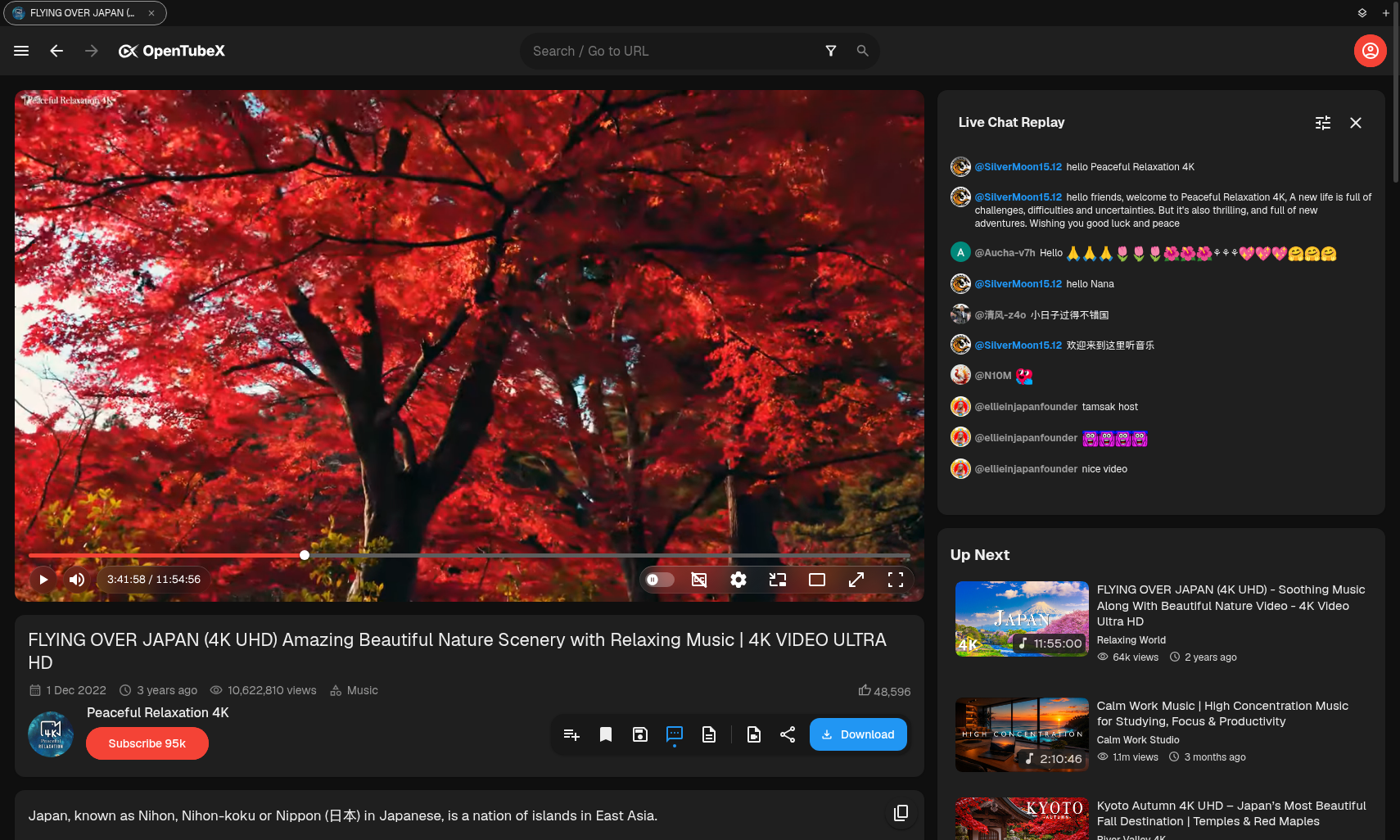
Remember playback speed per channel — auto-save or save manually under the player.
Per-channel video quality
Keep your preferred quality for each channel, with the same workflow as playback speed.
Optional seek-interval behavior
Choose whether arrow keys and J/L seek distances scale with playback rate.
Playback-rate adjusted timestamps
Optionally show timestamps that account for the current playback speed.
Docks, chapters & captions
Use full-screen docks, navigate with chapter tooltips and the chapter sidebar, follow transcripts, and customize captions.
Prevent YouTube translations
Keep original titles and descriptions instead of YouTube auto-translations.
Search tools
Focus search with /, find text with Ctrl/Cmd+F, search selected text on the web, or revisit searches with their filters restored.
SponsorBlock side panel
Review segments, toggle auto-skip, and whitelist channels in the SponsorBlock side panel.
SponsorBlock tooltips
Use SponsorBlock tooltips to unskip, reskip, or get prompted before a segment is skipped.
SponsorBlock chapters & labels
Show community chapters and seekbar category labels, including full-video labels and mute segments.
SponsorBlock submission
Submit SponsorBlock segments, full-video labels, and mute segments directly from the player.
Advanced tabs & safer exits
Switch between horizontal and vertical browser-style tabs, manage them like a browser, and optionally confirm before closing.
IP block recovery script
Run a custom script when YouTube blocks your IP, then reload the video.
Viewing modes & overlays
Keep watching with Auto PiP, the scroll mini-player, Ambient Mode, and YouTube end screens.
Flexible playback speed
Use a custom speed bar, fast-forward through silence, or hold click/Space for temporary 2× speed.
Return YouTube Dislike
Show dislike counts using Return YouTube Dislike.
Volume & sleep timer
Keep your volume between sessions and stop playback automatically with a configurable sleep timer.
Keyboard & interface controls
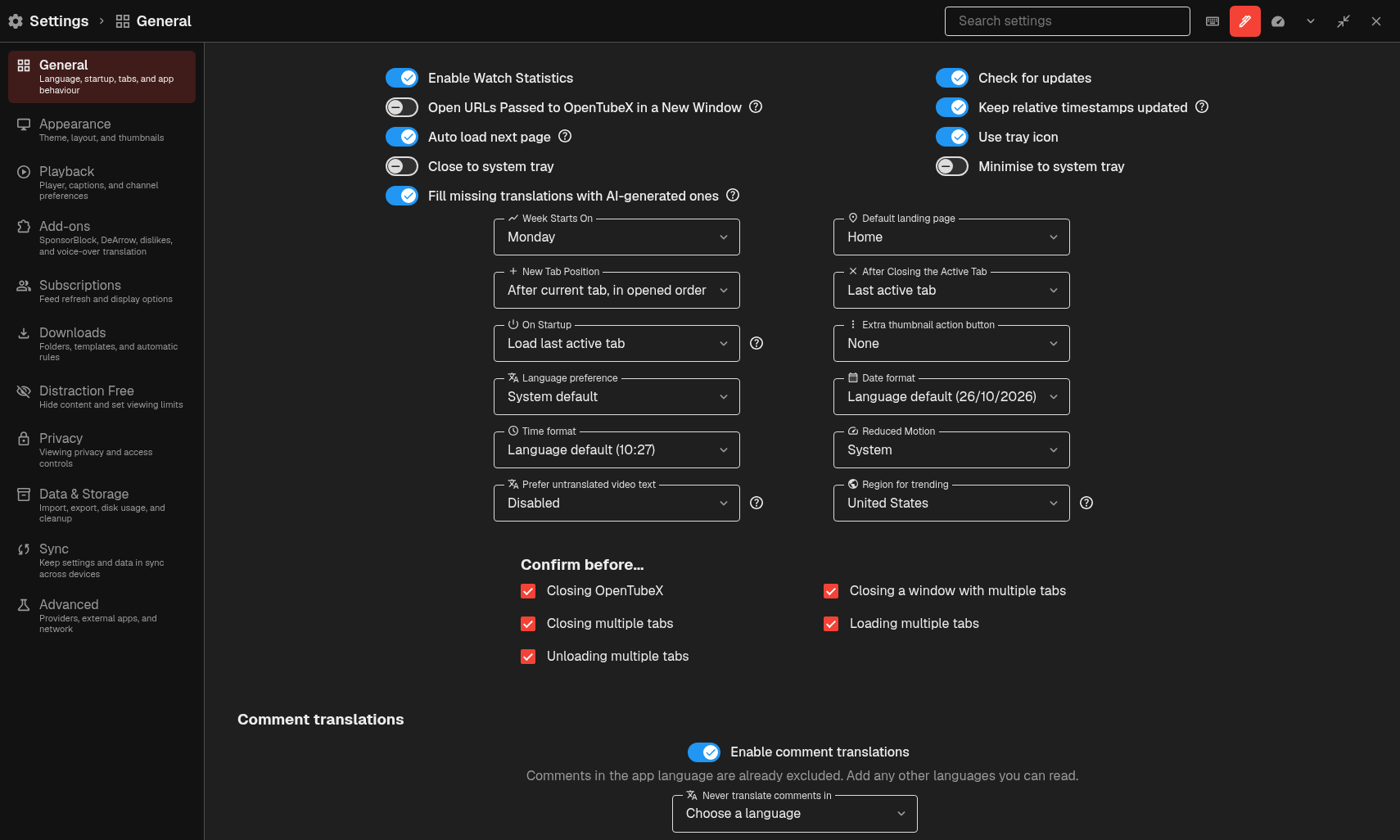
Customize shortcuts, toggle playback speed with G, control animations, highlight changed settings, adjust UI rounding, and keep scrollbars visible.
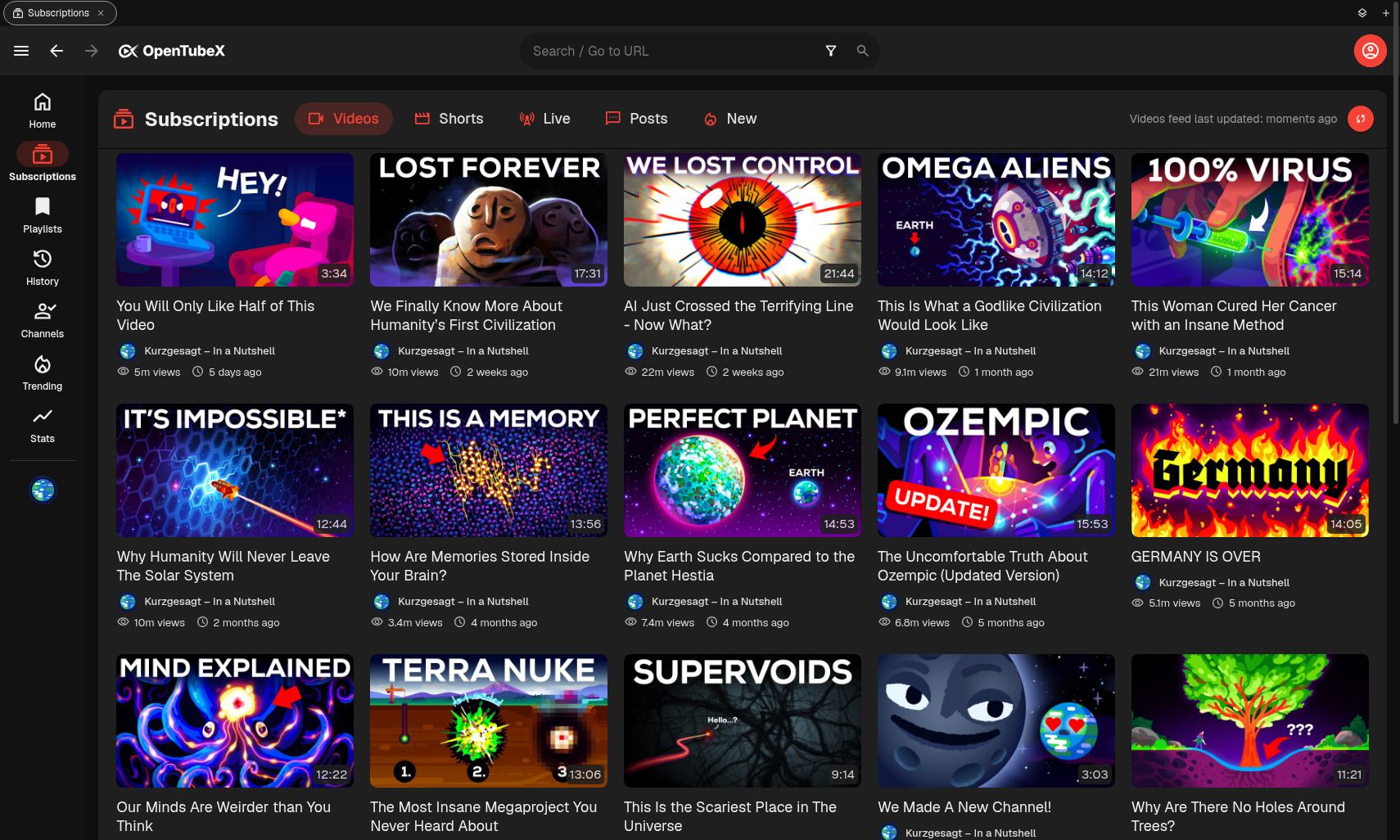
Sync, subscriptions & history
Sync your data with end-to-end encryption, auto-refresh or cancel subscription refreshes, organize newly fetched content, import LibreTube data, and clean up old history.
Watch progress & statistics
Choose when videos count as watched and explore daily or weekly watch-time charts.
Queues, playlists & browsing
Manage a watch queue and inline playlist additions, customize thumbnail actions and sizes, reorder playlist playback, and resize its card.
Details, comments & notifications
See richer metadata, explore nested and edited comments, use comment tools and live-chat links, and receive customizable toast notifications.
Video downloads
Download videos directly with yt-dlp.
Live, Shorts & autoplay
Rewind live content, identify premieres, choose the Shorts-specific or regular player, and preview the next autoplay video.