
Keep your devices in sync
Bring subscriptions, playlists, history, and settings to your other devices with end-to-end encryption.
Features
Watch across devices, skip interruptions, and make playback work the way you want.
Bring subscriptions, playlists, history, and settings to your other devices with end-to-end encryption.
Use SponsorBlock to skip sponsor segments and choose which categories to skip automatically.
Download videos, audio, playlists, and subtitles, and manage them in one place.
Keep videos and channels open in separate tabs while you browse.
Automatically move playback into a floating player when you switch away.
Remember the speed, quality, subtitles, and volume you prefer for individual channels.
Search a video transcript and jump to the part you want to watch.
Try the Android preview with background playback, offline downloads, and sync with your desktop.
Have an idea for something you'd like OpenTubeX to do? Suggest it on GitHub.
No features match your search. Try another term or clear the search.
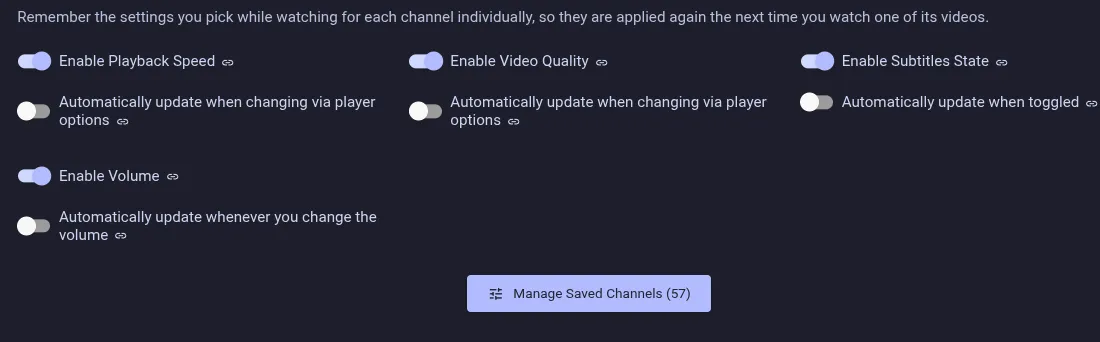
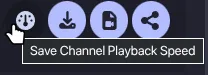
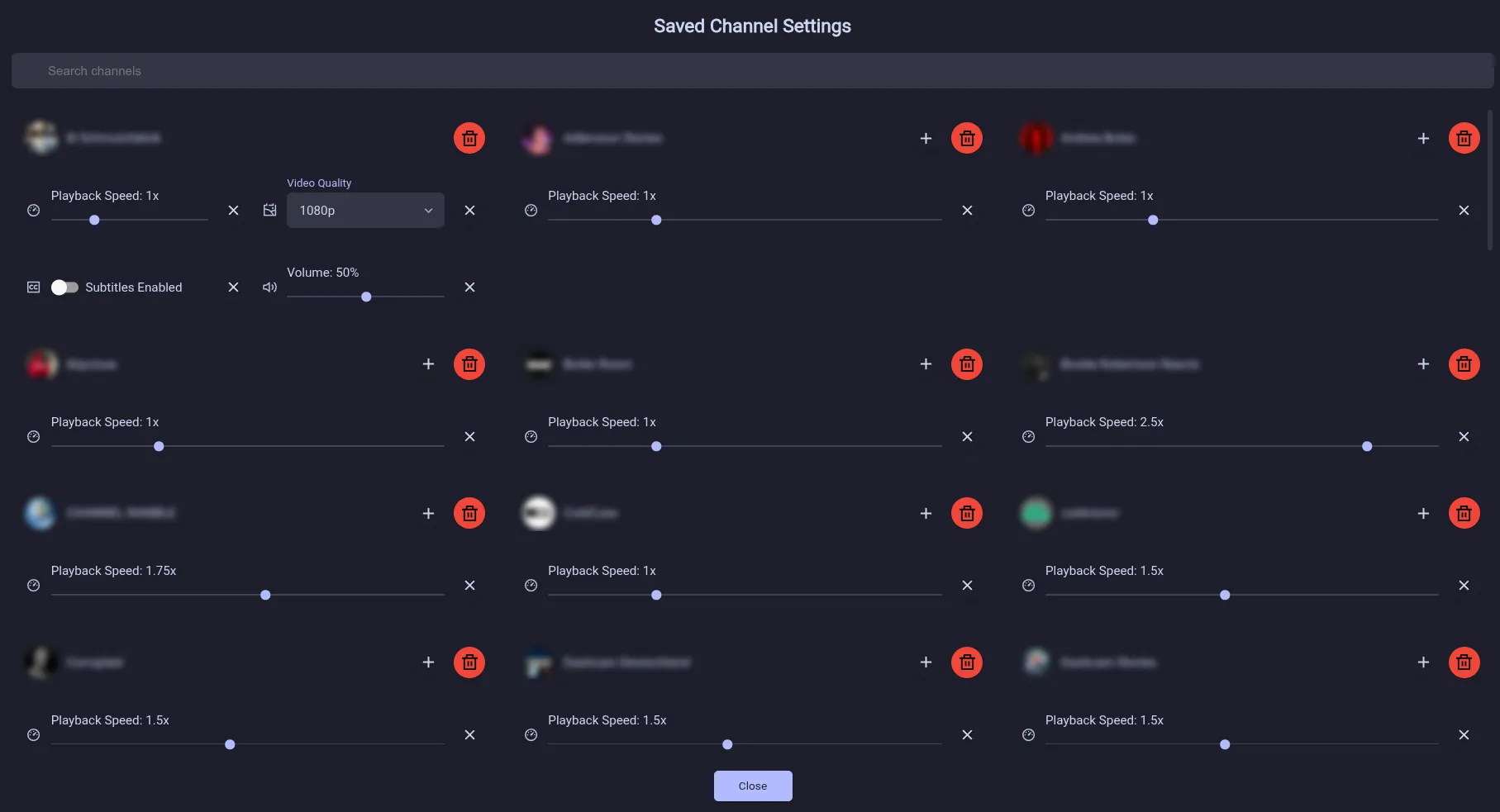
Manage and automatically apply playback speed, video quality, subtitles, and volume for individual channels. Enable each option in settings. Playback speeds can be saved automatically when you change them through the player options, or you can leave automatic saving off and use the dedicated button below the player to save the current speed for that channel manually.
YouTube Music audio tracks and audio-only formats use a dedicated artwork player with an optional animated audio visualizer.

Preload upcoming yt-dlp videos from the watch queue, playlist or recommendations, or prepare an entire playlist before watching. Choose how many videos to prepare and how many extractions to run concurrently. Preloading prepares stream URLs to reduce playback delays; use Downloads to save videos for offline playback.

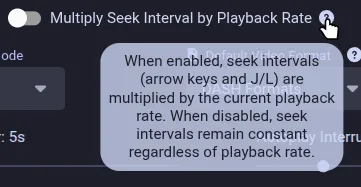
Choose whether seek intervals (arrow keys and J/L) are multiplied by playback rate.
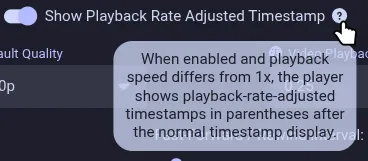
Optionally show timestamps adjusted for the current playback rate.

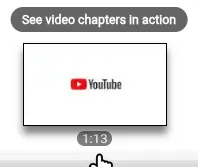
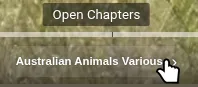
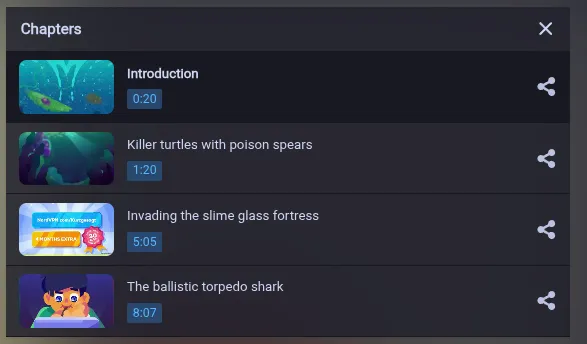
Display improved chapter tooltips directly on the seekbar and show the current chapter list in the sidebar.
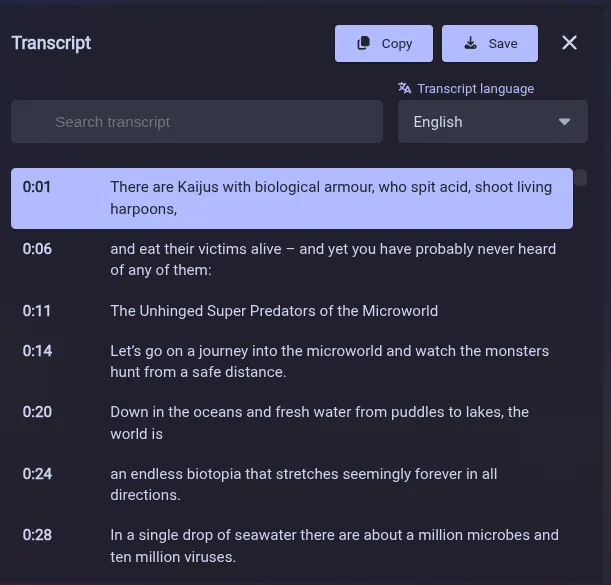
Follow a video’s transcript in a dedicated panel.
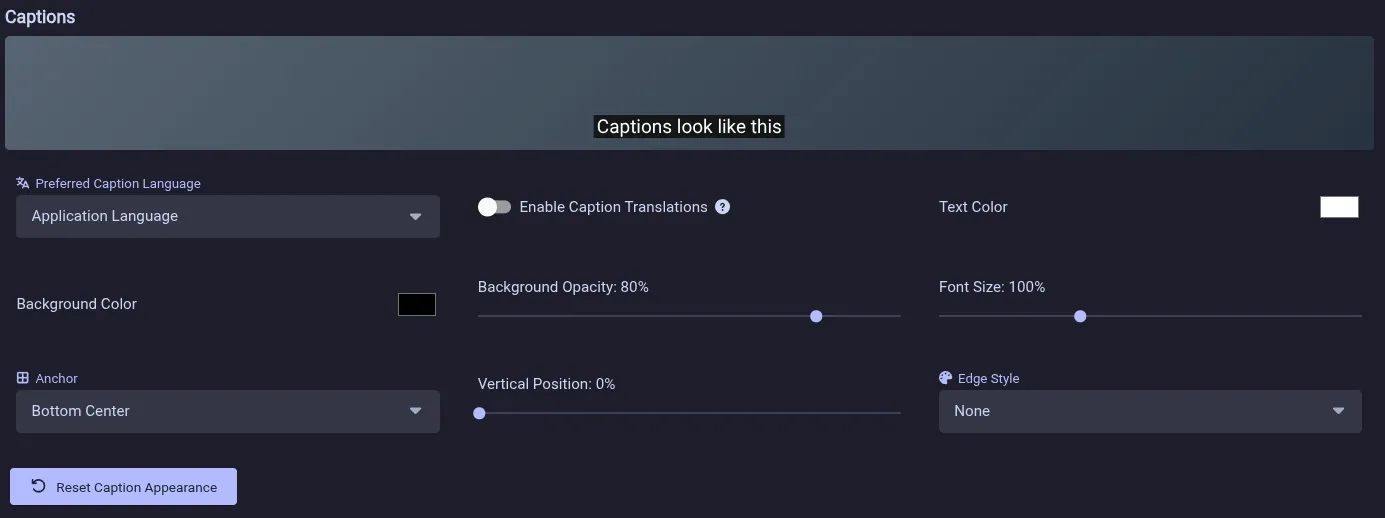
Customize caption appearance and choose a preferred caption language.
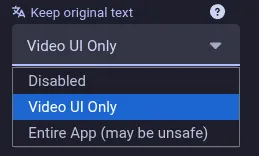
Option to prevent title and description translations from YouTube.
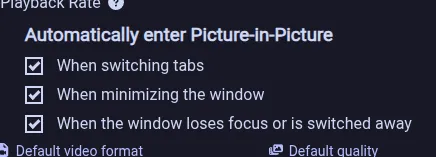
Automatically enter Picture-in-Picture when you switch tabs, minimize the app, or switch windows.
Keep watching in a mini-player when you scroll away from a video or switch to another tab. Use its controls to return to the source tab or hide the player without interrupting playback.


Show YouTube end-screen annotations inside the player.
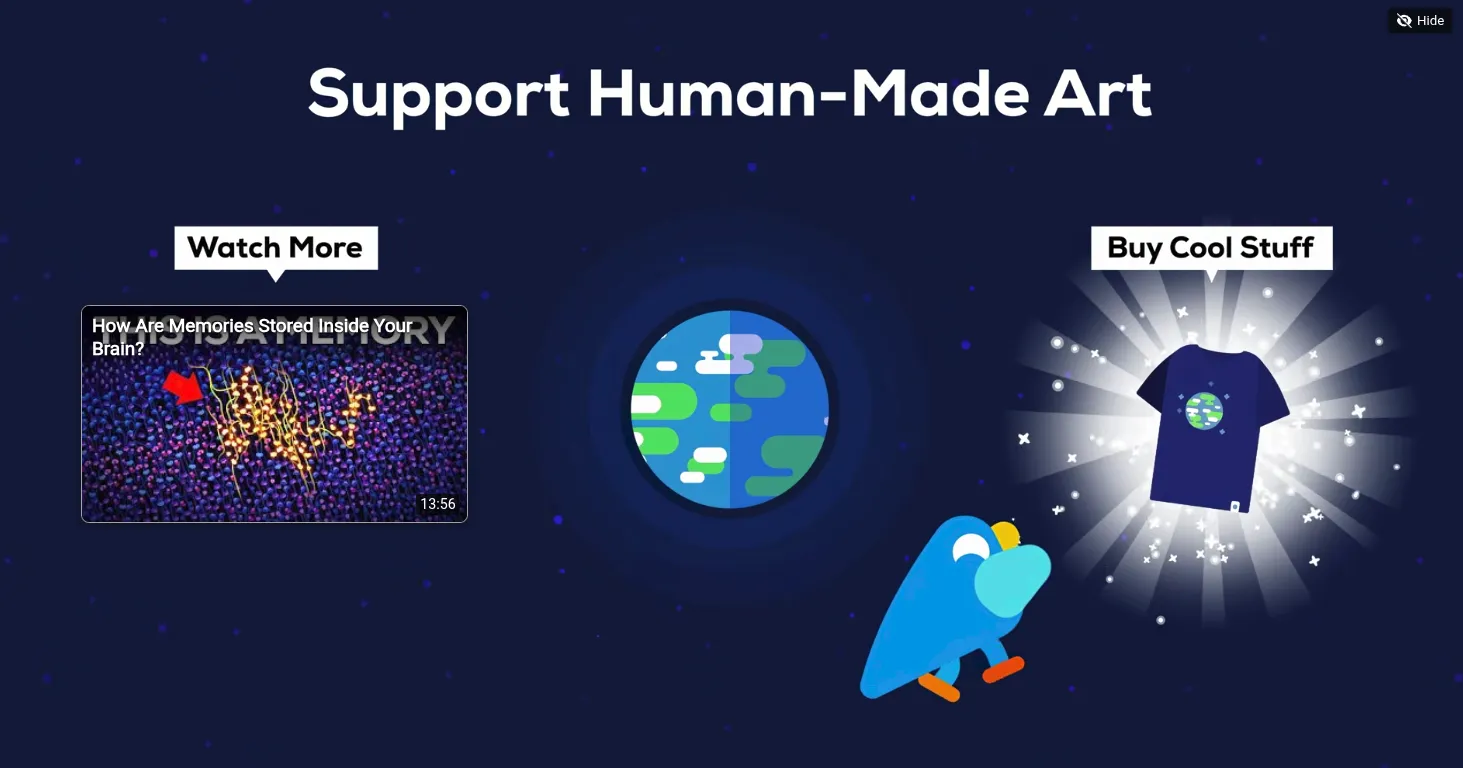
When autoplay is off, finished videos show a darkened poster with up to six recommended videos if recommendations are enabled.
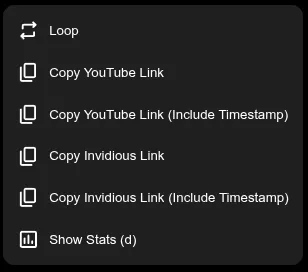
Quickly toggle looping or copy the video link from the player’s context menu.
Add an optional, fully customizable quick playback speed bar to the regular and YouTube-style Shorts players.


Jump over detected silent parts of a video. Enable this behavior in Player settings, and choose whether new tabs start with it enabled.
Repeat a selected part of a video with draggable markers, player-menu controls, and configurable keyboard shortcuts.


Hold the left mouse button or Space to temporarily double the playback speed.

Remember the player volume between sessions. Enabled by default.
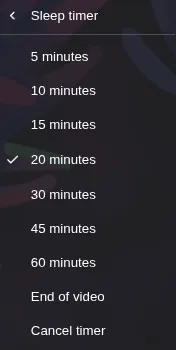
Stop playback after a chosen duration or when the current video ends.

Reorder or remove playlist items during playback and remember the reverse state of each playlist.
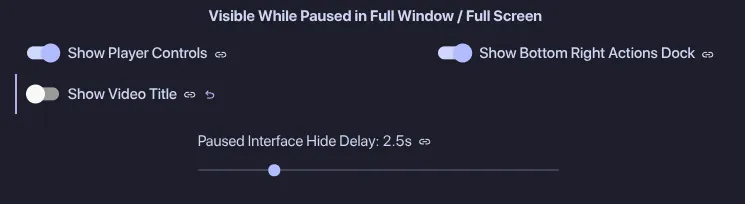
Choose which player interface elements remain visible while playback is paused in full-window or fullscreen mode.
Experimentally rewind live streams and premieres instead of being limited to the live edge.
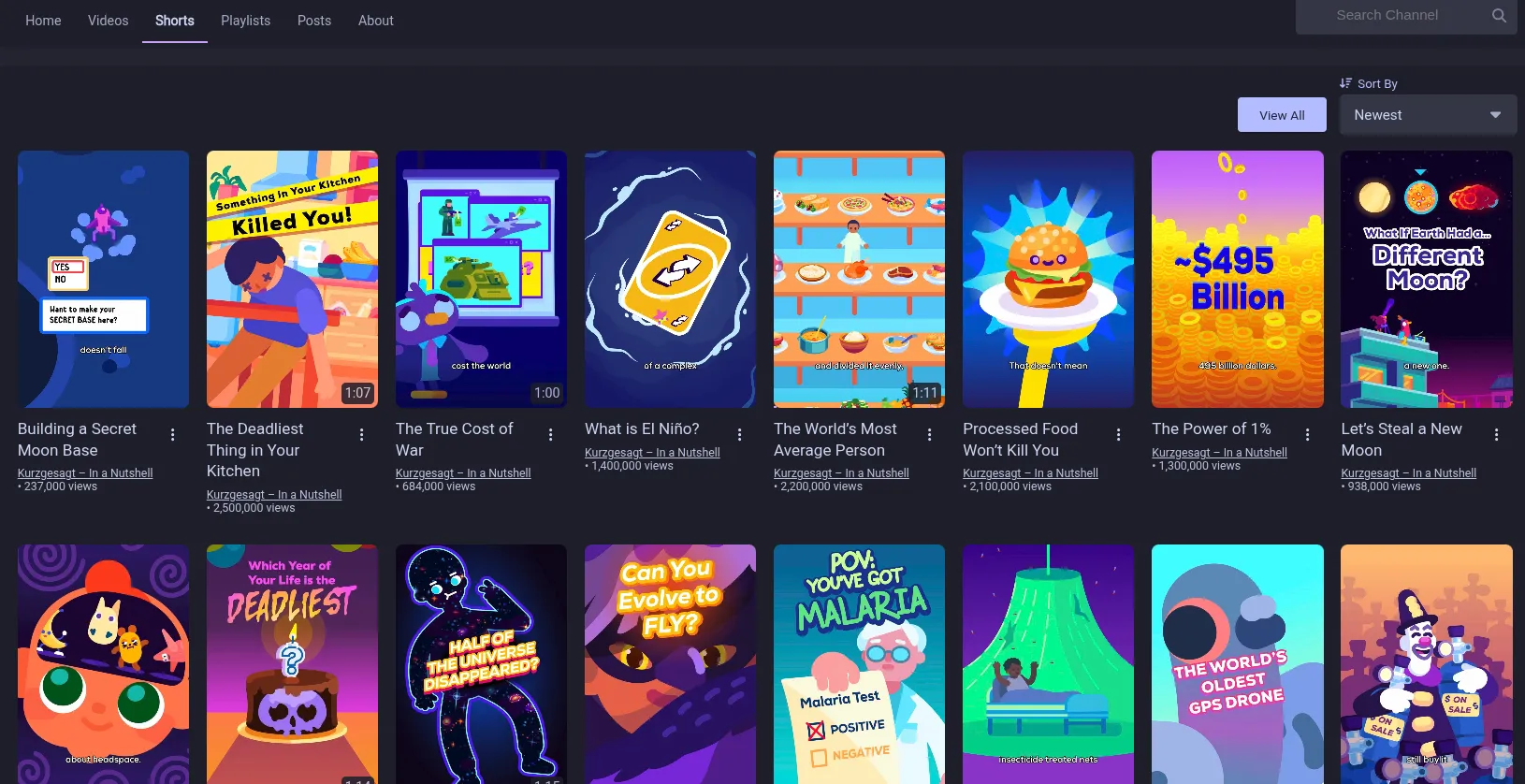
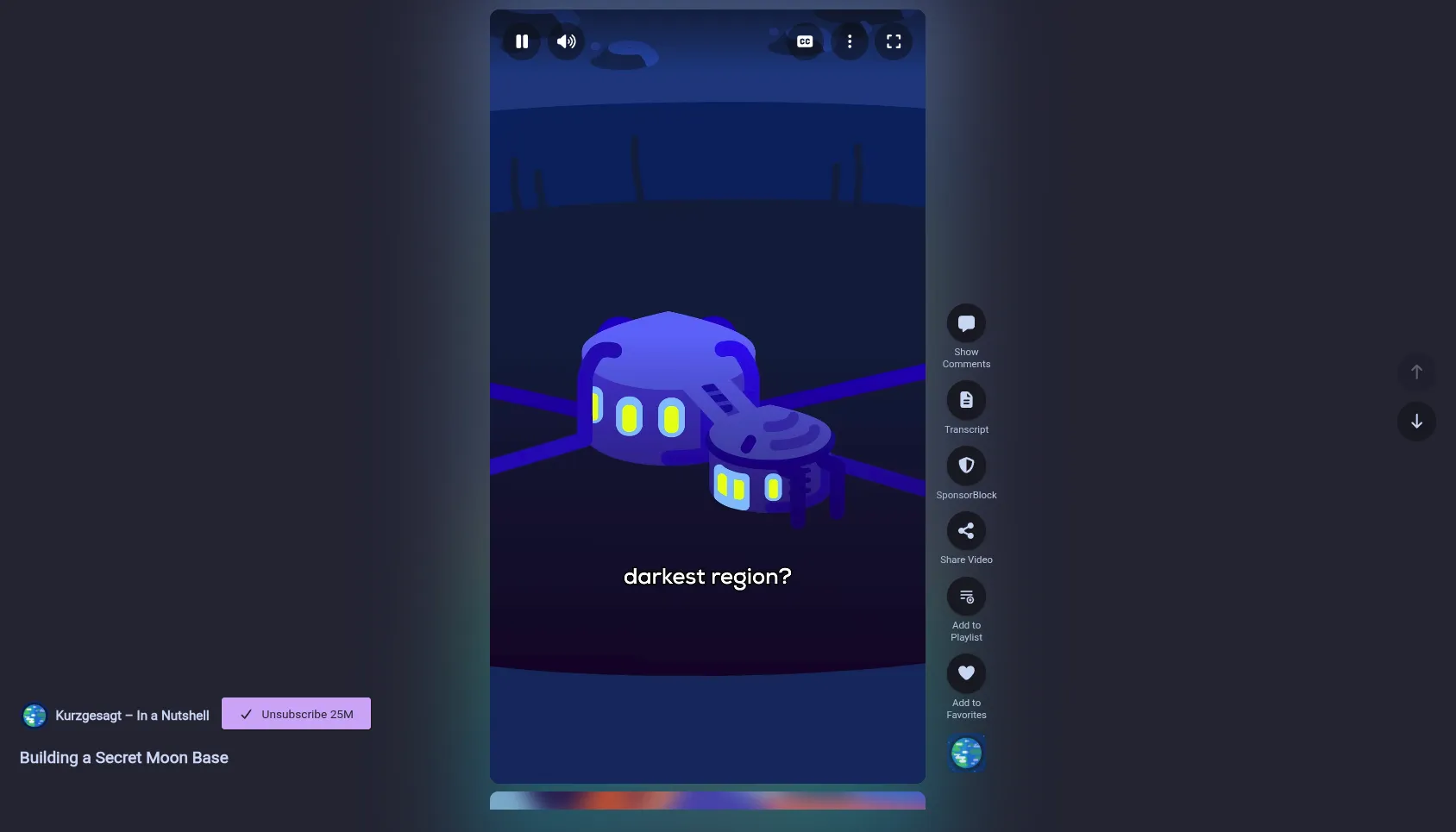
Choose between a YouTube-style Shorts layout and player or the regular video grid and player.
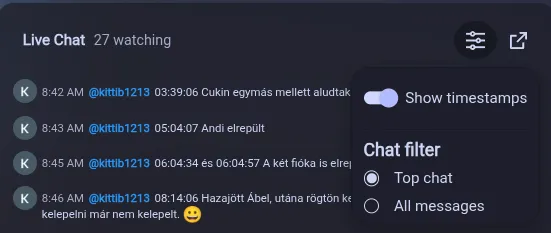
Automatically refresh upcoming premieres, view comments during premieres, and use chat replay. Live chat also supports optional timestamps, top or all messages, and a full-screen dock.
Translate supported videos through the unofficial Yandex API with synchronized voice-over audio and separate translated and original volume controls.
Zoom into videos from the player menu. Press Z to zoom in, Shift + Z to zoom out, or hold Shift and drag to pan the visible area.
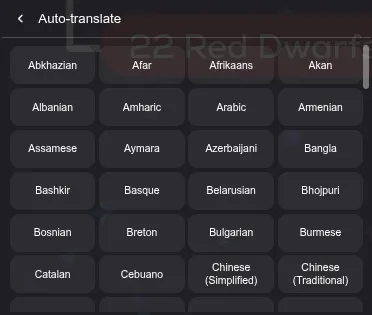
Translate captions into any language offered by YouTube.
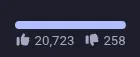
Show dislike count using Return YouTube Dislike.


Choose whether each channel appears in Videos, Shorts, Live and Posts, set a daily video limit, and enable members-only videos when playback cookies are configured. Batch-edit channel preferences in Subscription settings, add subscribed channels directly to Saved Channel Settings, or hide a channel’s content type from the feed menu.

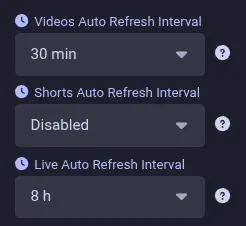
Automatically refresh subscriptions on a schedule so your feed stays current without a manual refresh.
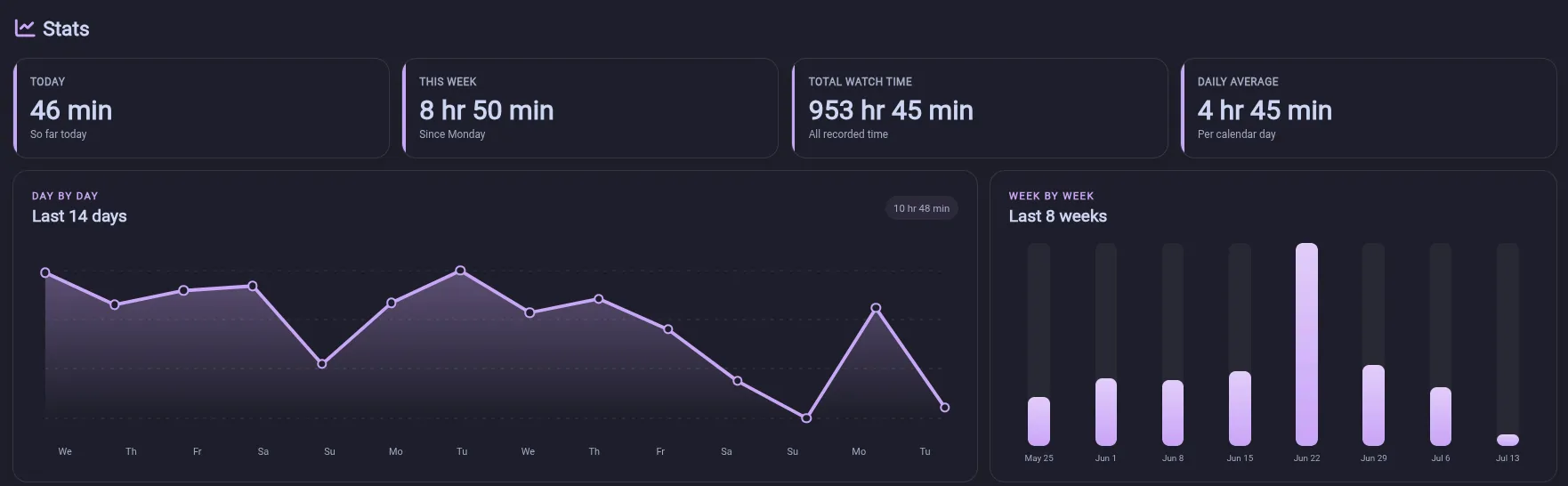
Explore your viewing activity with daily and weekly watch-time charts.
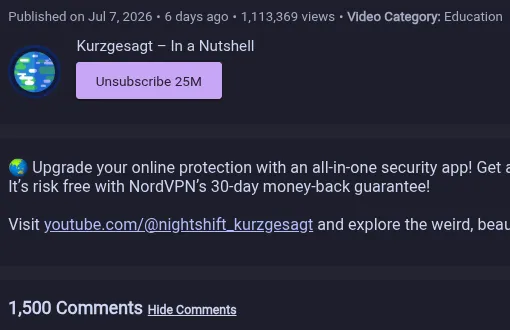
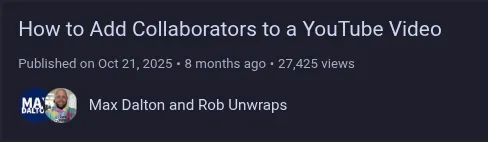
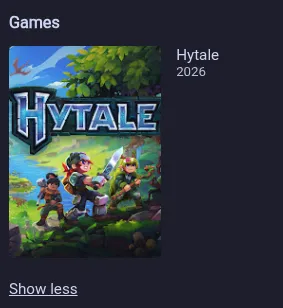
See more context about a video, including AI-generated content labels, paid-promotion disclosures, collaborators, categories, games, tags, relative publication dates, comment counts, age restrictions, and unlisted status. Channel avatars can also be shown beside channel names in video and playlist results.


Choose an independent Grid or List view for playlist pages and switch it from Quick settings. Save YouTube playlists as read-only bookmarks in Your Playlists. Copy complete YouTube playlists into editable local playlists, then append missing videos from the source while preserving local order and additions.


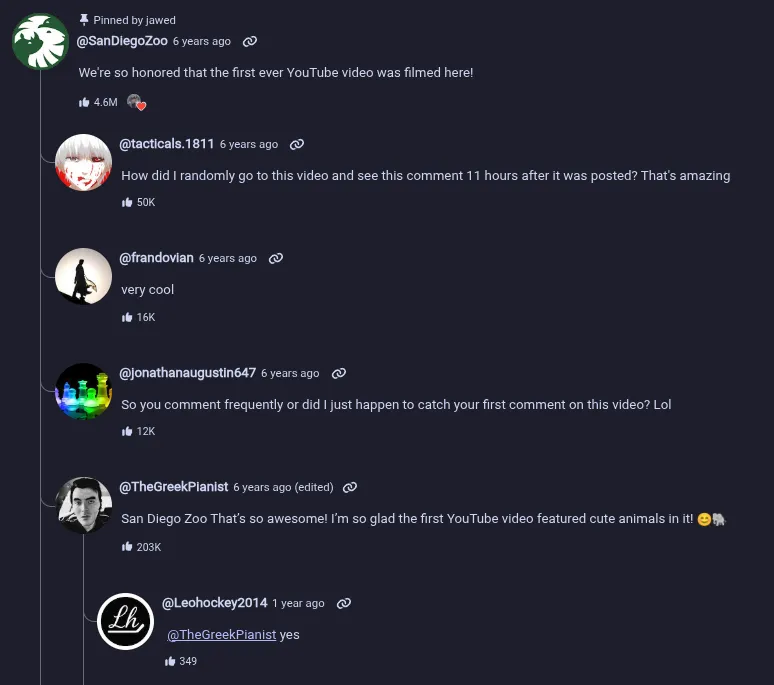
Render nested reply threads, show when comments were edited, reload comments, or copy a comment’s direct YouTube link. Translate comments and replies into the app language, search loaded comments, filter comments from the creator, and pin comments locally.



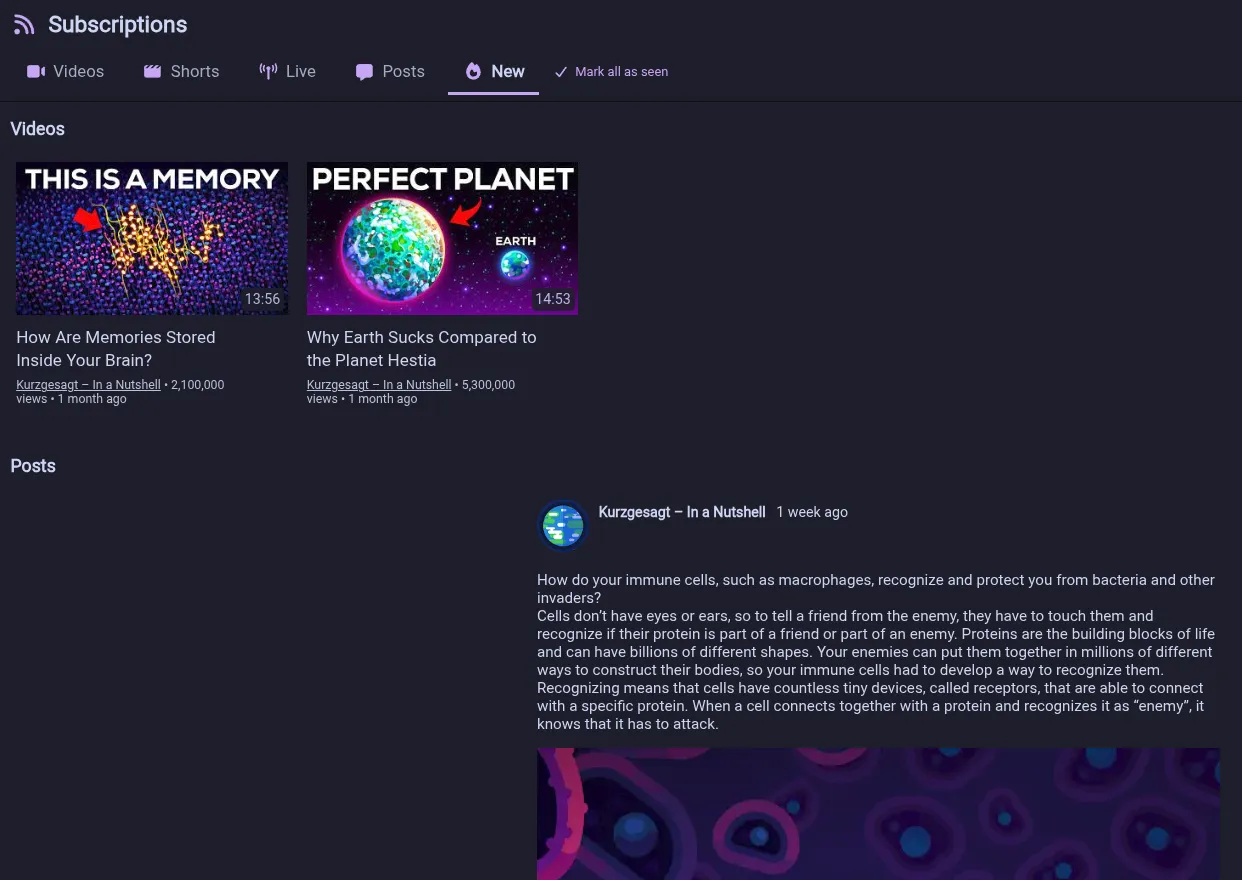
Show indicators for newly fetched content and optionally collect it in a separate new-content feed. Sort that feed with the oldest content first or switch its categories between combined sections and tabs.

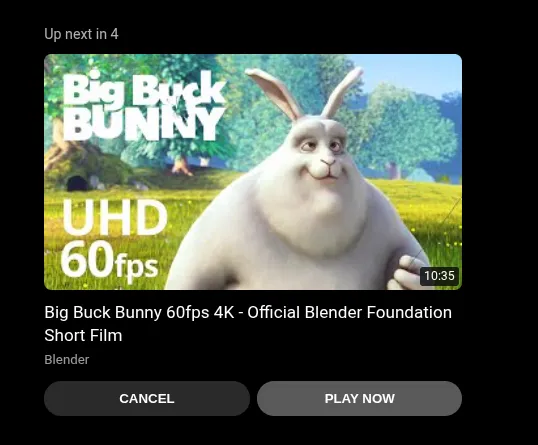
See the next video and its countdown directly on the player before autoplay starts it.
Distinguish premieres from live streams in video lists and metadata.


Open a chatter’s channel by clicking their handle in live chat.
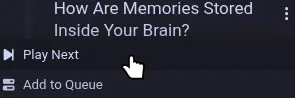
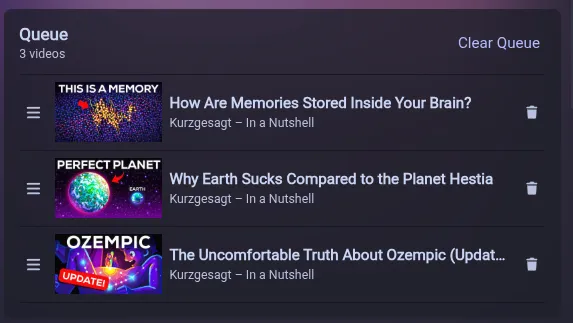
Queue videos from their three-dot menus, then manage and drag to reorder them in a side panel on the watch page.
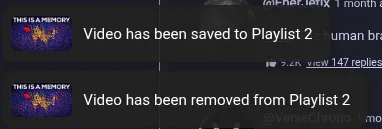
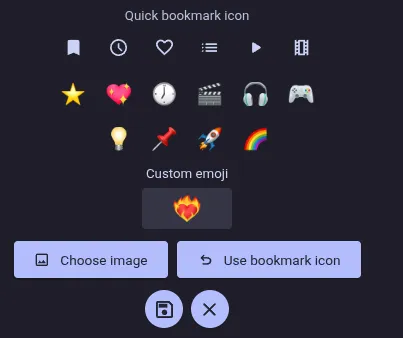
Choose playlists from an inline popover, and personalize the quick-bookmark playlist with an icon, emoji, or cropped image.
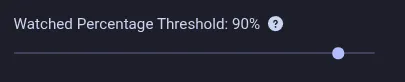
Choose how much of a video must play before it counts as watched. Set the threshold to 0% to mark videos as watched immediately.
Cancel subscription refreshes and see new videos immediately while the rest loads.
Get an operating-system notification when a scheduled live stream or premiere starts.

Focus the search bar by pressing /, in addition to Ctrl+L or Cmd+L.
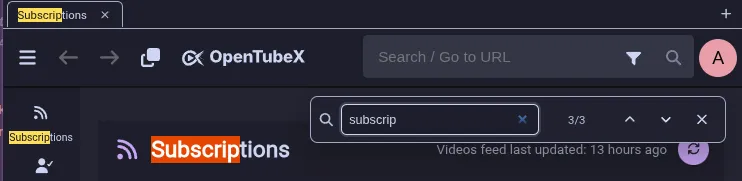
Find text on the current page with Ctrl+F or Cmd+F, including previous and next match navigation.
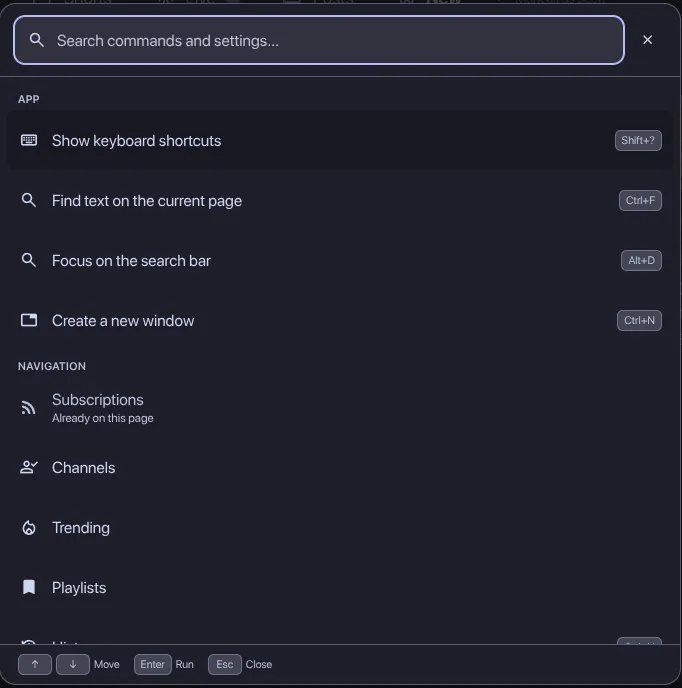
Press Ctrl / Cmd + K to search app actions and settings from one command palette.
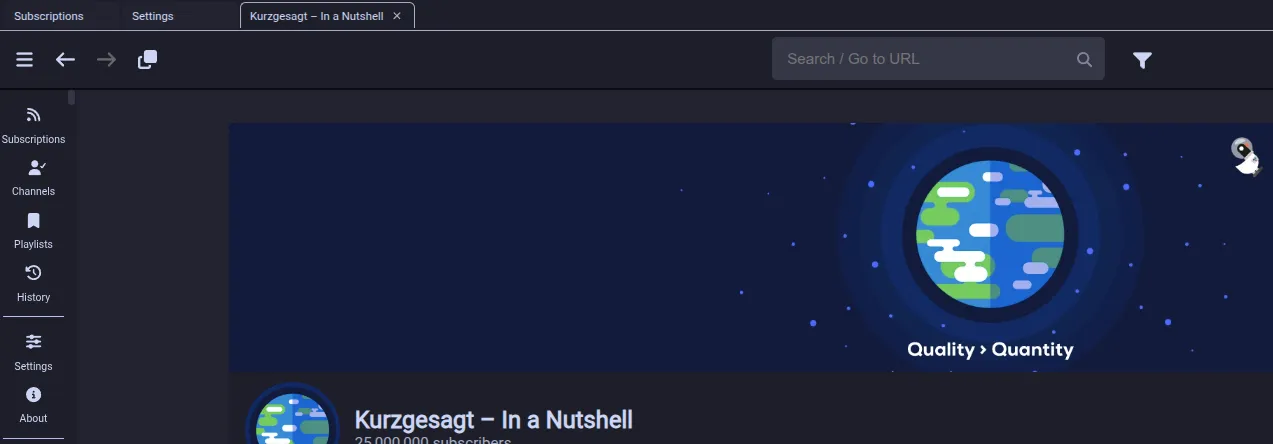
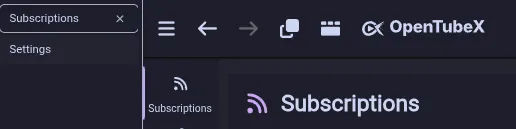
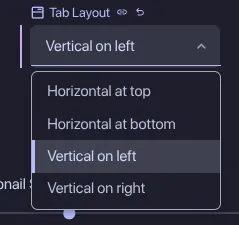
Place browser-style tabs at the top, bottom, left, or right of the window. Pin, color, preview, duplicate, unload, group, select, reorder, and move tabs between windows. A searchable organizer provides bulk actions and recently closed tab history. Internal links support browser-style middle-click, Ctrl/Cmd-click, and Shift-click behavior.

Press G to toggle between 1× playback speed and your last used speed.
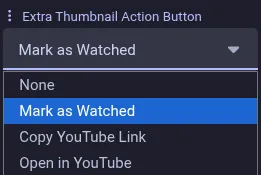
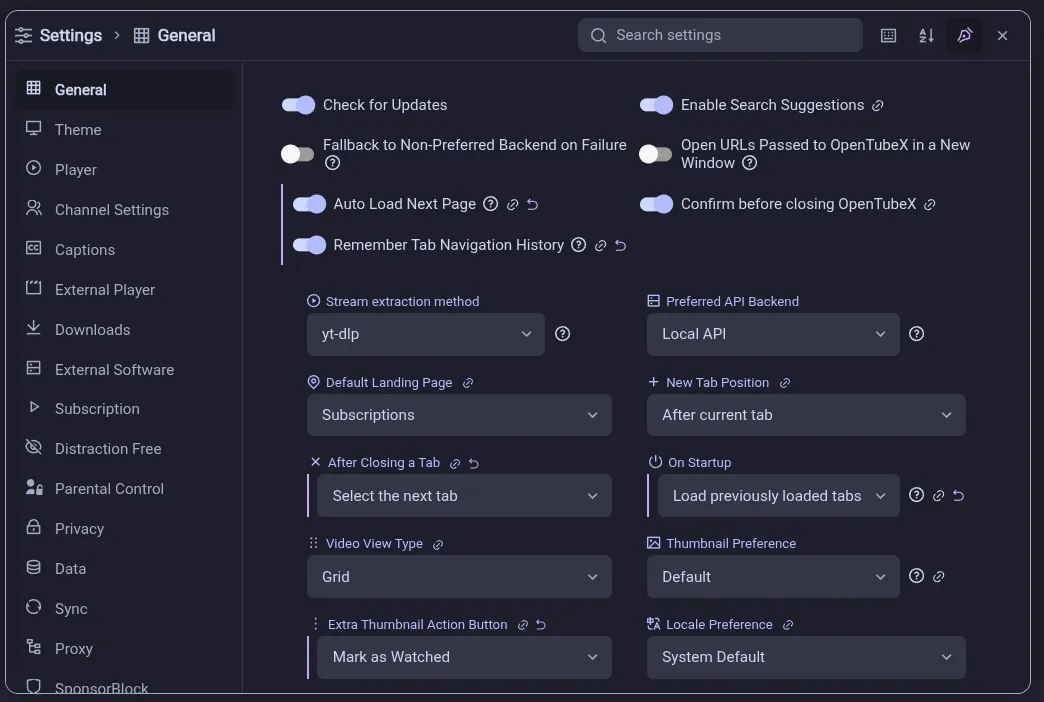
Choose an extra action button to show on video thumbnails.

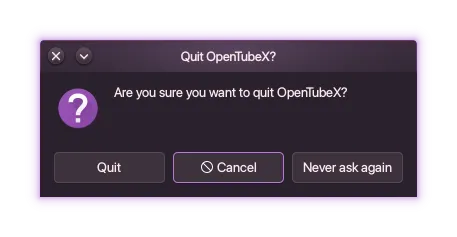
Optionally ask for confirmation before closing the app.
Choose the keyboard shortcuts used throughout the app.

Navigate menus, adjust sliders, control playback, and go back with a standard gamepad. The current control receives theme-aware focus feedback.

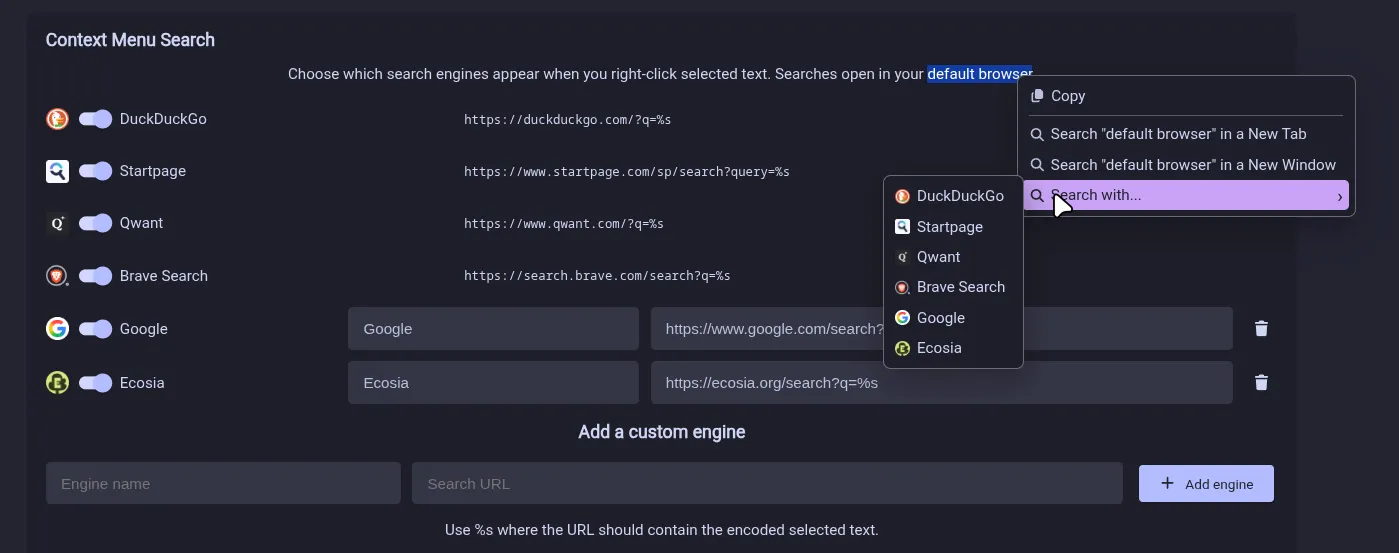
Search selected text using your chosen search engine.
Revisit searches with their filters restored, and use filter chips when searching within a channel. Save the same search query with different filters as separate presets and restore each combination when selected.

Open settings in a draggable, resizable window with integrated subpages and search across every category.
Add an ambient glow around the player based on the current video.

Resume videos and review recent subscriptions, queues, playlists, downloads, reminders, and weekly watch activity from configurable Home shelves. Enable personalized recommendations for unwatched videos, ranked locally from viewing activity, saved videos and feedback. Choose Familiar, Balanced or Explore discovery and reset learned feedback at any time.

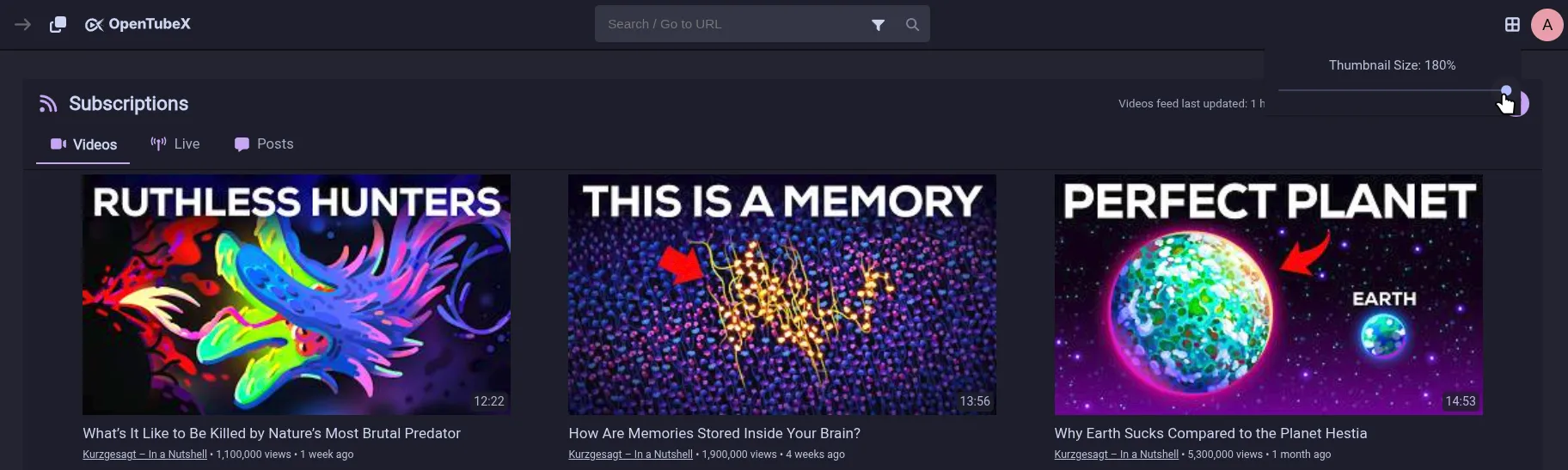
Choose the thumbnail size used while browsing videos.
Preview videos by hovering over their thumbnails. The animated previews can be disabled in Appearance settings.

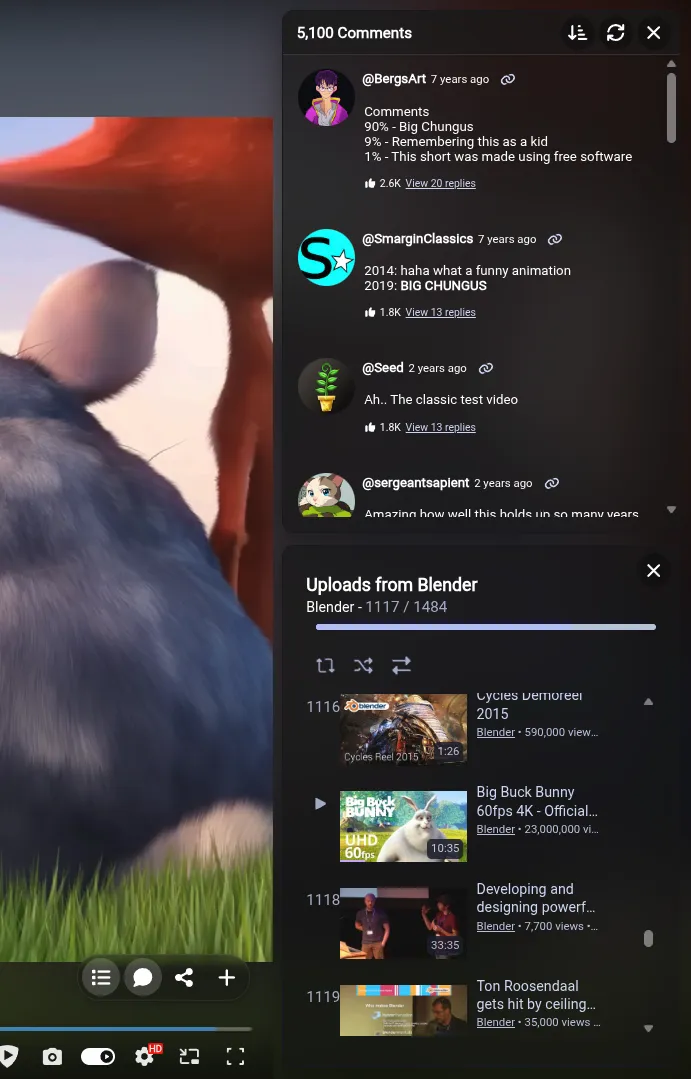
Open video information, comments, playlists, chapters, or live chat in resizable and rearrangeable full-screen docks.
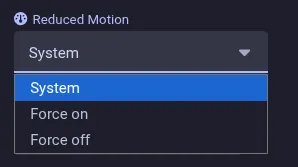
Use the app’s UI animations or force-enable or disable them independently of your system setting.
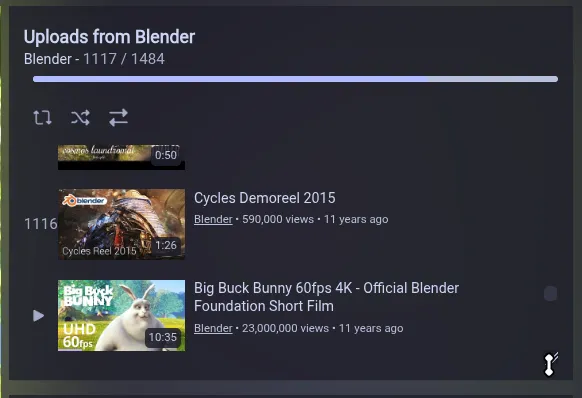
Make the playlist card taller or shorter while watching a video.
Highlight settings that differ from their defaults and reset them directly.
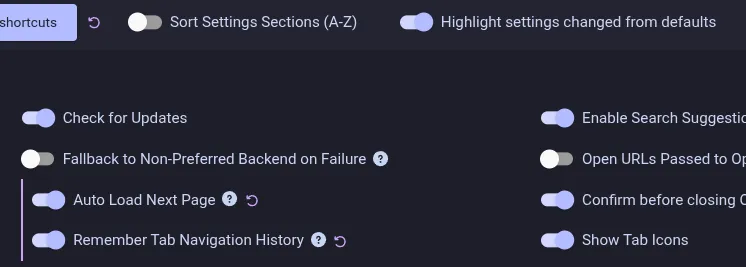
Customize the position of toast notifications with icons, optional timeout indicators, and video thumbnails. Dismiss them by swiping or pressing Escape.
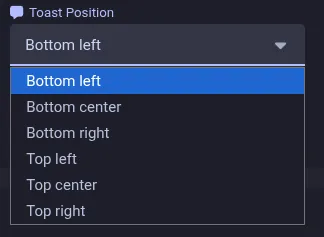

Adjust how rounded interface elements are and choose whether overlay scrollbars automatically hide or remain visible.


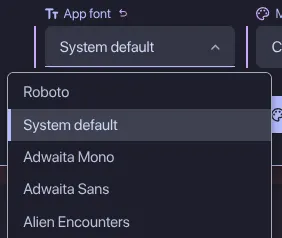
Choose the app font from fonts installed on your system, adjust mouse-wheel and touchpad scroll speed from 25% to 300%, and select date and time formats independently of the app language.


Add, remove and reorder navigation destinations for the desktop sidebar and mobile bottom bar from Appearance settings.
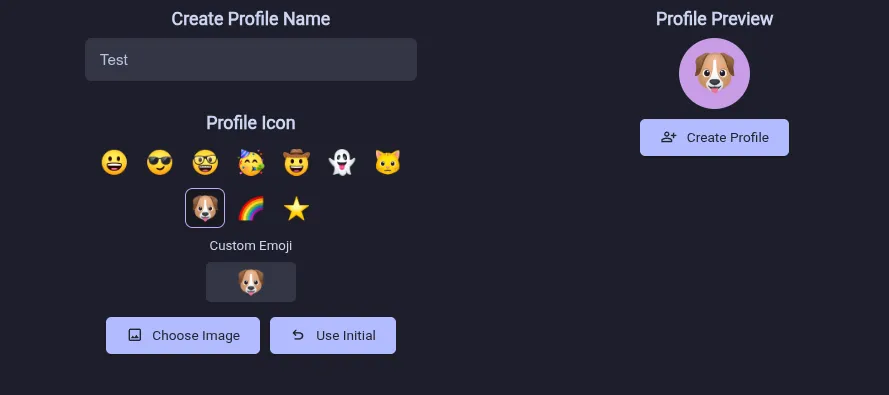
Access profiles and common preferences from the top bar. Personalize profiles with emoji or interactively cropped image icons. Choose which controls appear and reorder them, including autoplay, audio-only playback, DeArrow, translations, privacy preferences and light/dark theme selection.
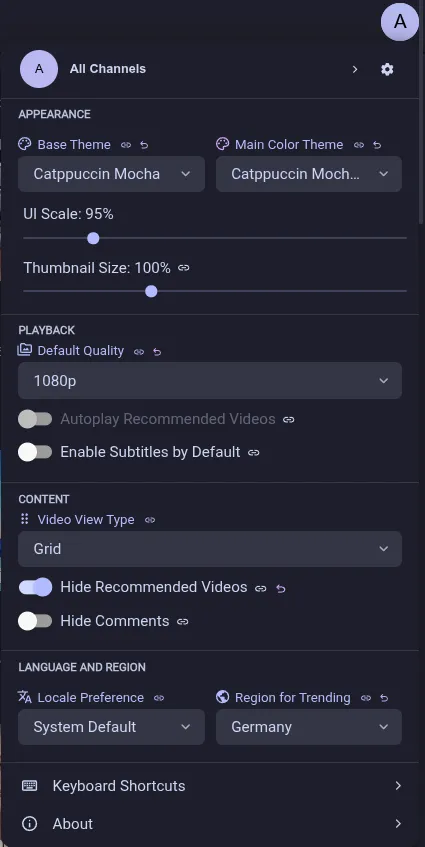

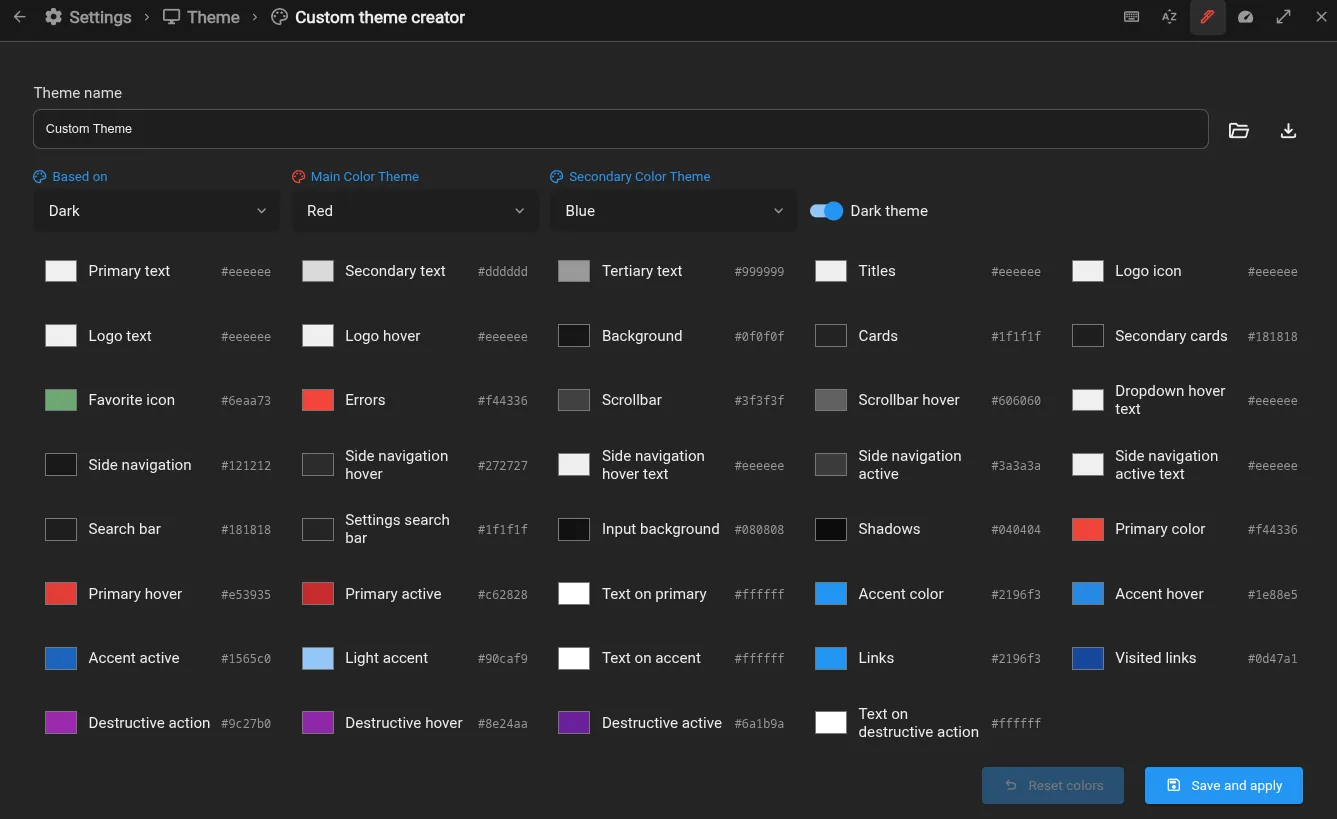
Create, import, export, edit, and share custom themes. Use transparent colors, backdrop blur, custom interaction and text-selection colors, and independent light and dark themes when following the system setting. Import themes directly from the clipboard, or browse community screenshots and install, apply or update themes inside the app.
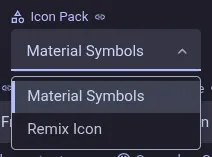
Choose between Material Symbols and Remix Icon throughout the interface.
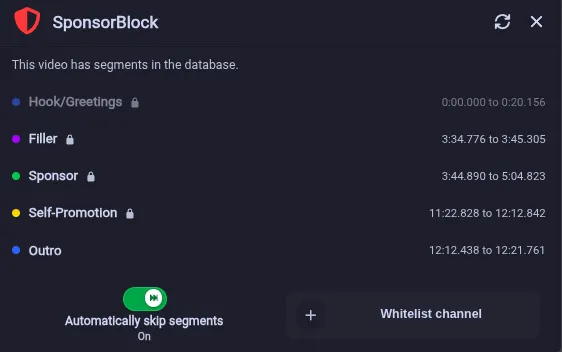
Open a side panel with segment details, a temporary auto-skip toggle, and an option to whitelist the current channel.
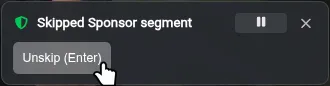
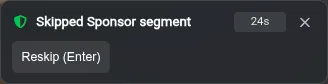
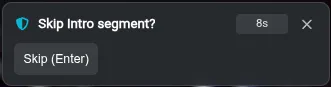
Improved SponsorBlock tooltips with unskip, reskip, and prompt-to-skip when you need to replay a segment, skip it again, or decide on a segment before it is skipped.
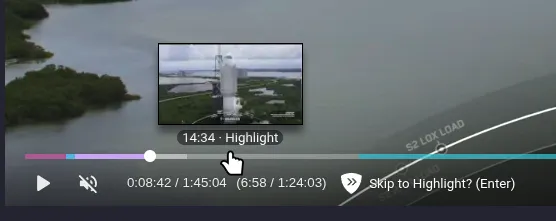
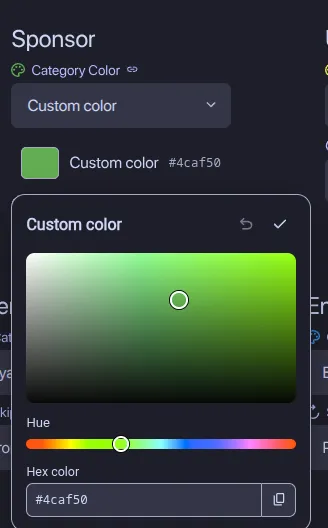
Display SponsorBlock community-contributed chapters, including Highlight and Hook/Greetings segments, in the player. Hover over a seekbar segment to see its category label, and choose a custom color for each segment category.
Submit SponsorBlock segments directly from the player and review your submissions, contributed skips, and time saved. Submission is experimental.

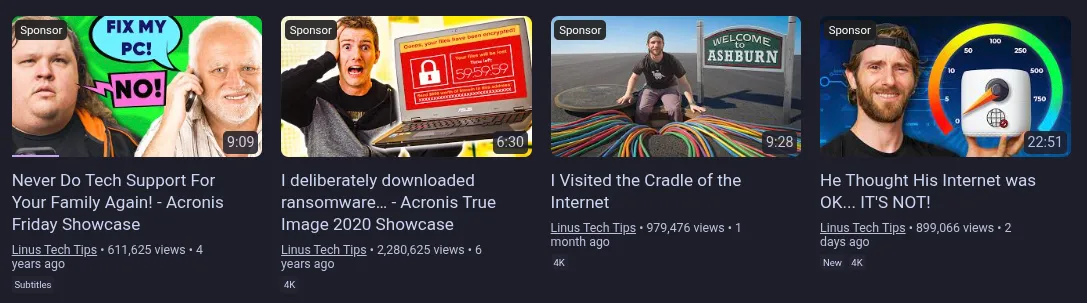
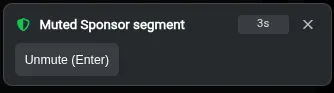
Display and submit SponsorBlock full-video labels and mute segments.
Set a script to run when YouTube blocks your IP. OpenTubeX waits for the script to finish, then reloads the video.

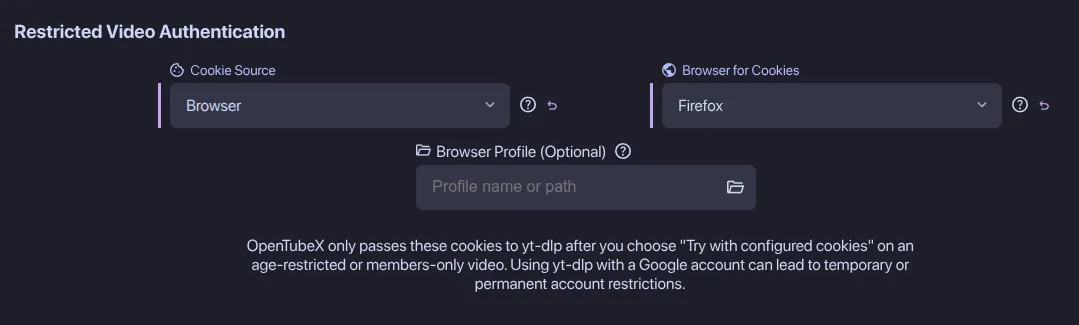
Retry age-restricted and members-only videos through yt-dlp with cookies from a browser or file. Configured cookies can also request account-only formats for any video. Use the configured cookies for subtitles, transcripts and automatic caption translations, with a separate subtitle-only authentication setting.

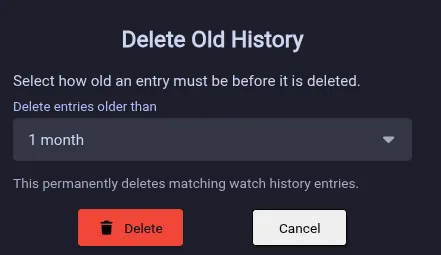
Automatically clean up watch history after a configurable retention period, or manually delete older entries.

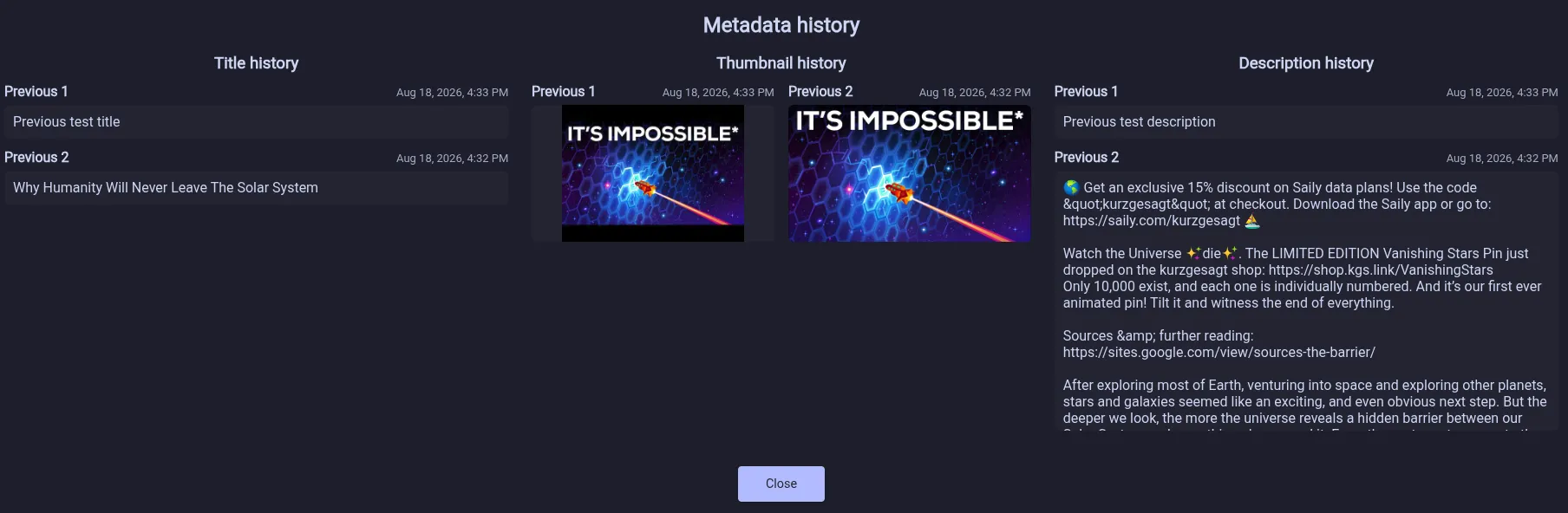
Optionally keep a local history of video titles, thumbnails, and descriptions, then review how they changed over time.
Import subscriptions and watch history from LibreTube.
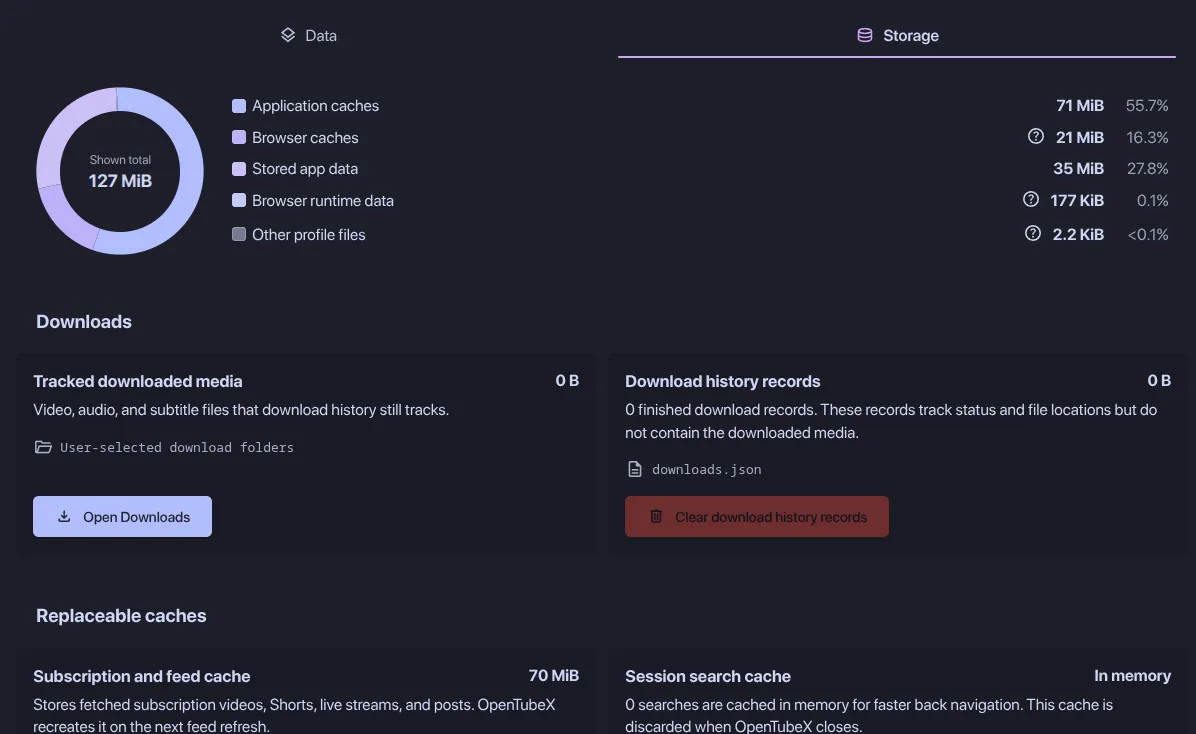
Review disk usage and clean individual caches or saved data from Data & Storage settings.
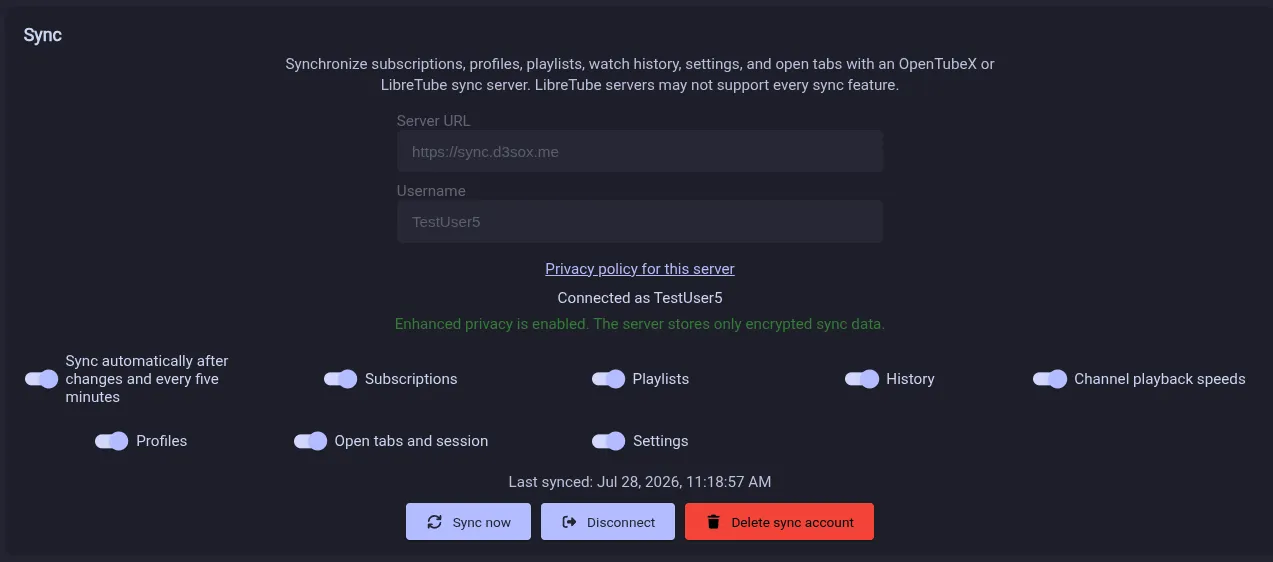
Synchronize subscriptions, playlists, history, saved channel settings, profiles, tabs, and settings with end-to-end encryption. LibreTube Sync servers are supported too. Pair another device by scanning a QR code or entering a text code without sharing account credentials or the privacy passphrase.

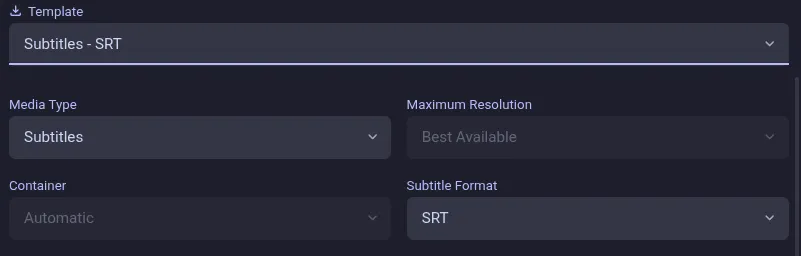
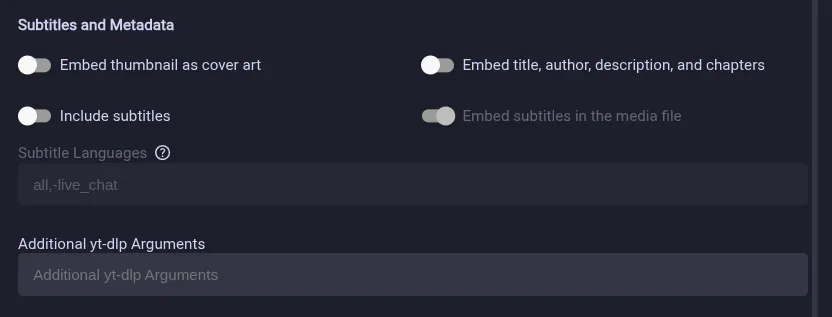
Use yt-dlp for reliable playback and advanced video, audio, and playlist downloads. Download subtitles separately as SRT, VTT, ASS, or LRC files, and manage active and completed downloads from a dedicated page.
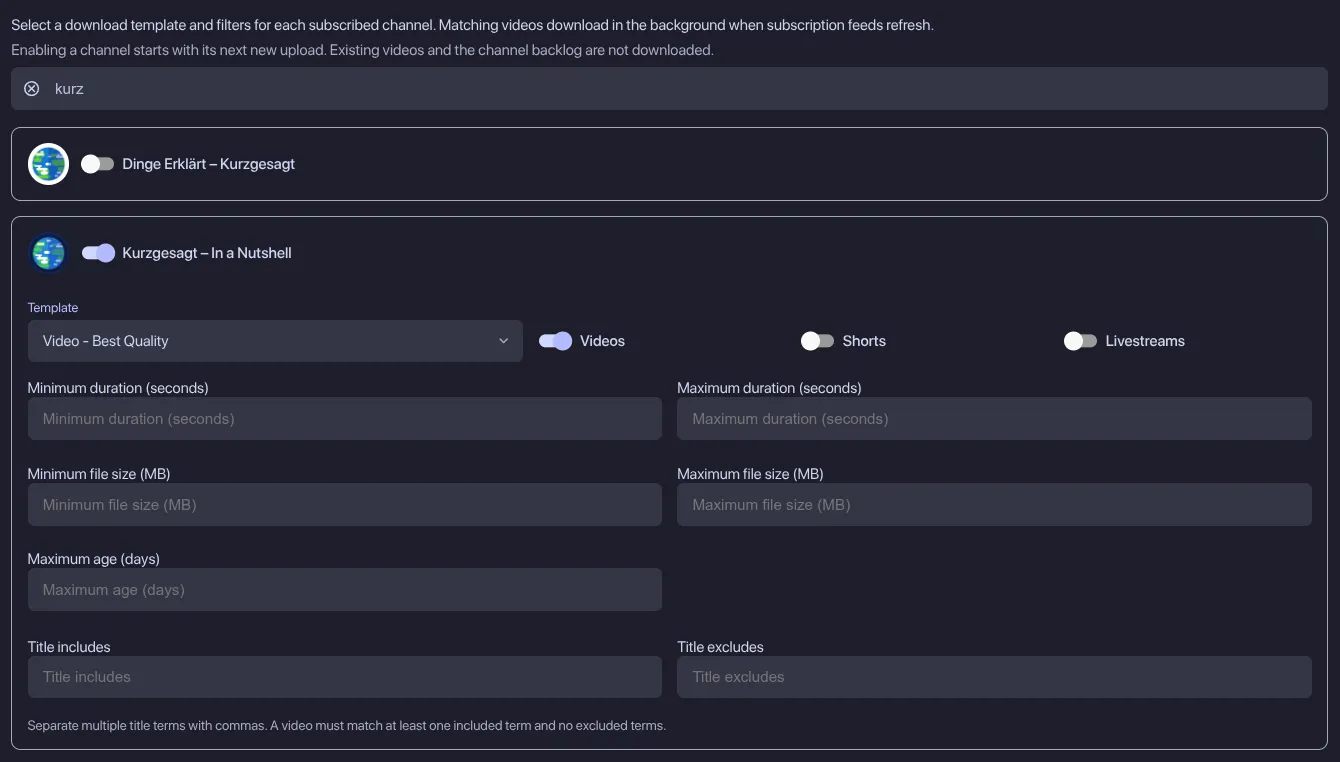
Automatically download new uploads from selected channels with per-channel templates and filters. A persistent queue provides concurrency and bandwidth limits, and Ctrl / Cmd + J opens Downloads.

Android app preview for phones and tablets, with background playback, offline downloads, touch controls and sync with desktop devices.
