Release notes
Changelog
Stable releases only. Nightlies can be seen on GitHub.
v0.36.0 Beta
note
❤️ Thanks for 100 stars on GitHub!
Highlights
- Refreshed switches, sliders, selects, inputs, buttons, and checkboxes with Material 3 styling, keeping desktop controls compact and touch controls larger on mobile. (#1761, #1773)
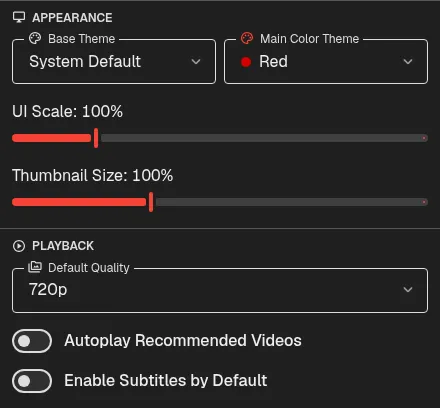
- Cast videos to DLNA and Google Cast devices from Android, iOS and desktop. OpenTubeX can now stream higher-resolution YouTube video with locally combined audio. (#1741)
More improvements

- Mobile apps now show the themed startup splash, with an option to hide it. (#1707, #1710)
- Redesigned the phone header with search in the header, an option to keep search visible, and tab history in the tab overview. (#1714, #1719)


- Keep the mobile navigation bar visible while scrolling or use a compact 48 px icon-only bar with two new options in Customize navigation. (#1693, #1704)


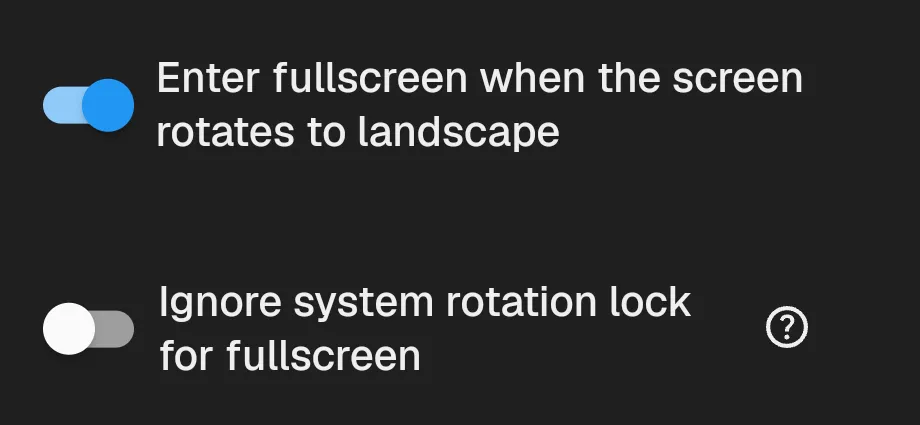
- Fullscreen-on-rotate is now enabled by default, with a separate Android option to enter fullscreen even when system rotation is locked. (#1718, #1723)
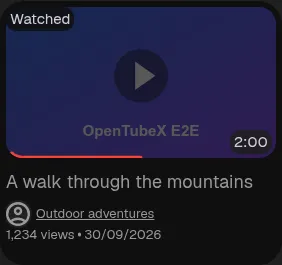

- UI Roundness now also shapes watched video cards, tab underlines, switches, progress tracks, badges, and additional controls. (#1727, #1729)
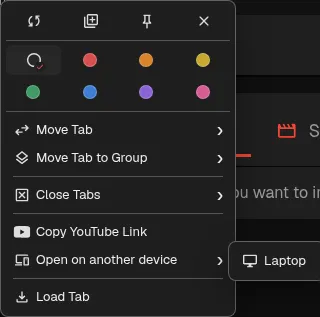
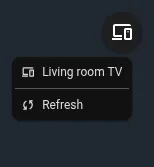
- Open video tabs on another device from desktop and mobile tab context menus. (#1748)
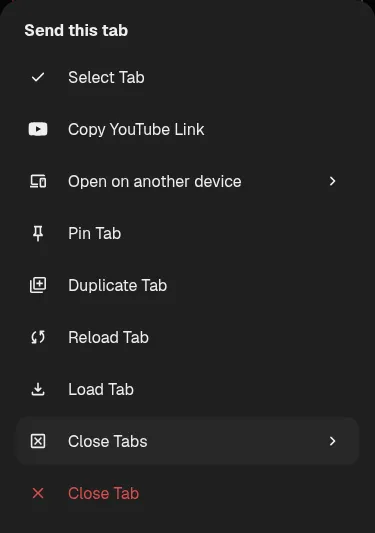
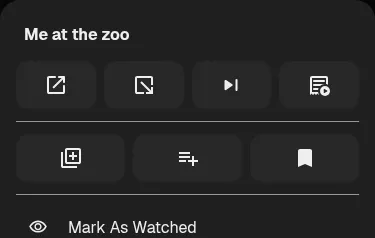
- Open videos in a background tab from the mobile context menu using the shortcut that replaces the extra thumbnail action. (#1753)
- iOS nightly builds now install alongside stable as OpenTubeX Nightly, with separate settings and libraries. (#1755)
- Choose from 12 built-in profile icons; All Channels now uses a person icon by default. (#1757)
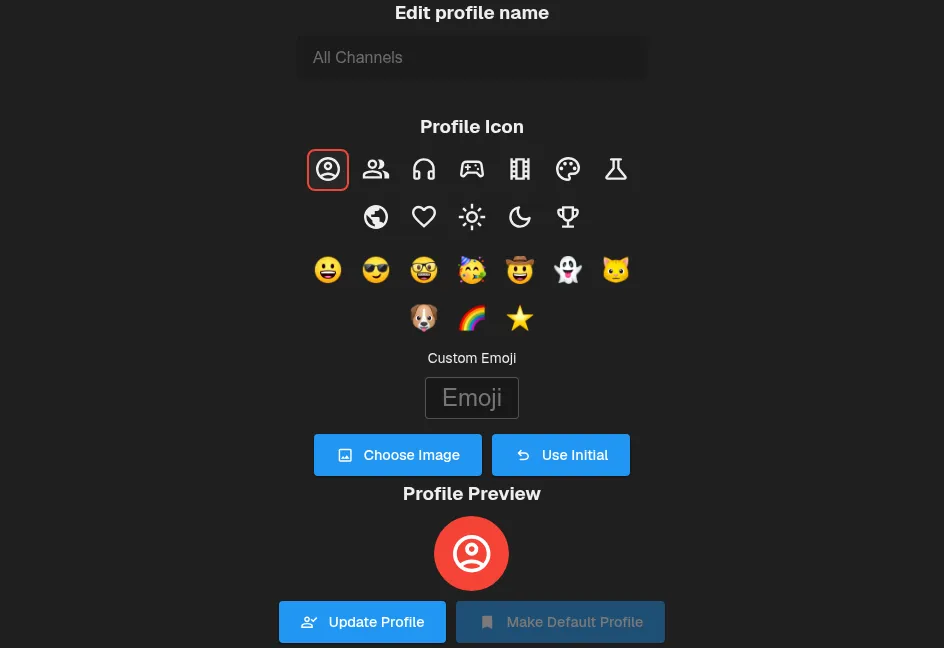
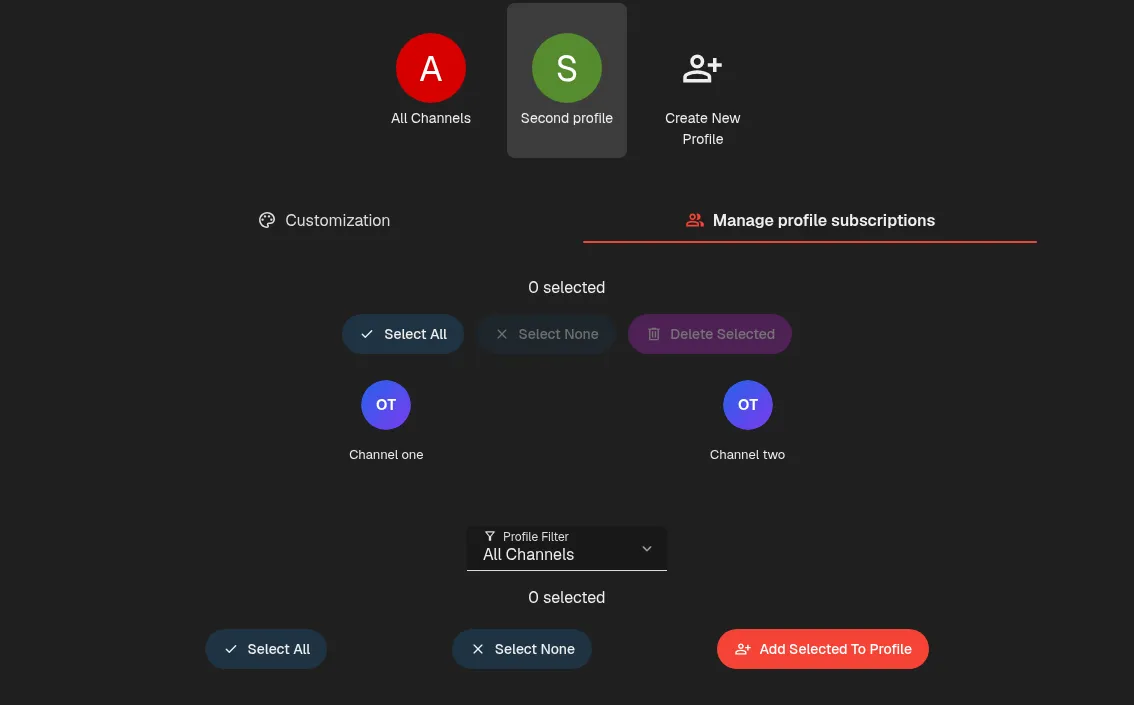
- Manage profiles using separate Customization and Manage profile subscriptions tabs. (#1778)
- Mobile playlists now open beside the video with compact landscape rows, and playlist, history, transcript, and header controls have clearer placement and spacing. (#1759, #1762, #1766)
- Tap or swipe upward anywhere on the mobile mini-player, except its close button, to reopen the video. The expand arrow is removed to leave more room for the title. (#1763, #1765)

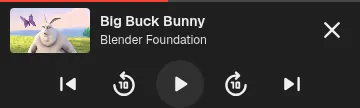
- The mobile mini-player now shows playback progress and offers 10-second seeking, play/pause, and available playlist controls. Repeated seek feedback also keeps its running total after buffering. (#1796)
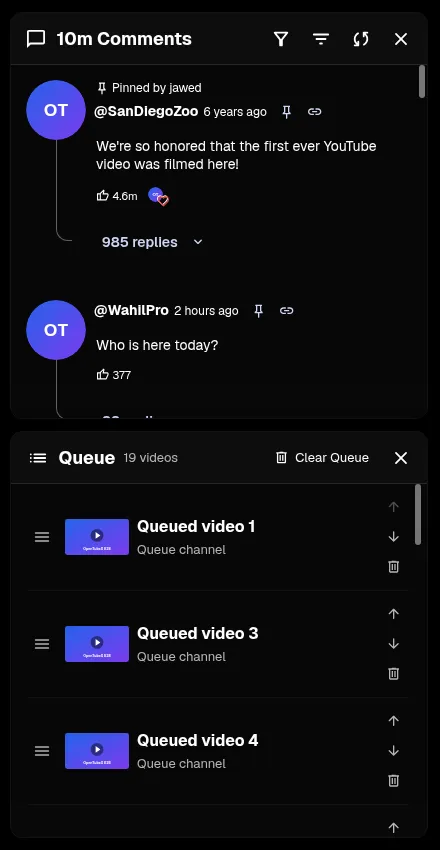
- Add downloaded videos and audio to the watch queue for offline playback. (#1807)


- Channel tabs fit into one row without scrolling and slide the active underline when switching sections. (#1785)


- Preview the first five comments with commenter avatars and animated position dots below videos on mobile. (#1813)
- Playback from external media links now resume where you left off. (#1849)
- Seek by swiping horizontally in fullscreen, with a live seek-bar thumb and frame previews when available. Toggle the gesture in Playback settings. (#1770, #1831)

- Customize left and right swipes on mobile video cards for quick playlist, watch history, queue, bookmark, download, copy, and share actions. (#1758, #1828)
- Player options open faster on slower systems and under heavy load. (#1859)
- Switching subscription feeds is faster, especially with large subscription lists or under heavy system load. (#1860)
- Disable tabs on mobile from General settings to keep one page and hide tab controls and new-tab actions. (#1832, #1834)
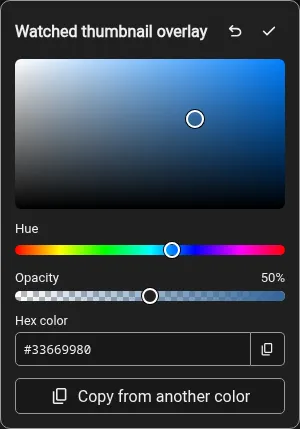
- Customize the color and opacity of watched thumbnail overlays in the Theme Editor. (#1731, #1734)
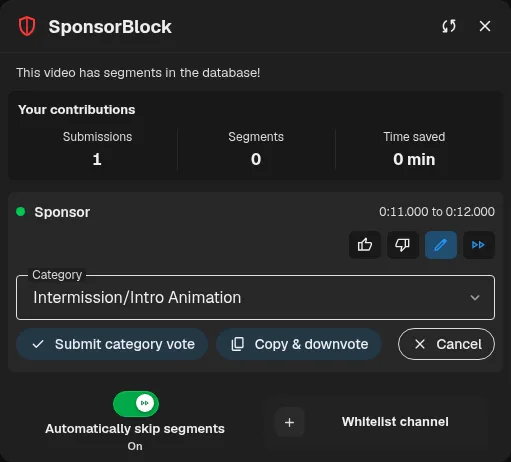
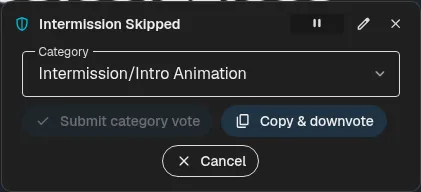
- Correct SponsorBlock categories or copy segments to edit their timings from the info panel and skipped notices (#1869)
- iOS downloads now support templates, audio conversion, metadata, and clipping using bundled FFmpeg and FFprobe. (#1742)
- Swipes to switch tabs now work across mobile header controls and the logo while preserving taps and long presses. (#1870)
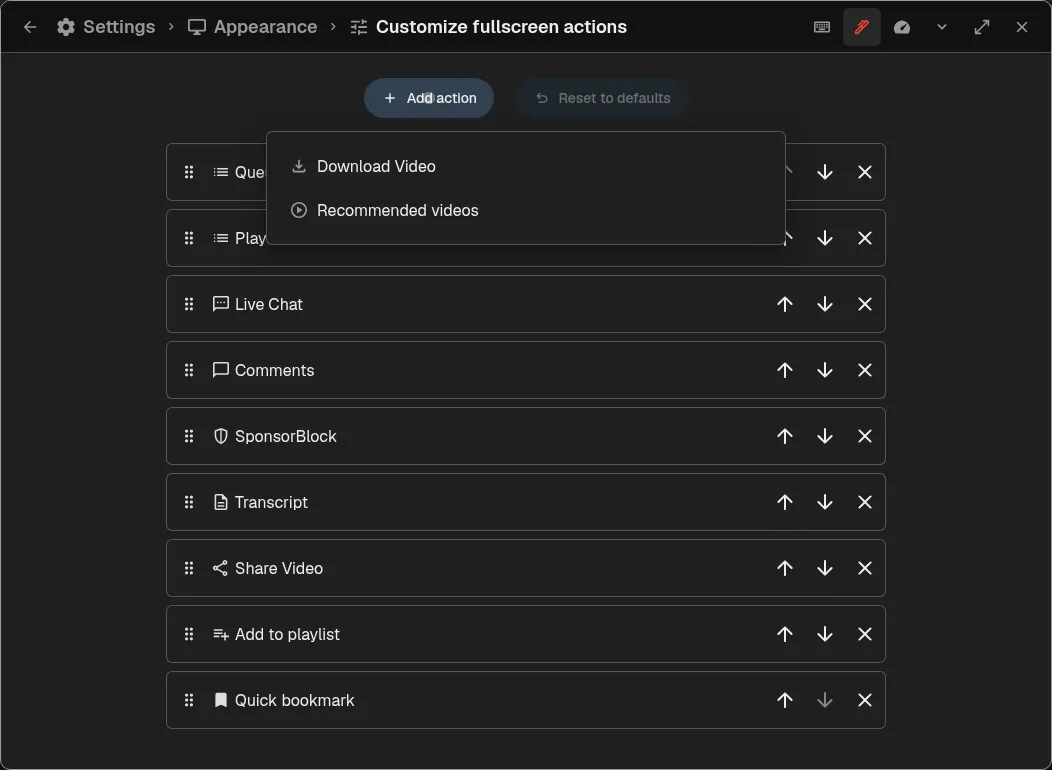
- Customize fullscreen action buttons, including Queue, recommended videos, and a shortcut to the download dialog. (#1871, #1874)
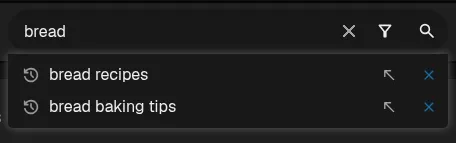
- Fill the search box from a suggestion without submitting, using its new arrow button. (#1877)
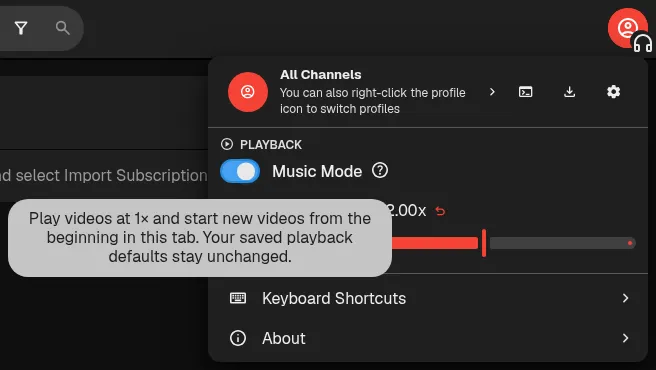
- Enable Music Mode controls in Playback settings to start new videos in the current tab from the beginning at 1×, using the player menu. (#1881)
- Channel pages explain when videos cannot be displayed and more results can be fetched; playlist channel names display correctly. (#1895)
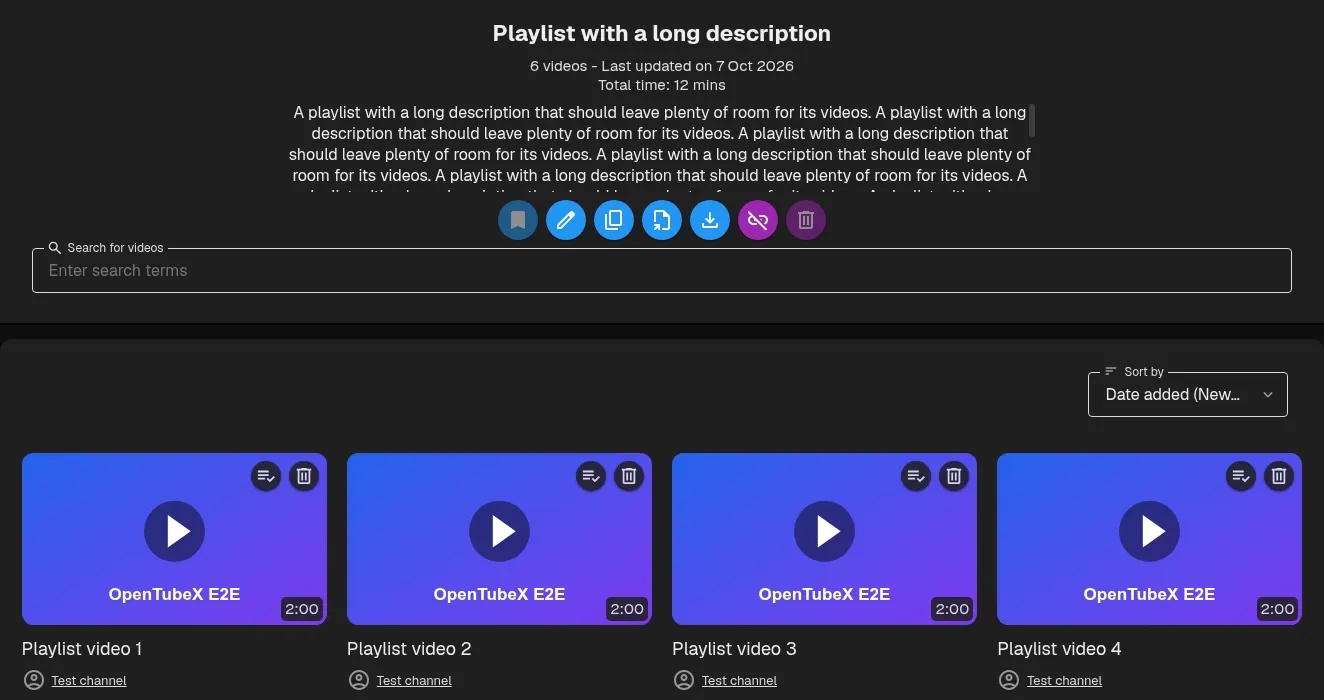
- Playlist descriptions take up less space in grid layout while remaining fully scrollable. (#1907)
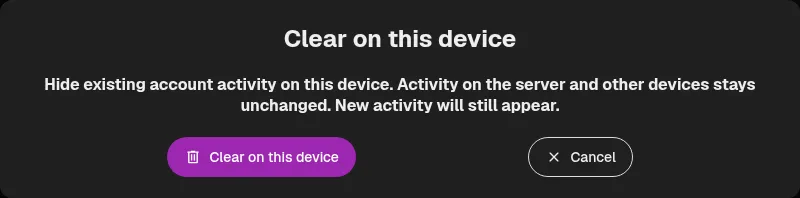
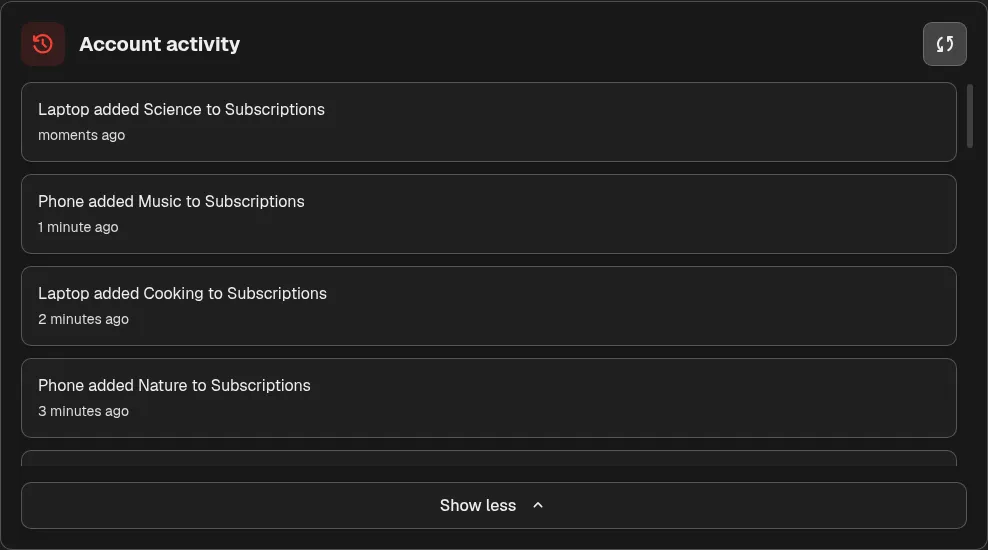
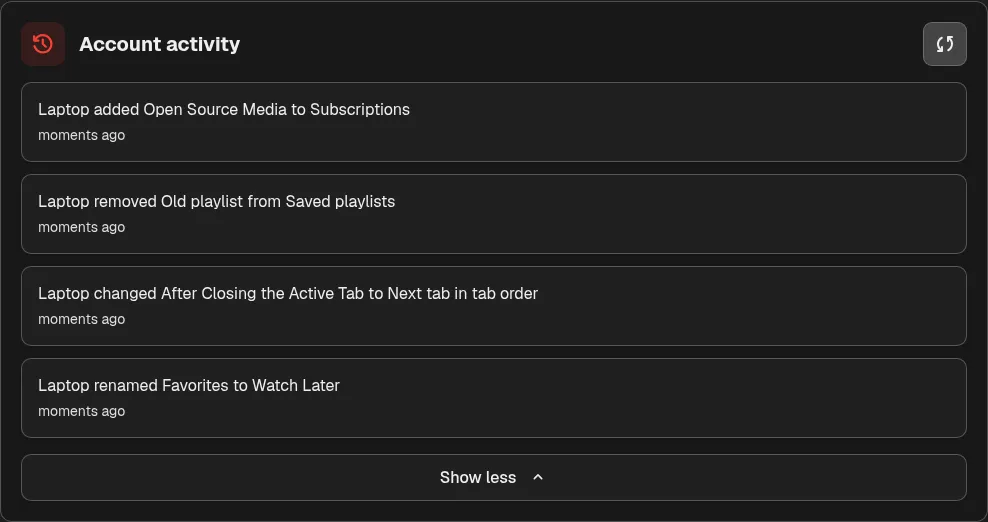
- Clear sync account activity on this device while keeping new activity visible. (#1922)
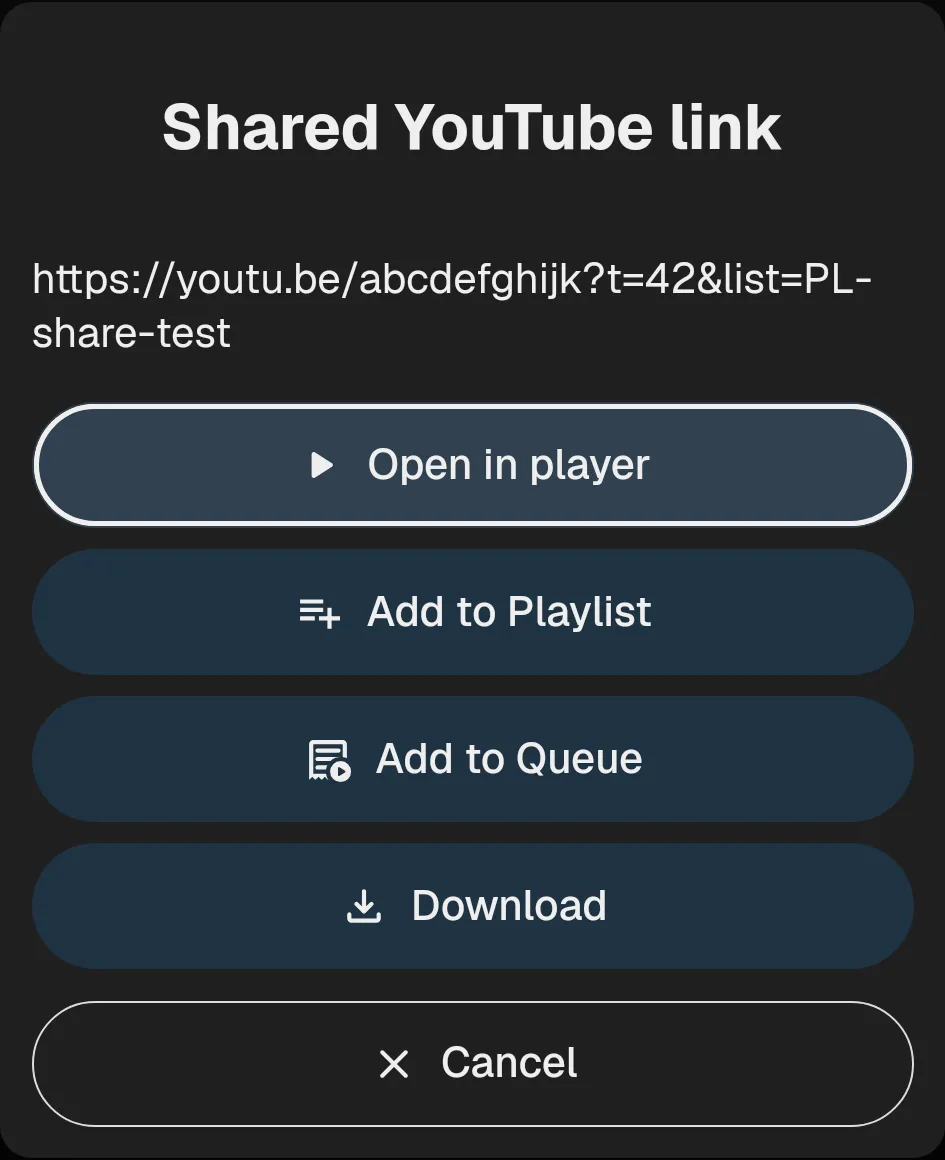
- Share YouTube links to OpenTubeX on Android to open them, add them to a playlist or queue, or download them. (#1925, #1927)
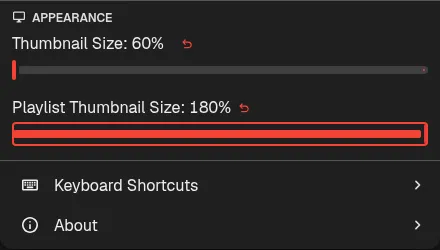
- Playlists now fill the available width and have independent thumbnail sizing. (#1911, #1914)
- Reduced Android download preparation time and sped up MP3 processing. (#1930)
- Loading skeletons use less CPU while keeping the same appearance and animation. (#1934)
- Encrypted sync uses less CPU when decoding large data payloads. (#1940)
- Added an Appearance option to hide settings category descriptions and make the category list more compact. (#1938)
- Shorts follow your finger while swiping, with smooth transitions and snap-back for cancelled drags. (#1936)
- Added Automatically switch stream extraction methods, enabled by default, so automatic built-in/yt-dlp fallback can be turned off. (#1941)

- Hold Ctrl and middle-click a desktop tab to unload it without closing it. (#1946, #1947)

- On phones, pull down the app header to open the tab organizer, with the current page following your finger into its preview. (#1952)
Fixed bugs
- Player controls now auto-hide after swiping into fullscreen on Android. (#1695, #1703)
- The mobile player now moves captions and Picture-in-Picture into Settings when space is tight, and its quick playback speed bar fills the available width. (#1709)
- Android media notifications now show the OpenTubeX logo instead of a colored rectangle. (#1706)
- Reduce delays when returning to a populated Subscriptions Videos feed. (#1698, #1713)
- Fixed desktop quick playback speed presets leaving unused space, and added mouse-wheel scrolling through clipped presets. (#1726)
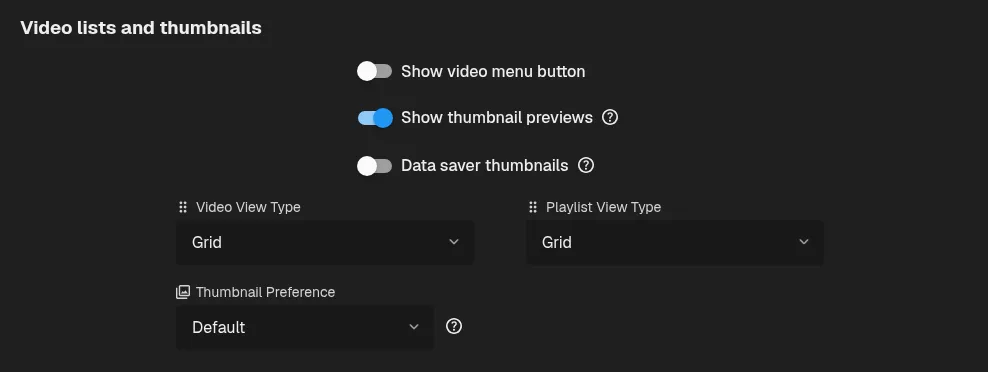
- Thumbnails look sharper on high-resolution screens, with a new Data saver thumbnails setting to reduce data usage. (#1720, #1725)
- Fixed the search bar expanding on focus by using its native clear control. (#1721)


- Fixed watch pages getting stuck on the loading skeleton after a connection interruption. (#1737)
- Swiping to refresh a watch page on mobile now refreshes the video page instead of the subscriptions behind it. (#1735)
- Restore seeking during running premieres with built-in extraction and yt-dlp when Always use cookies is enabled. (#1740)
- Make Android Picture-in-Picture playback and resizing smoother, and remove page flashes, scrollbars, and extra player movement when returning to the app. (#1744)
- Smooth mouse-wheel scrolling through clipped quick playback speed presets. (#1747)

- Fixed the Replay icon after pausing a video and seeking to the end with End. (#1733)
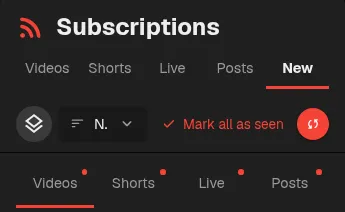
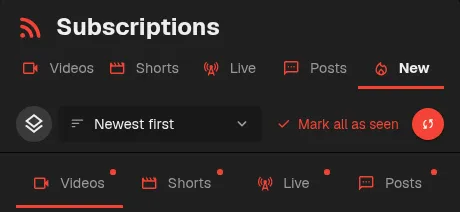
- New feed tabs no longer wrap onto extra rows on small screens. (#1722)
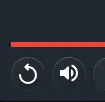
- The Playing Interface Hide Delay setting now applies in both portrait and landscape playback. (#1694, #1700)
- The subscriptions header now hides completely when scrolling down on mobile and reappears after a upward scroll. (#1696, #1702)

- Keep seekbar thumbnail previews aligned with the cursor on short videos. (#1743)

- Subscription feeds keep your scroll position when a refresh finishes. (#1754)
- Video controls keep chapter titles visible by narrowing speed presets first, and smoothly transition chapters to an icon when space runs out. (#1768)
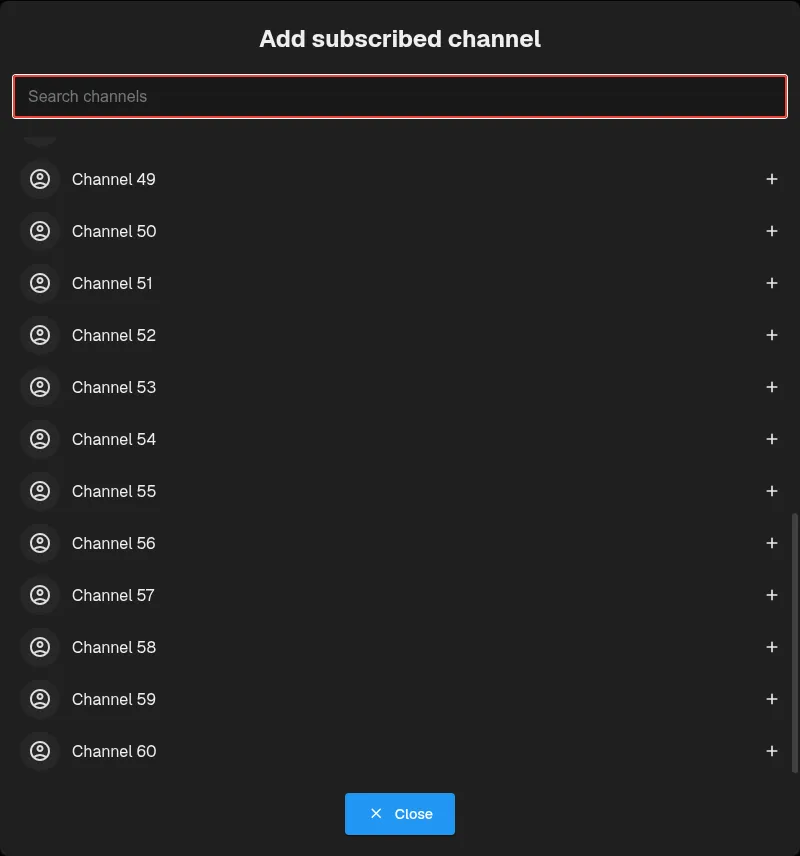
- Prevent scrollbar overlap in saved channel playback settings and keep the add-channel search visible while scrolling. (#1767)
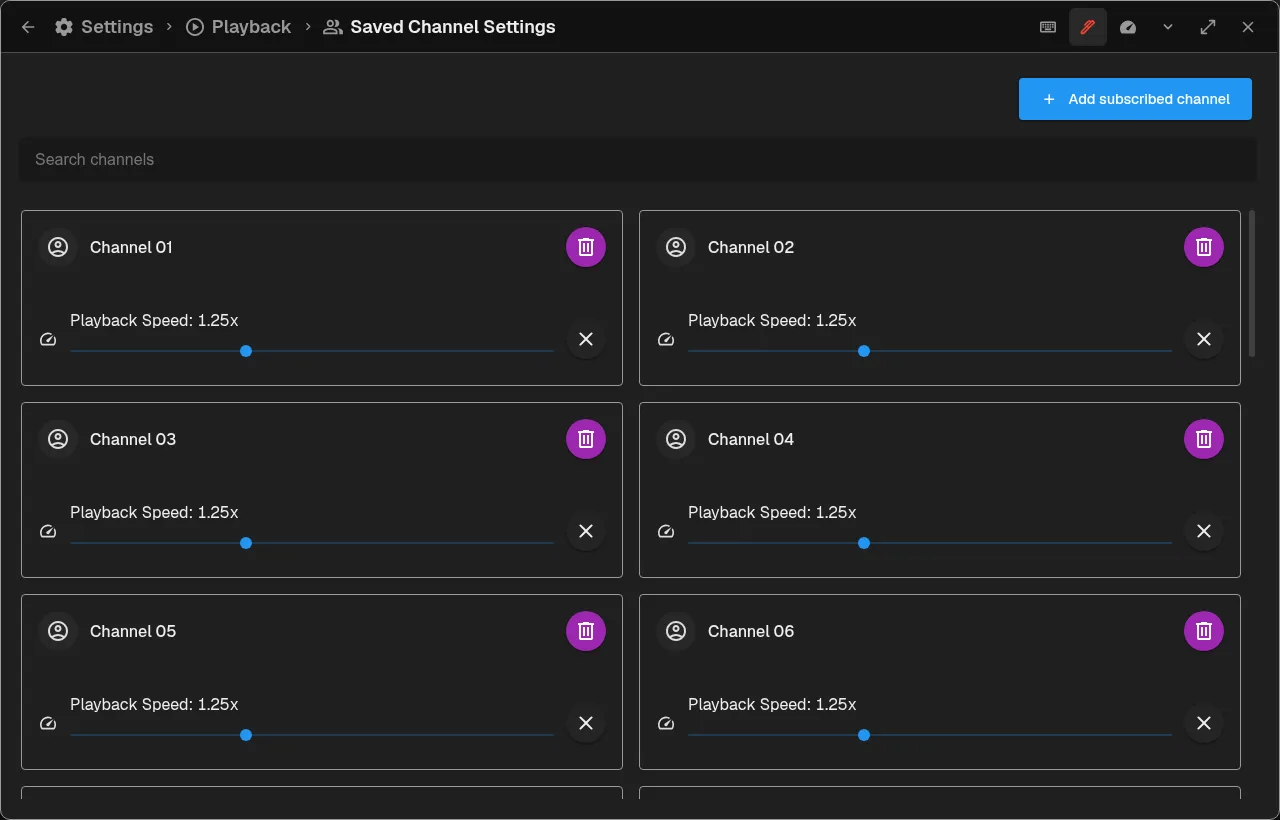
- Fixed mini-player return animation, responsive header and quick-settings layouts, and profile customization and subscription-management behavior. (#1772)
- Fixed Always Show Scrollbars on Android so the page scrollbar stays visible while idle when enabled. (#1774, #1776)
- Home opens faster with large subscription feeds or watch history. (#1751)
- Prevent pinch gestures from zooming the Android interface while keeping pinch zoom in the video player. (#1777)
- Player text now respects your app font choice, and the SponsorBlock highlight label matches the timestamps. (#1756)

- Improve card and menu contrast with Android dynamic colors and LineageOS’s pure-black dark theme. (#1760)
- Fix hold-to-double playback speed on mobile and mouse-wheel seeking and speed adjustments over the video player. (#1769, #1782)
- Seeking while a video loads now takes priority over saved watch progress. (#1794)
- Smoother fullscreen side-dock animations on desktop and mobile, especially on slower systems. (#1789)
- Replace broken-image indicators with correctly sized placeholders, using skeletons while avatars and media load and static fallbacks after failure. (#1797)
- Opening transcript search now focuses the search field and opens the mobile keyboard. (#1791)
- Keep the mobile landscape sidebar below the app header when scrolling. (#1790)
- Reduced interface lag while refreshing large subscription profiles. (#1809)
- Choosing a playback speed before a video starts now updates the selected speed immediately and keeps it when playback begins. (#1815)
- Fixed mobile playback when opening a commenter’s channel from fullscreen comments and prevented the landscape mini-player from overlapping the sidebar. (#1814)
- Seeking while a video is starting no longer prevents it from playing automatically. (#1821)
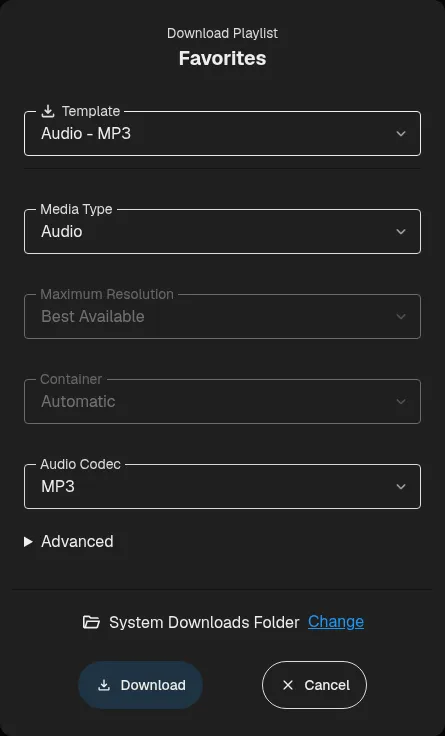
- Improve mobile playlist card spacing and make download dialogs fit their content. (#1826)
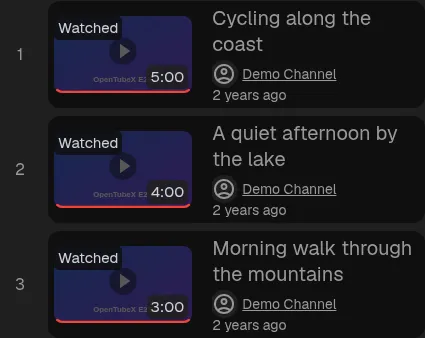
- Downloaded files start without online countdown delays, and downloaded audio appears in the mobile mini player when scrolling, navigating away, or swiping down. (#1812)
- Fixed a scrollbar sometimes appearing beside fullscreen videos on Android. (#1830)
- Player controls fade and respond to play/pause more smoothly under high system load. (#1833)
- Fixed playlist reordering on touch devices, including disappearing rows and dragging through long playlists. (#1827)

- Playlist rows now have smaller two-line titles, clearer metadata, and centered thumbnails, numbers, and drag handles. (#1699, #1708)
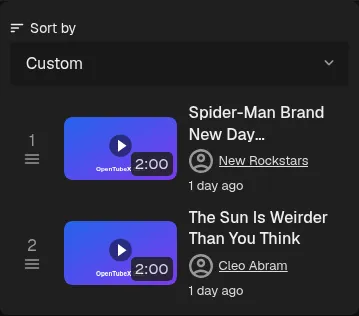
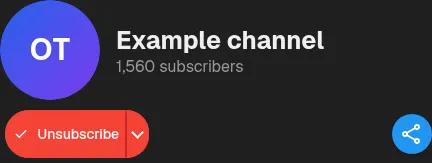
- Keep the channel Share button at the right edge beside Subscribe/Unsubscribe on narrow screens. (#1784)
- Returning to Home now restores loaded recommendations immediately instead of loading them again. (#1825)
- Chapter pills now indicate when chapters are open with an accent highlight and animated chevron. (#1851)
- Tab previews now slide smoothly between hovered tabs without disappearing between them. (#1852)

- Show age-confirmation messages in search and let desktop users retry with configured yt-dlp cookies. (#1792)

- Fixed sync timing out during finishing when downloading a large account activity feed on desktop and mobile. (#1856)
- Sync now finishes without waiting for account activity, and keyboard shortcut activity shows readable binding changes. (#1858)
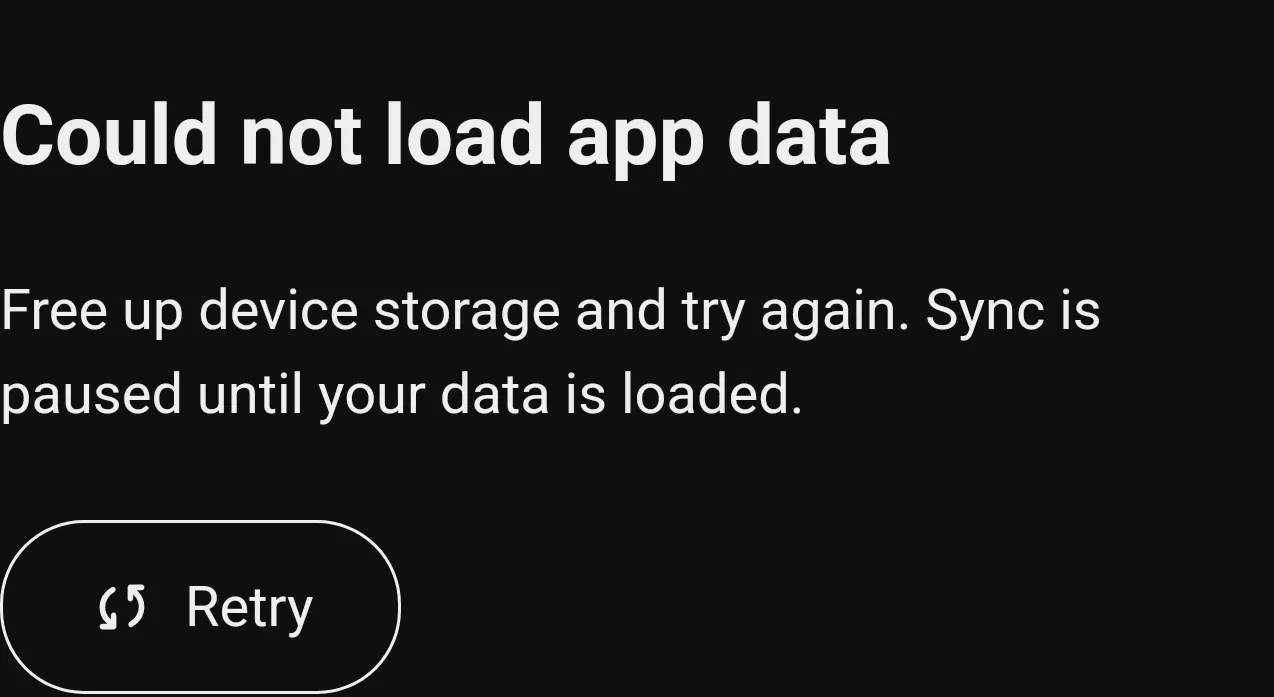
- Protected Android app data from WebView storage cleanup and added a retry screen that pauses sync when data cannot be loaded. (#1857)
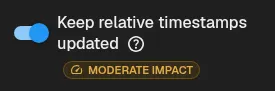
- Settings performance indicators now wrap on narrow screens and at larger text scales so labels remain readable. (#1697, #1701)
- Restore seekbar thumbnail previews for subscriber-only Twitch VODs. (#1850)
- Shorts top controls keep their frosted blur while fading in and out. (#1802)
- Pressing End in a paused YouTube-style Short now shows replay and restarts from the beginning when played, with Shorts looping disabled. (#1817)
- Show sync controls in the quick settings, navigation, and quick playback speed bar customization breadcrumbs. (#1779)

- Category titles in settings search no longer navigate away from the results when clicked. (#1780)
- Prevent a white screen flash when launching OpenTubeX on Android. (#1712, #1717)

- Settings search now updates as you type with mobile keyboards. (#1728, #1730)
- The “Includes paid promotion” badge now respects your external-link opening settings. (#1705)
- History no longer reloads results when toggling case-sensitive search with an empty query. (#1823)
- Fixed YouTube parser warnings when loading video details. (#1863)
- Keep expanded account activity in its own scroll area, with the scrollbar beside the entries. (#1865)
- Fixed distorted keyboard focus outlines on channel avatars and other rounded controls. (#1867)
- Video and channel tabs opened in the background now show their avatars while remaining unloaded. (#1873)

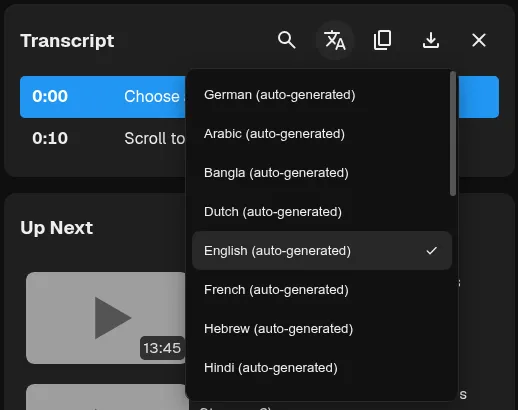
- Keep long transcript language menus compact and scrollable. (#1872)
- Retry videos with missing resolutions after playlist preloading encounters yt-dlp extraction timeouts. (#1692, #1711)
- Android bottom sheets stay in place when returning to the app instead of replaying their opening animation. (#1878)
- Fix YouTube playlist autoplay stopping while later playlist pages load or fail. (#1879)
- Removing the last login for a sync device now clears its saved tab sets, and labeled Delete buttons make orphaned sets easier to remove. (#1876)

- Fixed Android playback, resume, and seeking failures for videos extracted with yt-dlp, including age-restricted videos played with configured cookies. (#1883)

- Drag mobile bottom sheets from anywhere in their header, including buttons, while keeping normal taps working. (#1885)
- Fixed TikTok playback failures when using configured browser cookies. (#1898)
- Fixed invalid Android tab previews after switching tabs with a header swipe. (#1884)
- Fixed videos failing to start on Android after switching apps during a SABR backoff countdown. (#1903)
- Channel tabs keep their names after minimizing and closing video or audio playback. (#1909)
- Fixed custom themes repeatedly syncing between desktop and mobile without being edited. (#1915)
- Videos open sooner with the built-in player by loading optional chapters and promotion details in the background and fetching watch metadata alongside player preparation. (#1917)
- Fixed playback stopping after repeated SABR reloads by preserving session cookies and trying an available alternate playback engine when recovery is exhausted. (#1913)
- Improved dragging and closing performance for Settings, About, and Downloads, especially on slower systems. (#1924)
- Fixed audio crackling when switching apps or locking the screen during Android audio-only playback. (#1929)
- Channel avatars now load in cookie-backed searches, and closing browsing tabs no longer causes rendering errors. (#1939)
- Prevent duplicate statistics devices after QR reconnection, and combine existing duplicates with a preview and a choice for overlapping watch time. (#1937)
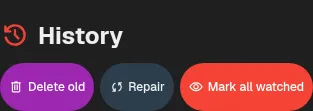
- History actions now stay side by side on phones with shorter, single-line labels. (#1901)
- Reduce memory growth when watching consecutive videos and unloading or closing video tabs. (#1942)
- Restore Space and other player keyboard shortcuts after clicking the seekbar. (#1945)

- Make draft SponsorBlock segments easier to see on the seekbar. (#1943)

- Fixed automatic search pagination getting stuck on a loading spinner. (#1949)

- Creator hearts on comments and replies now use filled icons in both icon packs. (#1954)
- Fixed the channel avatar flashing in the app tab when switching between a channel’s sections. (#1956)
- Fixed the Android status bar staying visible after closing the notification shade during fullscreen playback. (#1955)
- Refreshed switches, sliders, selects, inputs, buttons, and checkboxes with Material 3 styling, keeping desktop controls compact and touch controls larger on mobile. (#1761, #1773)
v0.35.2 Beta
Highlights
- Experimental iPhone and iPad support, with downloadable IPAs and sideloading instructions. (#1571)
More improvements
- Account activity now shows which synced items changed and uses readable names for setting choices. (#1557, #1558)
- Back up and restore profiles, playlists, history, watch statistics, and settings in one ZIP file. (#1433, #1560)

- Scheduled stream reminders can now sync between devices. (#1562, #1563)
- Playlist playback skips private and members-only videos by default. The behavior can be turned off in Playback settings. (#1567, #1568)
- Cast videos to compatible DLNA or UPnP devices from the desktop player. (#1564, #1569)
- On phones in portrait, Shorts actions open in bottom sheets while the video keeps playing. (#1577)
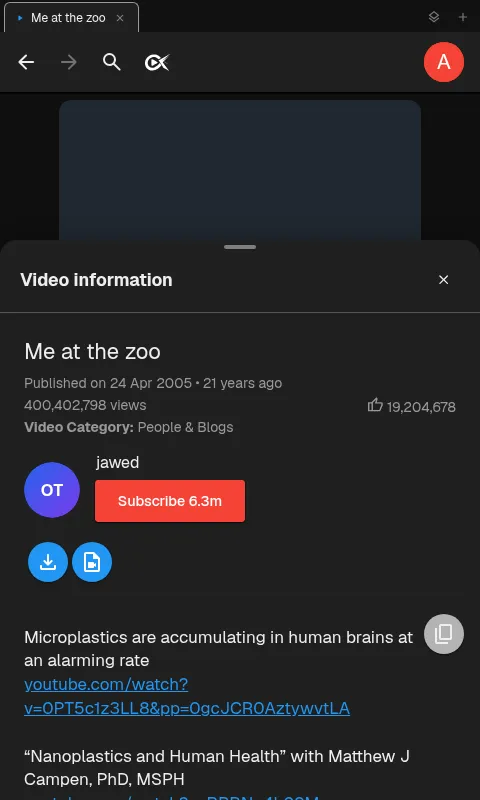
- Mobile select options now open in a centered dialog. (#1576)
- Mobile gestures now give subtle haptic feedback when player and tab actions complete. (#1591)
- Swipe between mobile tabs even when the next tab is unloaded; its preview appears until it loads. (#1587)
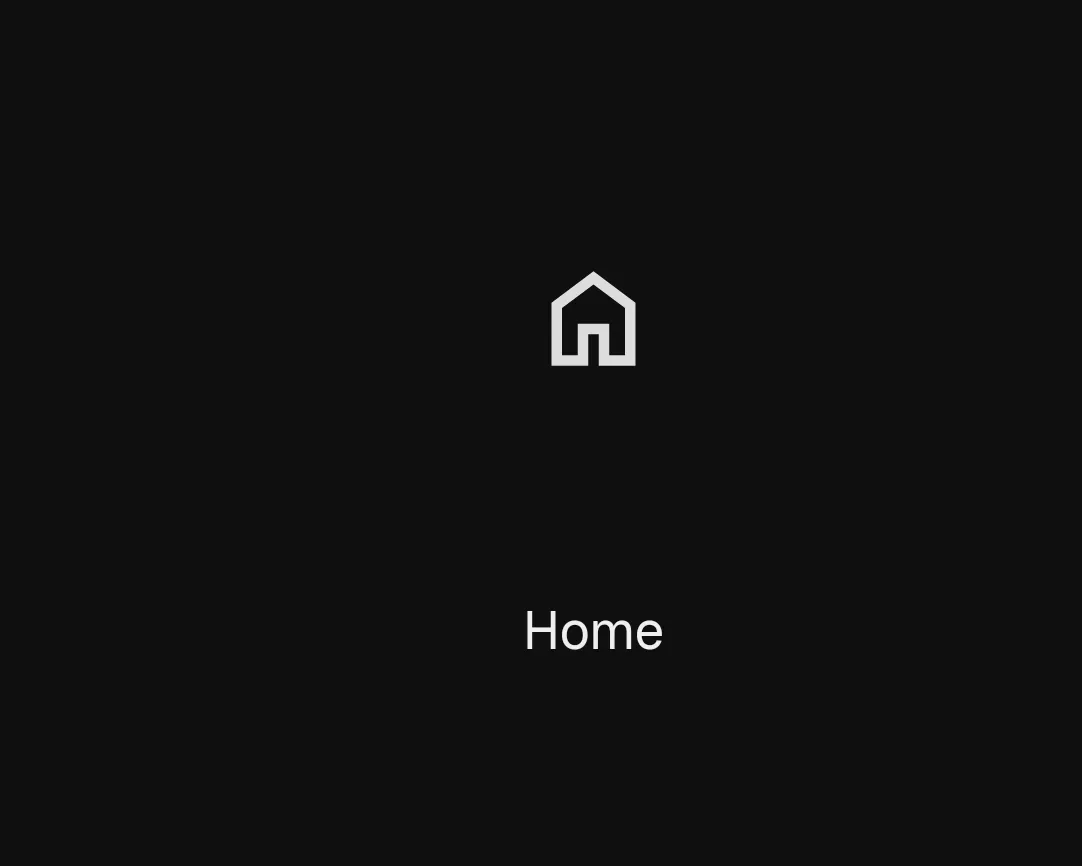
- The SponsorBlock whitelist can now be managed inside settings (#1586)
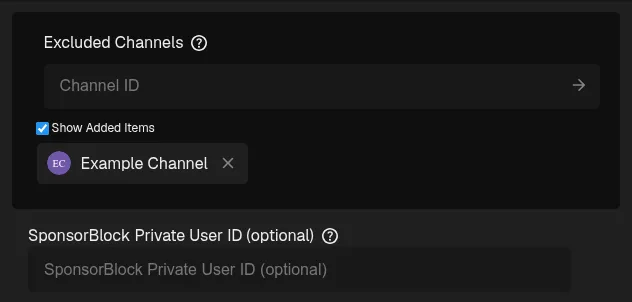
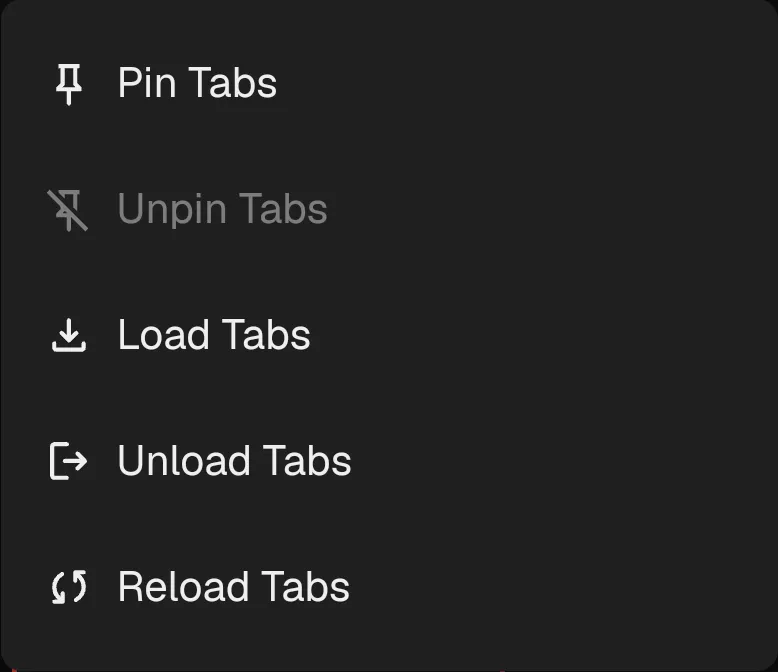
- Apply pin, unpin, load, unload, and reload actions to selected tabs on mobile. (#1589)

- Playing videos now stay in a mobile bottom bar with channel details while browsing. (#1598)
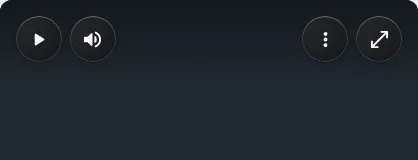
- Shorts player controls now also support the new frosted-glass finish. (#1582)
- Loading tabs now show a pulsing indicator in the tablet tab strip and phone tab organizer. (#1616)
- Scroll long subscription feeds more smoothly on desktop. (#1622)
- Play subscriber-only Twitch VODs when the standard extractor cannot access them. (#1628)
- Android APK downloads are smaller while retaining FFmpeg, yt-dlp, and the existing playback features. (#1626)
- Ctrl+Alt+middle-click a link to open it in an unloaded background tab. (#1638, #1639)
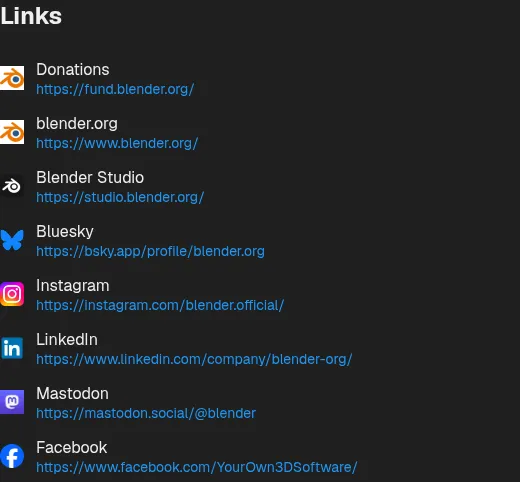
- Channel About now shows links to creators’ websites and social profiles. (#1647)
- Watch 360° videos by dragging the player to look around, while clicking still plays or pauses. (#1449, #1640)
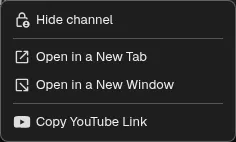
- Hide or show channels directly from channel-link context menus. (#1636, #1641)
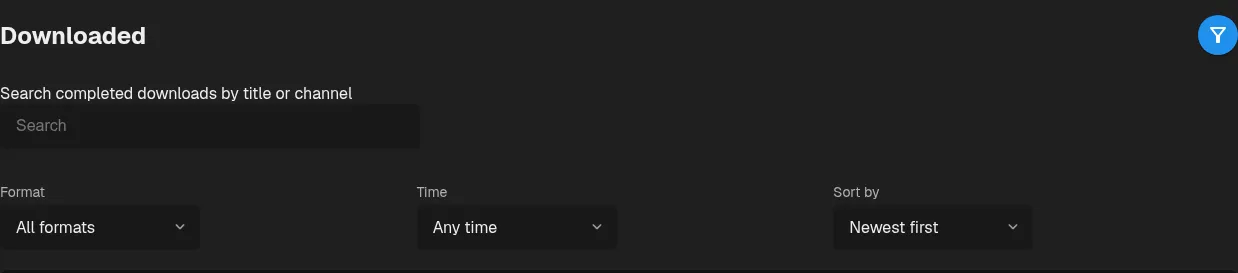
- Search completed downloads by title or channel, filter by format or date, and sort by date or file size. (#1659, #1665)
- Stop playback at the end of the current chapter with the sleep timer. (#1655, #1663)
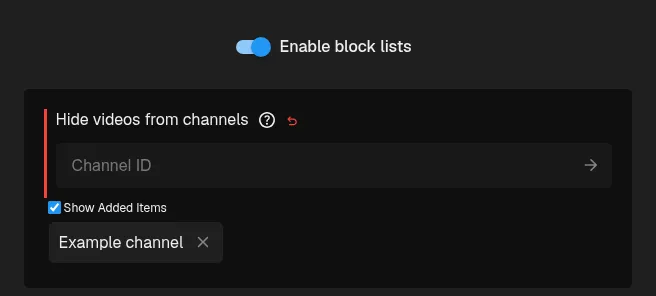
- Temporarily pause channel and phrase block lists from settings or Quick Settings without deleting entries. (#1637, #1645)
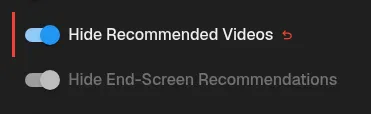
- Hide end-screen recommendations without hiding recommendations elsewhere. (#1672, #1664)
- Shorts now keep the last three videos buffered at their playback positions and preload streams for the next three, making navigation faster. (#1669)
- The video player, captions, and watch-page skeletons follow UI Roundness, player control pill spacing is consistent, and enabled comments show a loading skeleton. (#1677)
- External media loading screens now match the player layout, and audio players show available artist names and channel avatars. (#1679)
- Reduce overlay scrollbar overhead while scrolling, especially on slower systems. (#1684)
- Tab reordering is more responsive on slower desktop systems. (#1681)
- Reduces CPU and memory overhead with large playlists and many tabs, and makes changing scrollbar visibility faster. (#1687)
- Android Back gestures now preview player docking and closing drawers or dialogs. Paused and loading videos stay available when navigating away. (#1689)
Fixed bugs
- Pasted external media links with trailing spaces now open the media page. (#1553)
- Centered the mobile SponsorBlock highlight button and removed stray dots from fullscreen video information. (#1566)
- Android mini-player videos stay aligned with their controls after zooming. (#1570)
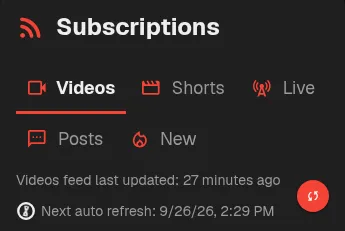
- Keep the subscription feed refresh button beside its update status on small screens. (#1572)
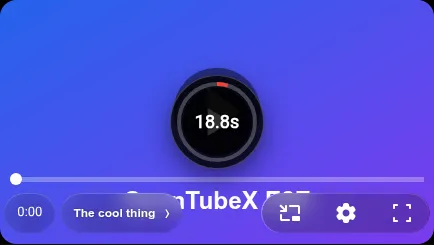
- The Replay icon now appears when seeking to the end of a paused video with End. (#1574)
- Android uses the WebView player again for smoother Watch scrolling and mini-player transitions while keeping background audio and lock-screen controls. (#1573)
- Mobile panels open to the original video position while the mini player is active. (#1580)
- Leaving a video no longer waits for a SABR backoff countdown to finish. (#547, #1585)
- The video follows the first downward swipe smoothly when docking to the mini player. (#1595)
- The SABR countdown stays visible above the mobile play button while taps still control playback. (#1599)
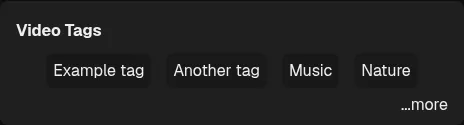
- Tags, games, and license details now appear in collapsed video descriptions. (#1602)
- Watch no longer shows the previous page underneath when the connection drops. (#1614)
- Enter fullscreen when turning an Android device sideways, even with system auto-rotate off. (#1605, #1613)
- Fixed accidental scrolling when tapping beside mobile scrollbar handles. (#1610, #1611)
- Desktop subscription refreshes stay responsive with large subscription lists. (#1623)
- The app window appears sooner when starting with a large profile. (#1627)
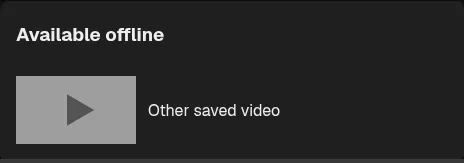
- Offline watch pages show other downloads and restore recommendations and transcripts after reconnecting. (#1635)
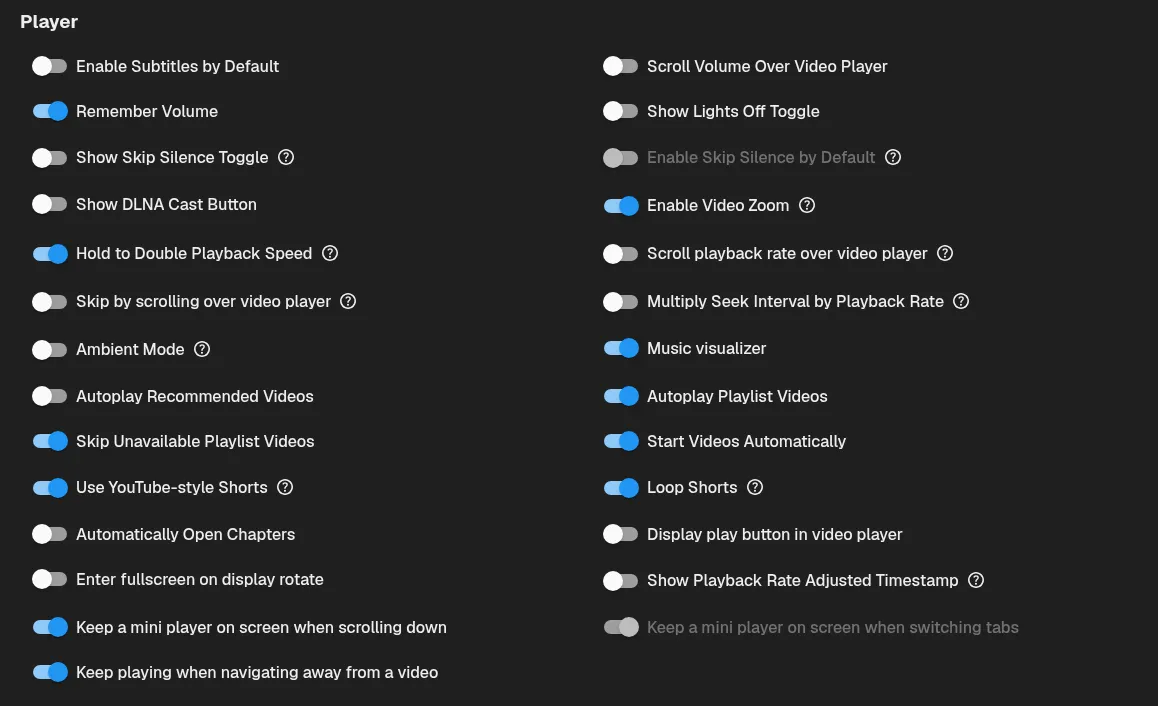
- Playback settings now fill balanced columns in reading order. (#1646)
- Avoid prolonged waits after failed SABR responses and retry incomplete video segments. (#1649)
- Fullscreen side panels return to the page when opening another tab exits fullscreen. (#1644)
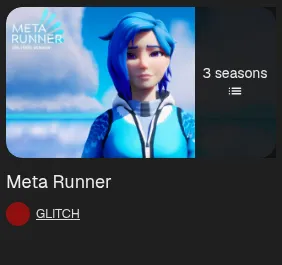
- Channel playlist tabs now load TV shows and show their season counts. (#1666, #1667)
- Prevent HTML event handlers from running while reading video descriptions. (#1670)
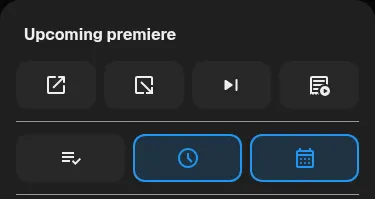
- Show saved-video and premiere-notification states in mobile menus using the selected accent color. (#1673)
- Fixed uneven padding around the header logo highlight. (#1676)
- Opening videos in background tabs from subscriptions is smoother on slower devices. (#1675)
- Show the full playlist picker and correctly spaced information separators in the YouTube-style Shorts player. (#1678)
- Reduce pauses when videos animate into the mini player and back on slower desktops. (#1682)
- Keep loaded comments, recommendations, transcripts, chat messages, and SponsorBlock segments available when the connection drops. (#1688)

v0.35.1 Beta
note
This release fixes the issue when trying to play some videos shown here

Highlights
- Play individual media links from yt-dlp-supported sites with basic metadata support and Twitch Chat support. (#1399, #1514)
More improvements
- Videos shared in posts now show channel avatars, matching the video grid. (#1471)
- Reduce tab update overhead and redundant session writes, especially with many tabs open. (#1473)
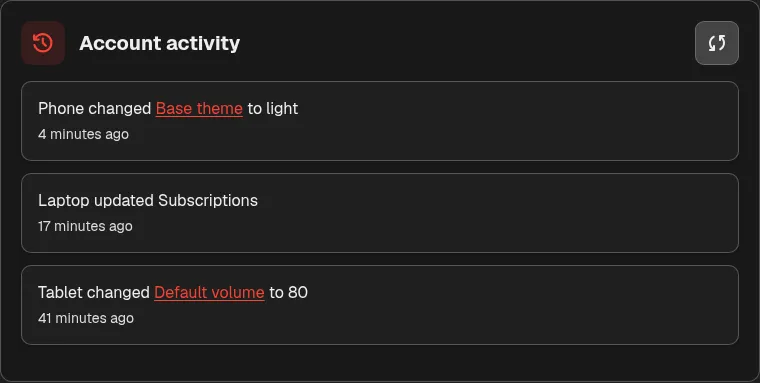
- Sync remote changes as they happen, transfer only changed collections, view account activity, and send videos to your other devices with a compatible sync server. (#1478)
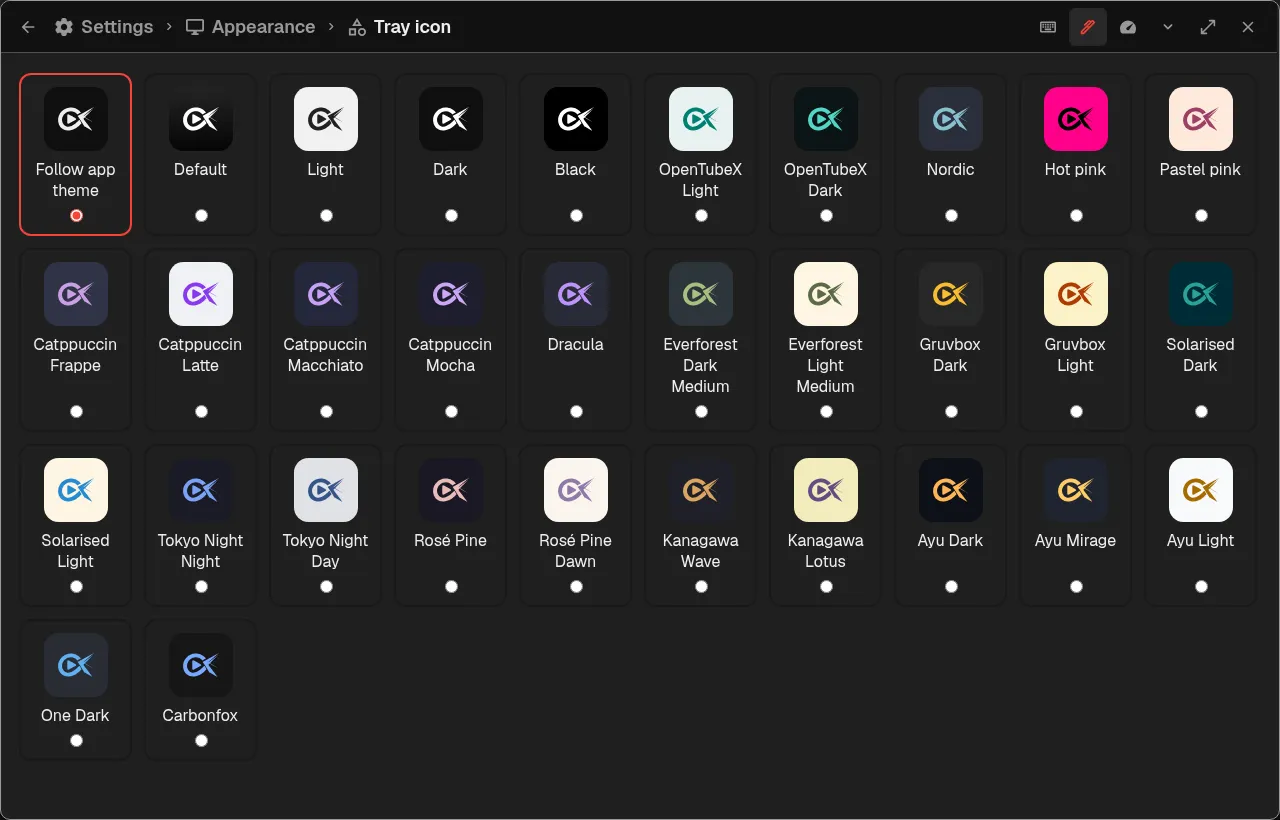
- Choose a tray icon palette or let it follow your OpenTubeX theme in Appearance settings. (#1474, #1475)
- Automatic sync now batches tab and history updates and uses live notifications instead of periodic requests while connected. (#1485)
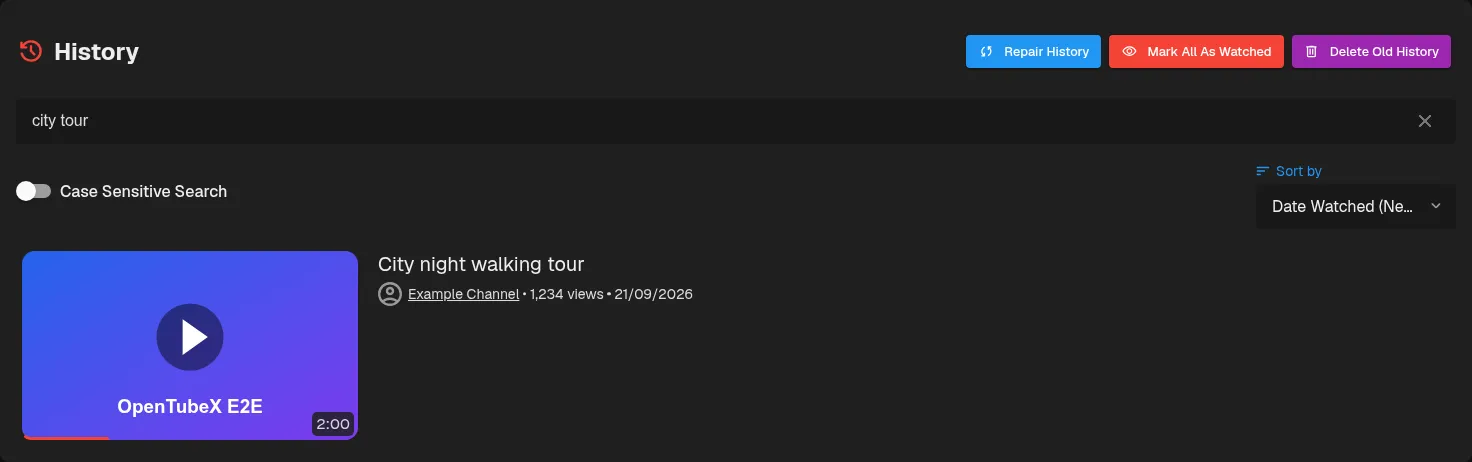
- Find history videos using separated words or small typos, with a spinner while search results update. (#1502)
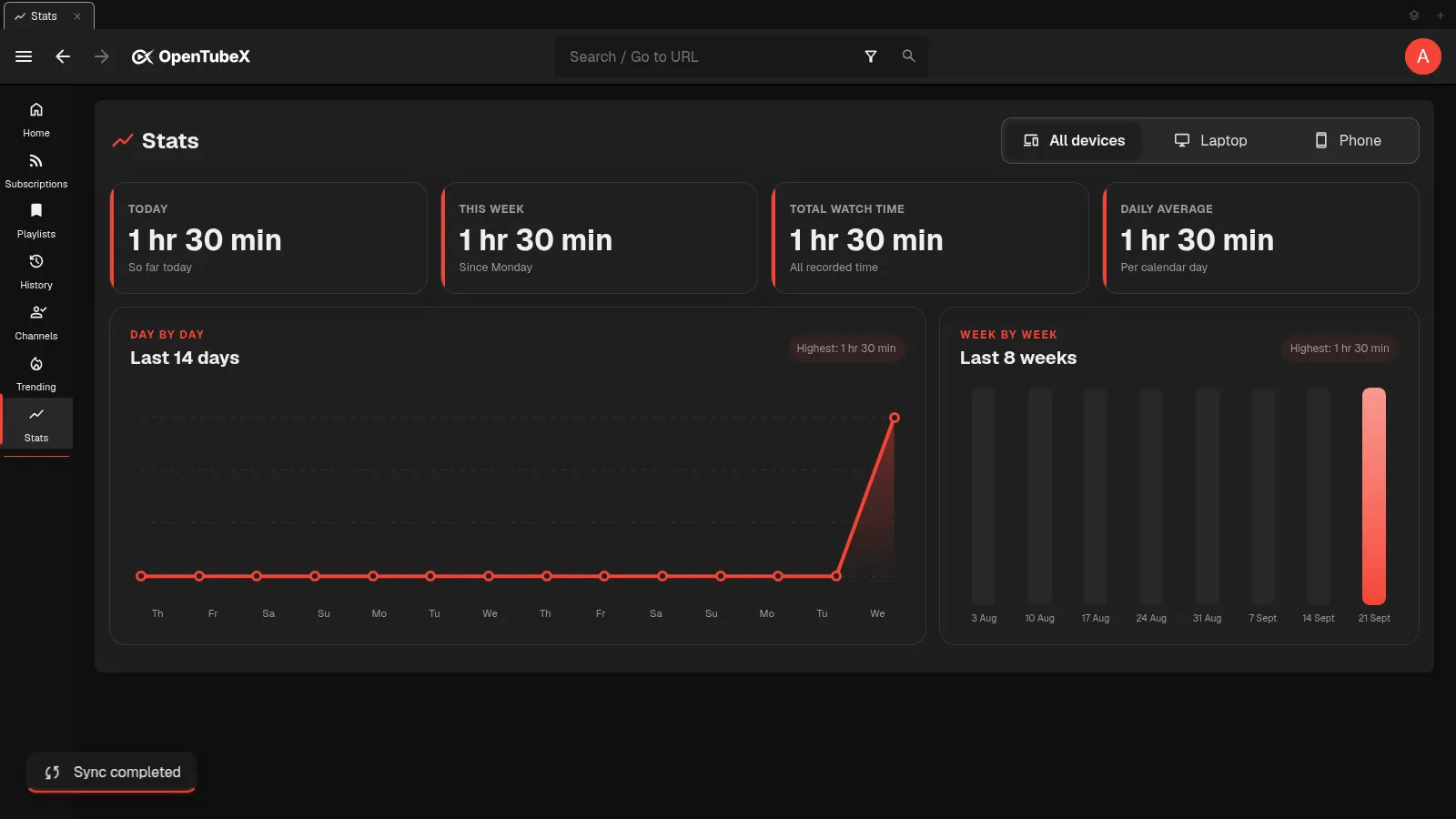
- Sync watch statistics by default and switch between individual devices and combined totals. (#905, #1511)
- Swipe the empty Android app bar to slide between loaded tabs. (#1516)
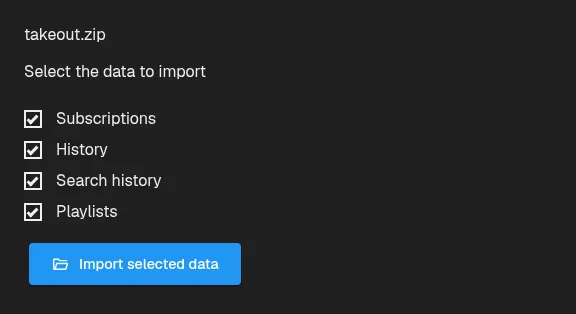
- Import subscriptions, watch and search history, and playlists directly from a YouTube Takeout ZIP, choosing which data to include. (#1521)
- Choose between frosted glass and classic player controls in Appearance (#1539)


- Android pinch zoom now shows its zoom level and snaps to fill the fullscreen player when its edges glow. (#1529)
- Remove unavailable videos from a local playlist after a scan, while keeping videos that could not be checked. (#1448, #1537)

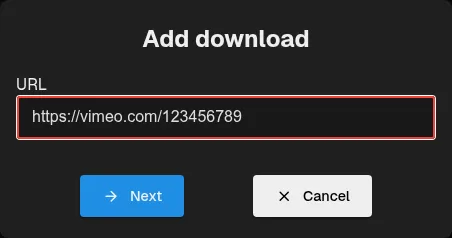
- Download media from supported web URLs using the Downloads dialog or an external media page. (#1550)
Fixed bugs
- Returning from picture-in-picture on Android now restores landscape fullscreen when playback entered PiP from that view. (#1472)
- Fixed jerky scrolling when returning to the playing line after closing transcript search. (#1476)
- Allow the history repair status banner to be closed after repair stops. (#1480)
- Background tabs show loading immediately and wait for the active startup video to play before loading their content. (#1491)
- Keep subscription items marked as seen during refresh and sync seen posts between devices. (#1492)
- Fixed scrollbar thumbs moving out of position when changing animation speed. (#1494)
- Restored the page scrollbar after leaving Full Window following fullscreen or Picture-in-Picture. (#1391, #1495)
- Fixed custom Watch Later and Favorites playlists disappearing after restarting the app. (#1496, #1498)
- Fixed premature timeouts during slow encrypted sync uploads and misleading subscription-settings activity after subscribing to a channel. (#1500)
- Fixed the poster and recommendations remaining hidden after canceling autoplay. (#1503)
- Fixed mobile Shorts controls, panel sizing, gestures, video information placement, and the tab organizer’s Close Tabs header. (#1518)
- Fixed clipped controls and distorted loading placeholders for Shorts on landscape phones. (#1519)
- Android Picture-in-Picture playback continues when reopening OpenTubeX from the home-screen icon. (#1523)
- Prevent a black rectangle from appearing above the Android mini player while scrolling. (#1528)
- Fixed recurring built-in video extraction failures caused by QuickJS stack exhaustion on Android and desktop. (#1527)
- Fixed history entries showing January 1, 1970 when a video’s publication date is unavailable. (#1531)
- Keep the Android status bar visible after swiping down from a fullscreen video. (#1524)
- Channel pages keep the loading indicator visible until their videos have loaded. (#1548)
- Keep the quick playback speed bar from jumping backward while dragging it on Android during playback. (#1522)
v0.35.0 Beta
More improvements
- Choose from 16 new themes, including Tokyo Night, Rosé Pine, Kanagawa, Ayu, One Dark, Carbonfox, and Catppuccin Macchiato with 14 selectable accent colors. (#1220)
- Smoother scrolling and mini-player dragging/resizing with Android native playback, plus larger touch resize targets that keep the initial grab position. (#1282)
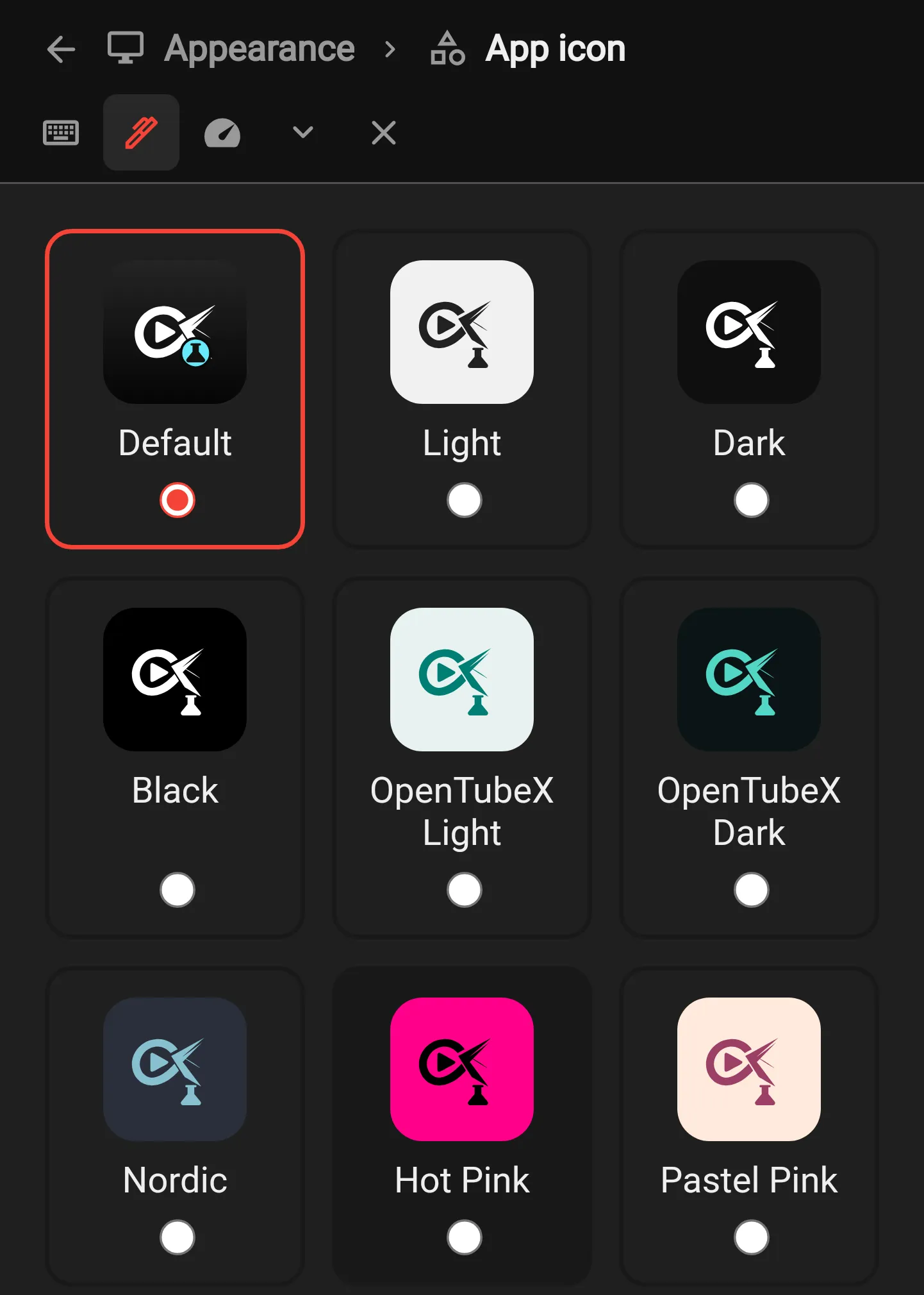
- Choose from 30 theme-inspired Android app icons under Appearance → App icon. (#1285)
- Added an option to keep videos playing in the mini-player when navigating away or switching tabs on desktop and Android. (#1295, #1299)
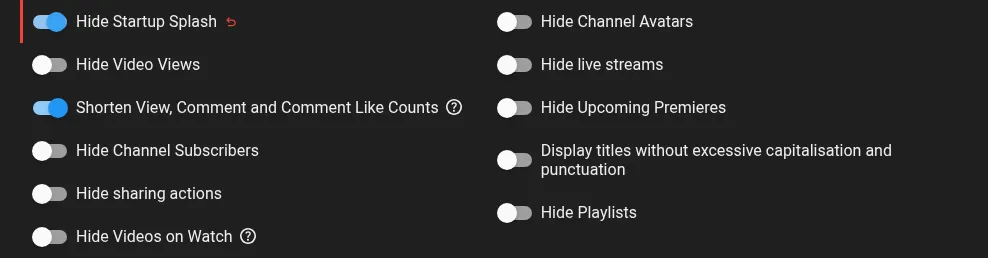
- Hide the startup splash and curtain reveal with a new switch in Distraction Free settings. (#1268, #1274)
- Add a startup option to open your landing page while keeping previous tabs unloaded in the background. (#1283)
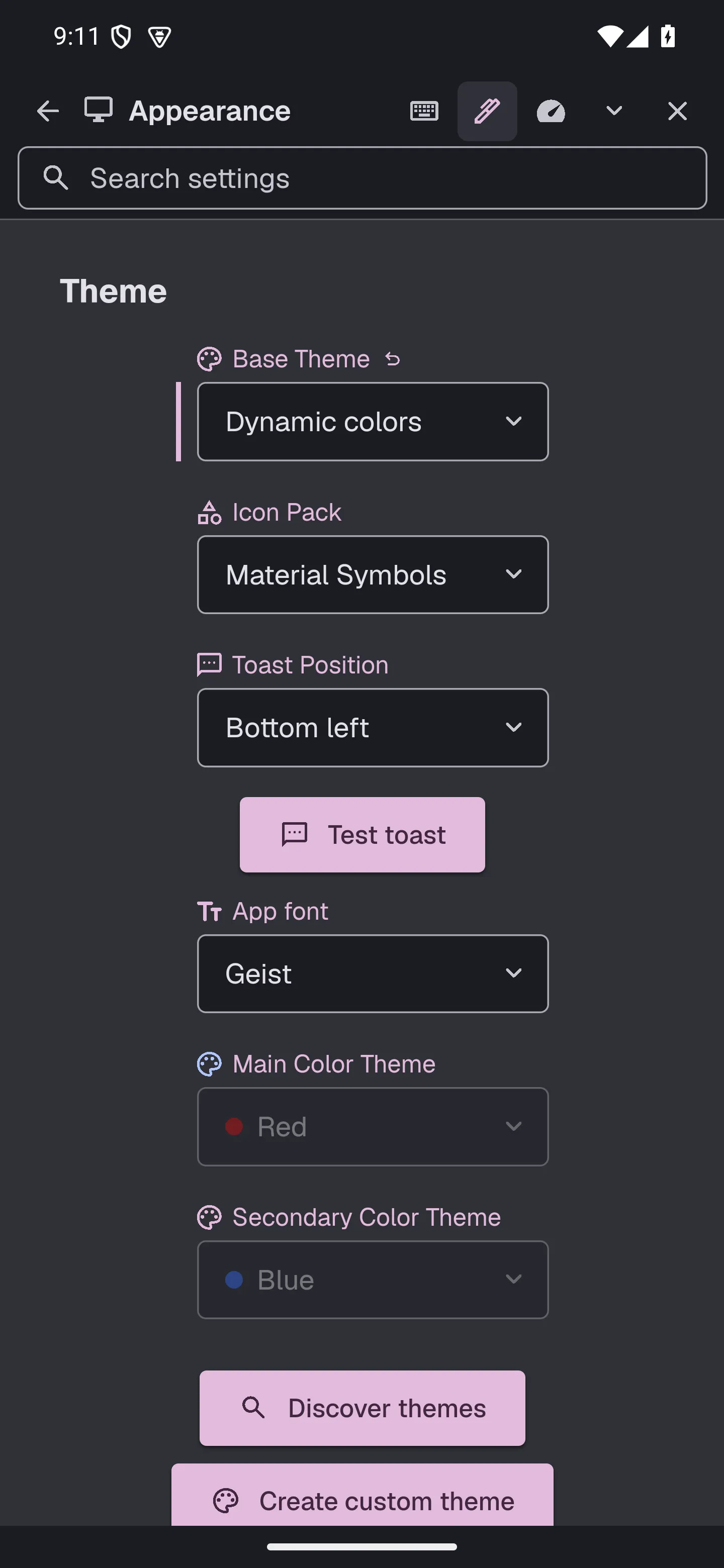
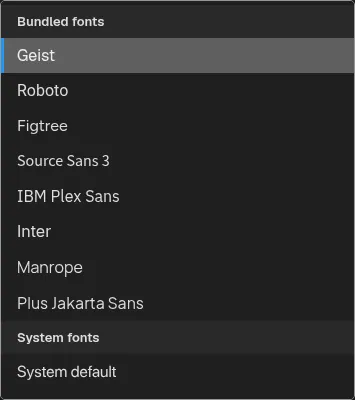
- Geist is the new default app font. Roboto remains available in Theme settings. (#1272)
- Phone menus and forms now offer larger touch controls, searchable pickers, and draggable watch panels, with player options that fit inside the video. (#1296, #1307)
- Sync per-channel subscription feed types, daily video limits, and members-only visibility across devices. (#1310, #1328)
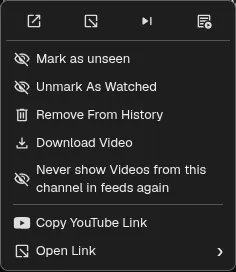
- Mark subscription videos as unseen from their context menu while keeping playback progress. (#1314, #1322)
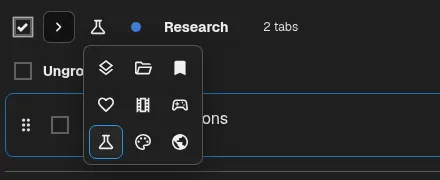
- Select whole tab groups, choose their icons, and close the Tab Organizer by pressing its shortcut again. (#1326)
- The mobile bottom navigation now hides when scrolling down and reappears when scrolling up. (#1313, #1329)

- Swipe down on the Android video player to keep watching in the mini player while browsing, then swipe up to return. (#1312, #1336)
- Keep Android mini-player controls visible while scrolling, and share links through native macOS and Windows menus. (#1332, #1333)
- Videos now keep playing in the mini player when you navigate away by default. (#1334)
- Follow your Android phone’s Material You palette with the new Dynamic colors theme. (#1298, #1340)
- Repeated fast-forward and rewind presses now show the accumulated seek amount in the on-screen indicator. (#1351, #1352)
- Keep subscription feeds refreshed while desktop windows are closed, and use your selected backend settings for Android background refreshes. (#1359)
- Try six additional bundled fonts with live font-name previews and a grouped font picker. (#1358)
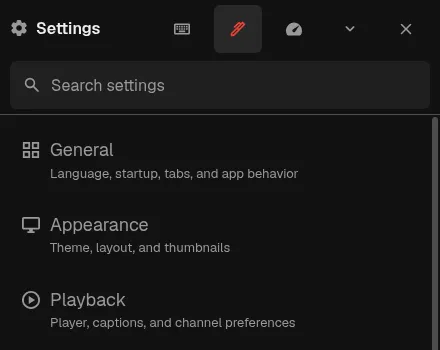
- Larger touch targets for search results and settings categories, with more space between settings header buttons. (#1341, #1355)
- Add an optional Lights Off player toggle that dims the app around your video and remembers its state in each tab. (#1364)
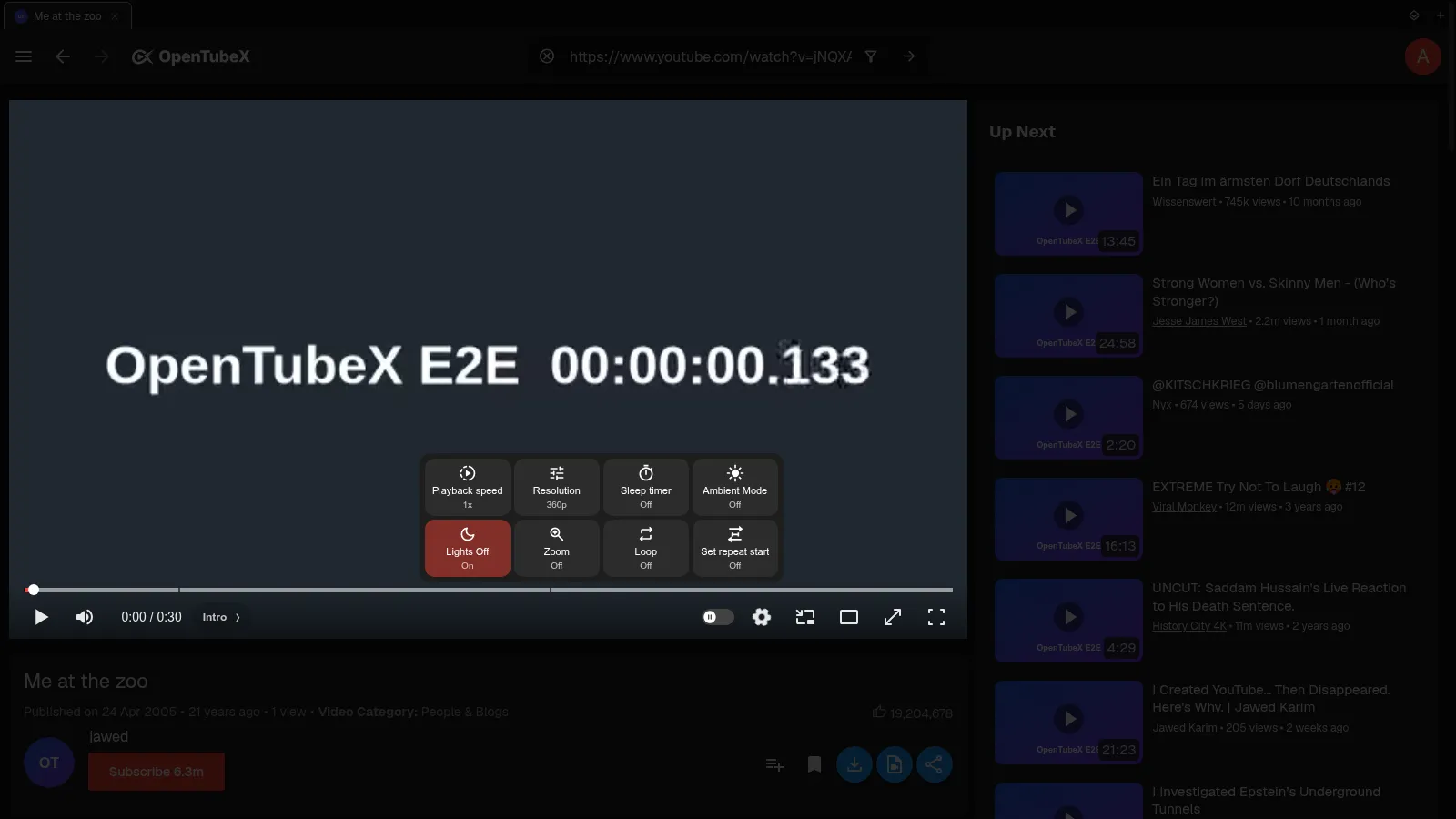
- Customize how long the interface stays visible during fullscreen playback in Distraction Free settings, with consistent spacing between slider values and their units. (#1363)

- Removed the three-dot menu on video cards and unified it into the right-click context menu. You can get it back by enabling “Show video menu button” in Appearance settings. (#1360, #1361)
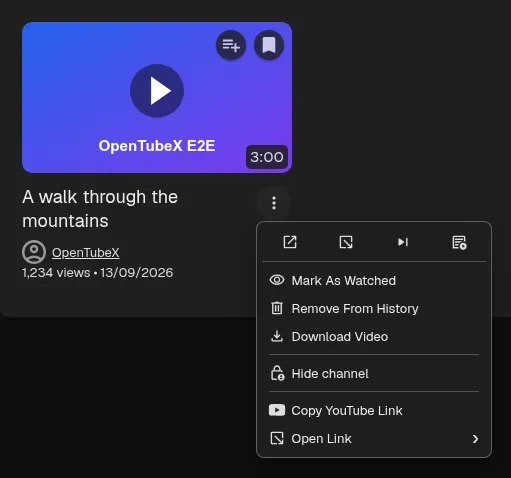
- Repair missing history metadata and incorrect live badges with the new Repair History button. (#1383)

- Control playback from the tray, toggle the window with a click, and choose whether minimizing or closing sends it to the tray, including minimizing on KDE Wayland. (#1380)

- Mark videos as fully seen to fill their watch progress, from the video menu or a configurable thumbnail action. (#1378)
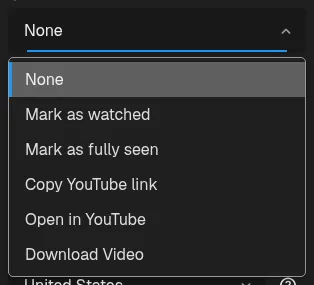
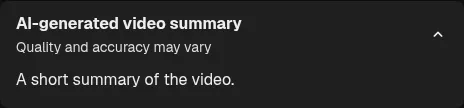
- Read YouTube’s AI video summaries below the description, or hide them in Distraction Free settings. (#1384)

- Reopen recently closed windows with Ctrl+Shift+N. You can change the shortcut in Settings. (#1379)
- Select mobile tabs with checkboxes to close them together, or close tabs before, after, or other than the current tab. (#1419)

- Remove saved channel settings directly from the watch page or quick playback speed bar. (#1409, #1417)
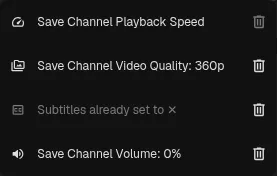
- Lights off and end-of-video recommendations now fade smoothly into view, with a fade out when lights off is disabled. (#1412, #1416)

- There is now a sync indicator in the app header which can be hidden from Distraction Free settings. (#1457)
- Copy the current video, channel, playlist, hashtag, or post URL with Ctrl+Shift+C, or Cmd+Shift+C on macOS. (#1418)
- Improved Android playback and browsing performance, with lower memory use in long feeds and more responsive download controls. (#1464)
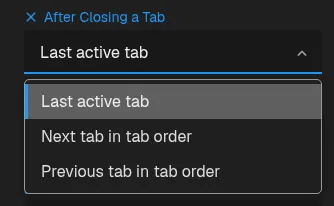
- Closing a tab now returns to the last active tab by default. You can still choose the next or previous tab in Settings. (#1466, #1467)
Fixed bugs
- Connection warnings now follow device connectivity, and subscription failures appear in one compact summary with copyable details for every affected channel. (#1276)
- Open downloaded files on Android without a false “file could not be found” error, and fix retrying, pausing, cancelling, and removing downloads. (#1270)
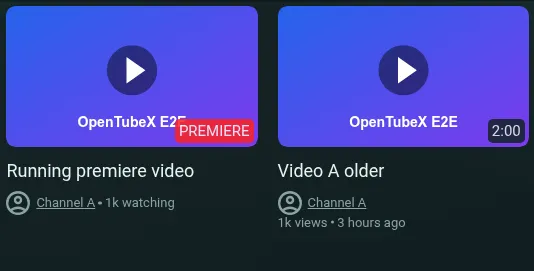
- Premiere titles and metadata now use the same theme colors as other videos. (#1277)
- Fixed chapter centering after copying a timestamp, using the keyboard, or selecting a chapter. (#1271)
- Fixed replaying finished videos on Android, with a replay button below recommendations or in the center when recommendations are hidden. (#1280)
- Play downloaded videos and audio without an internet connection, including on Android. (#1266, #1275)
- Fixed incorrect publication dates on videos after their premieres finish. (#1281)
- Fix Shorts subscription refreshes for channels whose automatic YouTube Shorts playlist is unavailable. (#1289)
- Channel pictures and video and playlist card thumbnails now retry failed loads automatically. (#1287)
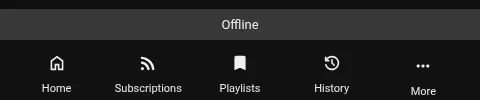
- Detect offline connections more reliably, avoid offline startup errors, and keep a full-width connection banner clear of notifications. Internet connectivity checks can be disabled in Privacy settings. (#1291)
- Fixed a square hole appearing in the Android mini-player when scrolling during a playback backoff countdown. (#1300)
- Prevent audio/video desynchronisation when YouTube serves mismatched edits across video formats. (#1263, #1269)
- Keep background videos scheduled to load after restarting the app while the selected video is still loading. (#1290)
- Fixed thumbnail progress showing 100% for partially played videos marked as watched, including when Watch Percentage Threshold is set to 0%. (#1294, #1297)
- Improved security by restoring browser origin protections and isolating YouTube player-script execution. (#1273)
- Keep the connection banner at the bottom when mobile settings or sheets cover the navigation bar. (#1305)
- Show the timeout indicator on failed-channel notifications after subscription refreshes finish. (#1306)
- Keep the comments loading spinner visible when scrolling to load more comments on desktop. (#1339)
- Hovering a comment reply connector now highlights its connected thread, and only the top-level thread shows a hide-replies button. (#1320)
- Scrollbars in mobile dialogs and menus stay in place during swipes. (#1317, #1335)
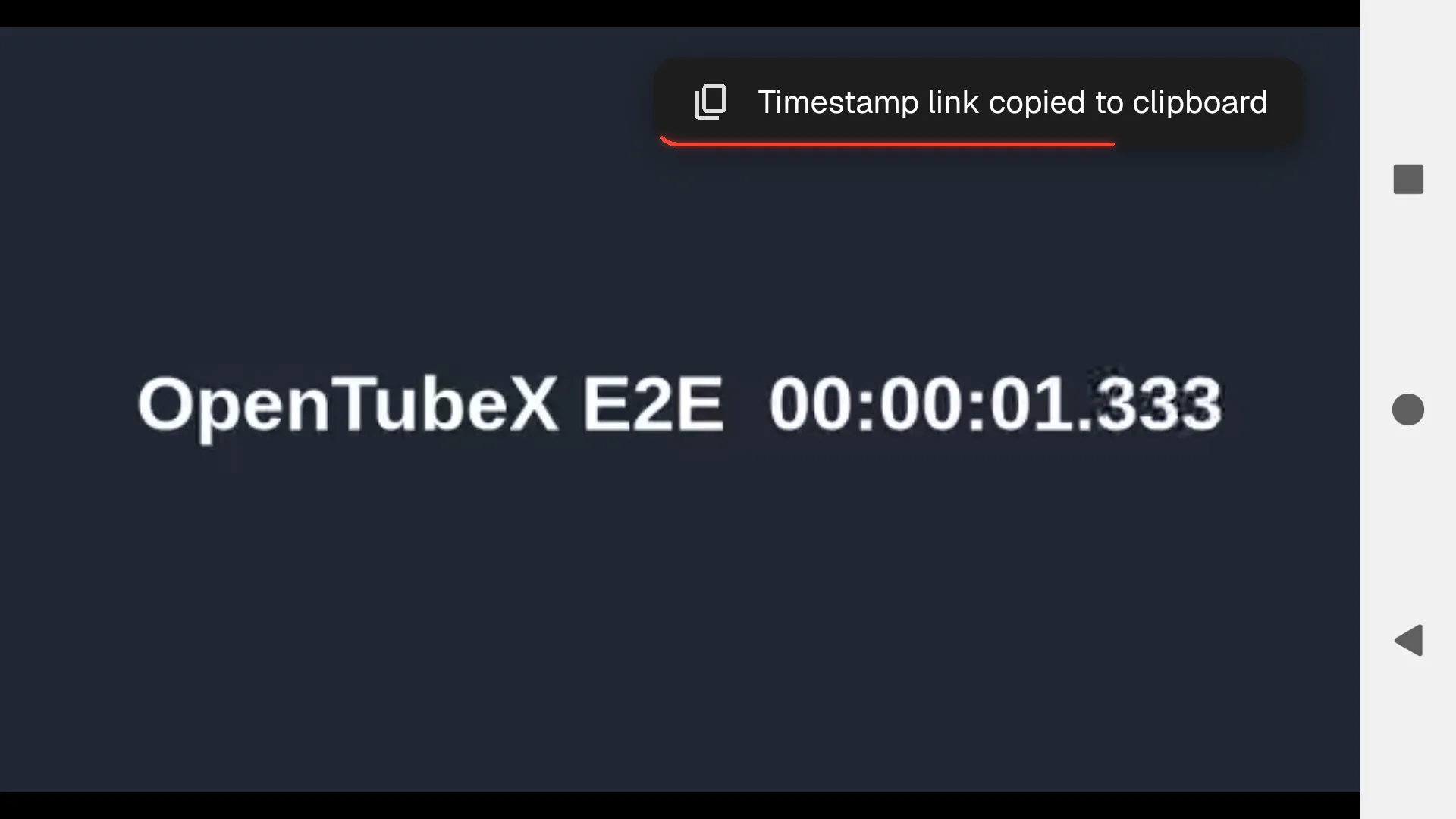
- Fixed toast notifications being hidden or misplaced during fullscreen video playback on Android. (#1324)
- Downloaded videos and audio no longer show an offline warning while seeking, and sync waits for connectivity instead of timing out while offline. (#1344)
- Keep Android video centered and aligned during scrolling, and move the global progress bar with the hiding bottom navigation. (#1350)
- Remove the redundant OpenTubeX suffix from other-device tab titles in the phone tab switcher. (#1316, #1321)
- Fixed Android seekbar thumbnail previews appearing behind the playback controls. (#1338)
- Subscription refreshes on Android now continue after dismissing the app from recent apps. (#1330)
- Fixed overflowing mobile context menus and cramped channel lists. (#1353)
- Reduced stuttering while subscription feeds refresh with synced seen-video marks. (#1342, #1354)
- Restore missing channel names and links in subscription Shorts feeds after refreshing. (#1356)
- Fixed Android subscription refreshes freezing after the app is dismissed from recent apps. (#1357)
- Fixed videos failing to load or showing missing metadata when YouTube omits parts of its response. (#1366)
- Fixed chat replay messages disappearing when playback updates are delayed. (#1367)
- Handle newer YouTube description, loading, interstitial, and comment responses without parser errors. (#1343)
- Reduce lag when live chat replay delivers many messages at once. (#1373)
- Stopped newly synced videos with unknown durations from being labeled LIVE and preserved known video durations during history sync. (#1372)
- Fixed Electron listener warnings when many video tabs are open. (#1374)
- Prevent playback token generation from corrupting special characters in YouTube configuration values. (#1371)
- Android videos now return to fullscreen after player reloads, including SABR recovery. (#1377)
- Fixed live chat failures and repeated parser warnings caused by newer YouTube response formats. (#1381)
- Fixed mobile layouts and scrollbar bounds, custom-theme deletion and preview zoom, playlist menus, channel tab avatars, toast wrapping, player touch targets, and Android fullscreen playback. (#1376, #1382)
- Fixed wrapping, overflow, and excessive spacing in mobile settings and search results. (#1387)
- Up Next recommendations no longer appear empty briefly after the loading placeholders disappear. (#1415)
- Keep the disconnected indicator clear of vertical tabs. (#1408)

- Improve mobile playback transitions and touch controls, and support saved YouTube sessions for more reliable Android downloads. (#1375, #1390, #1393, #1394, #1395, #1396, #1403, #1404, #1405, #1406, #1422)
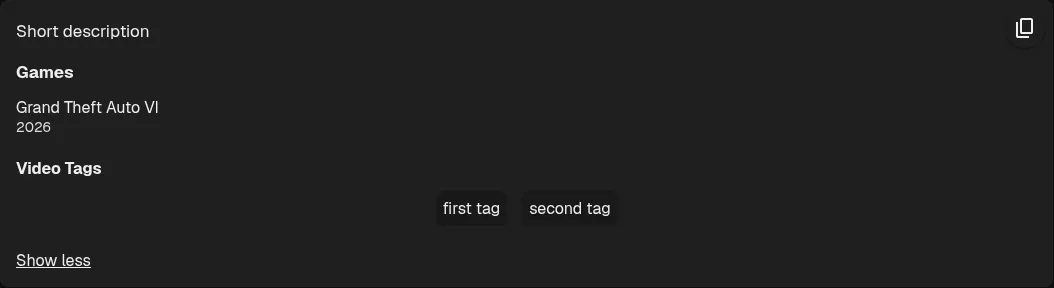
- Fixed descriptions with video tags, games, or license information expanding automatically without More/Less controls. (#1411)
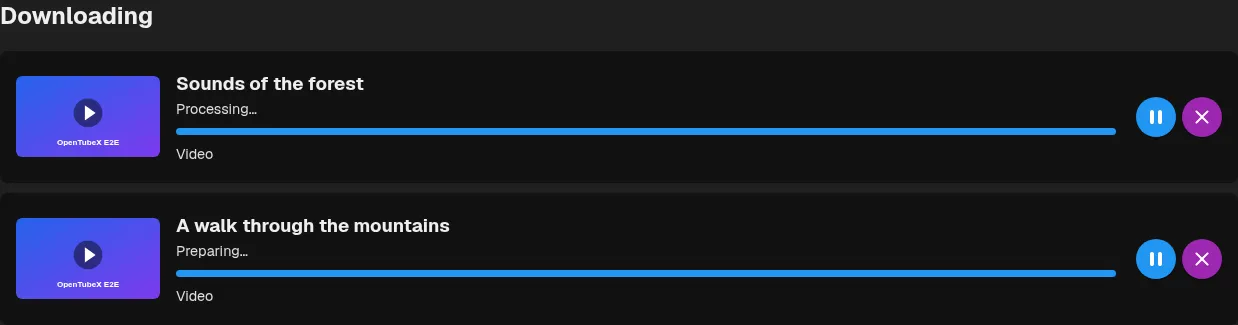
- Downloads now show preparation and processing phases instead of appearing stuck at a percentage. Clearing download history preserves queued and paused downloads. (#1424, #1425)
- Keep the subscription cache compact during long desktop sessions to prevent slow startup after an interrupted shutdown. (#1427)
- Fixed Android search overlays, offline channel settings and return from background playback, with clearer queue previews, wrapping summary text and notification categories. (#1458)

- Hide unavailable statistics and network actions during offline playback while preserving local controls. (#1462)
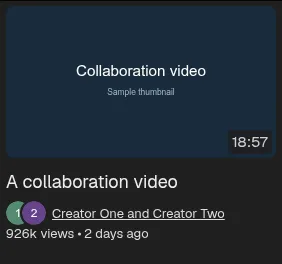
- Collaboration videos now show all channel avatars in an overlapping row in grid and list views. (#1460)
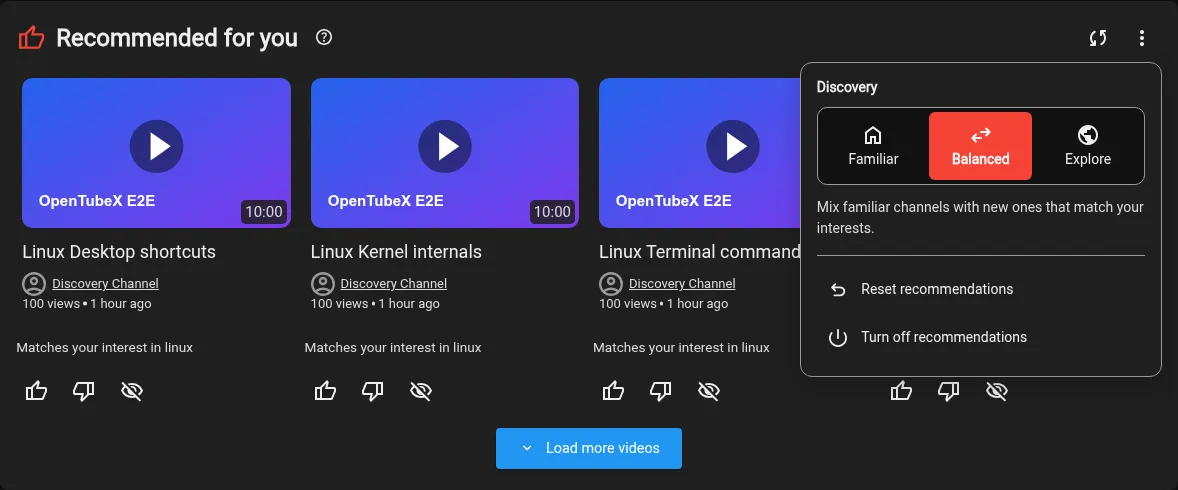
- Home recommendations now show filled thumbs for your feedback and keep disliked videos visible until you refresh the feed. (#1461)


- Fixed toast notifications wrapping unnecessarily when there is enough window space. (#1421)

- Save your new playback position when leaving a video before it finishes buffering. (#1452, #1423)
- Fixed settings search results opening only the parent page instead of the matching subpage and highlighting the control. (#1463)
v0.34.1 Beta
note
This release switches the browser-based player on Android with a native video player. It might be a bit laggy when scrolling on watch pages at this time. It’s already better in the nightly which I recommend to use on Android right now.
Highlights
- Android now supports yt-dlp playback and downloads, including formats, subtitles, automatic downloads, queue controls, and offline playback. (#1156, #1162)
- Get personalized recommendations for unwatched videos on Home, with local learning, discovery controls, and feedback to refine your feed. (#945, #1157)
- Choose OpenTubeX Light or OpenTubeX Dark for homepage-inspired teal colors and soft gradient backgrounds. (#1144)
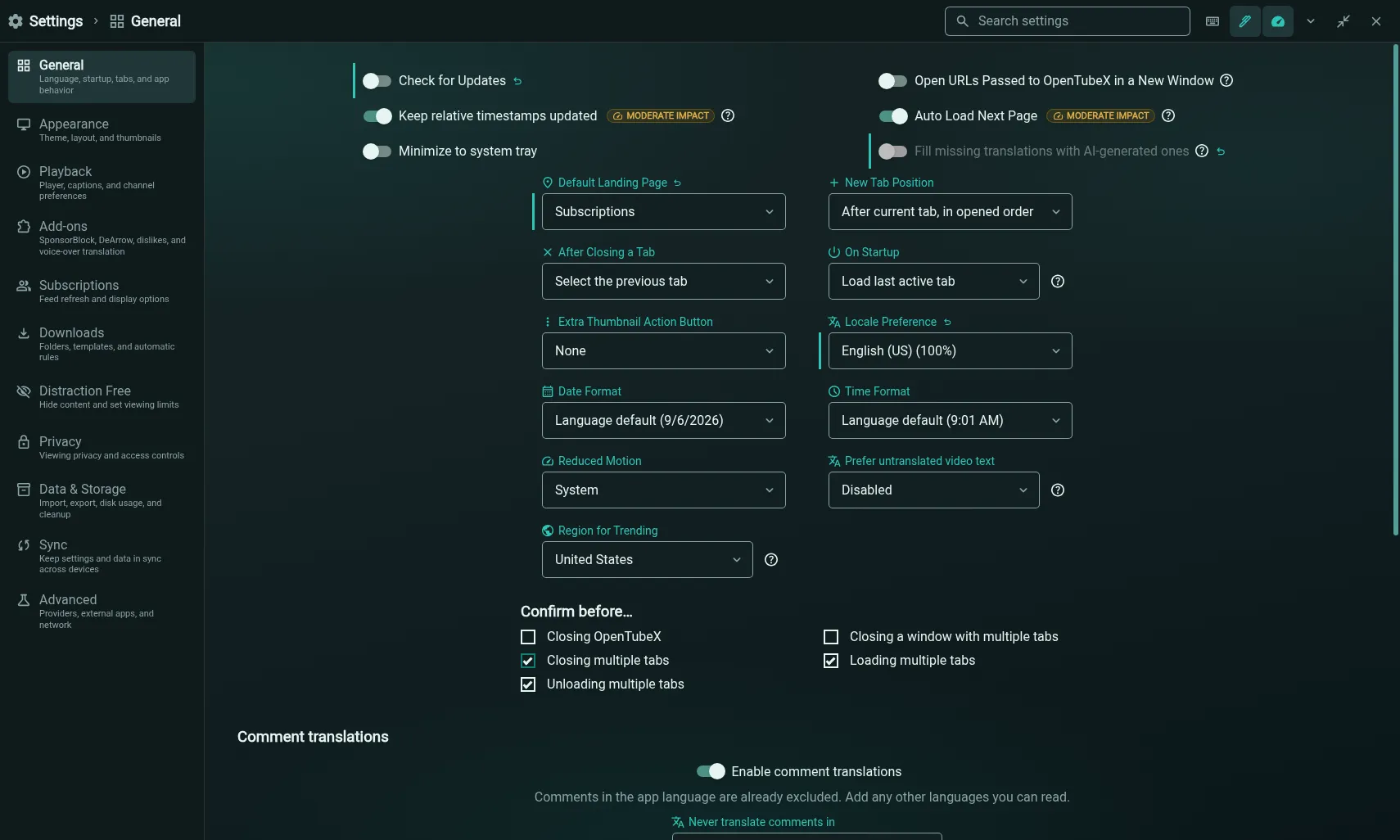
- Android uses native video playback to keep audio continuous through screen lock and Picture-in-Picture, with improved player controls, gestures, and fullscreen behavior. (#1094, #1180)
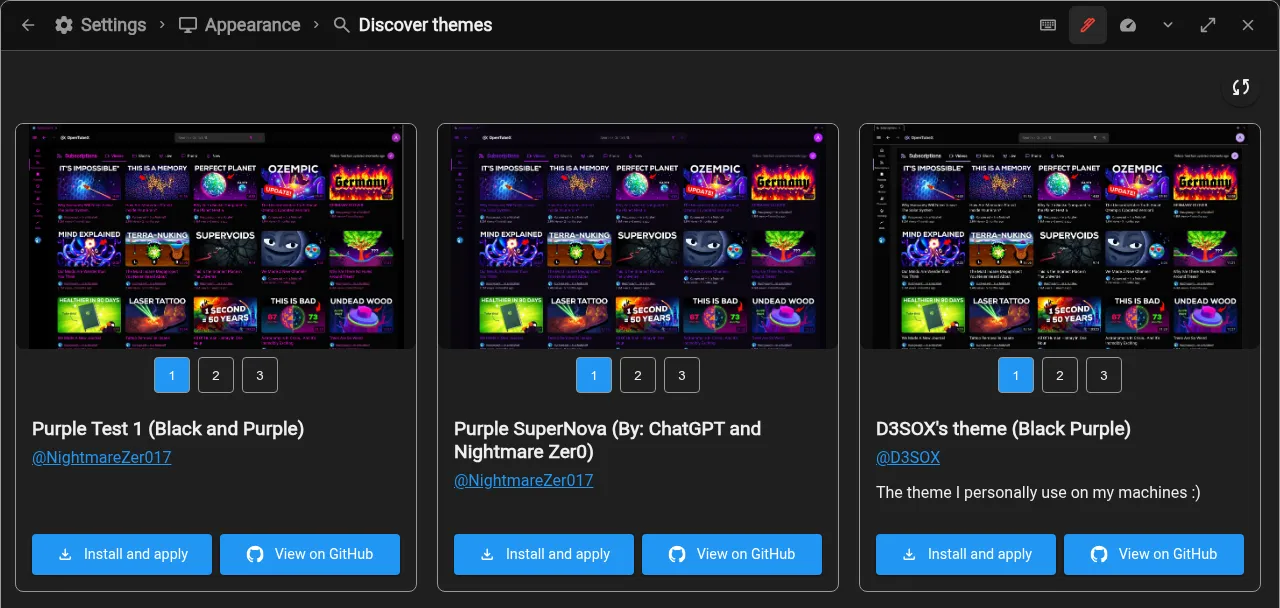
- Discover community themes in Appearance settings, preview their screenshots, and install, apply, or update them in one click. (#1204)
More improvements
- Click comment thread lines to expand or collapse replies, with hover highlighting to show which thread you control. (#1158)
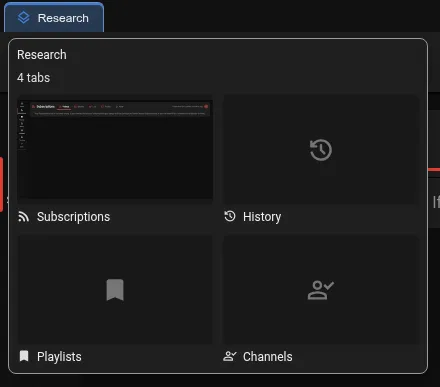
- Tab groups now show tab previews with titles and icons in a custom tooltip. (#1169)
- Android’s tab organizer now shows page icons and available channel avatars for tabs from other devices. (#1170)
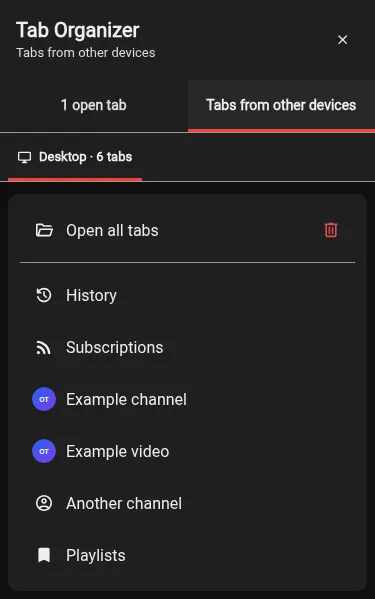
- Subscription premieres now refresh their watching count and automatically become normal videos when they finish. (#1168)
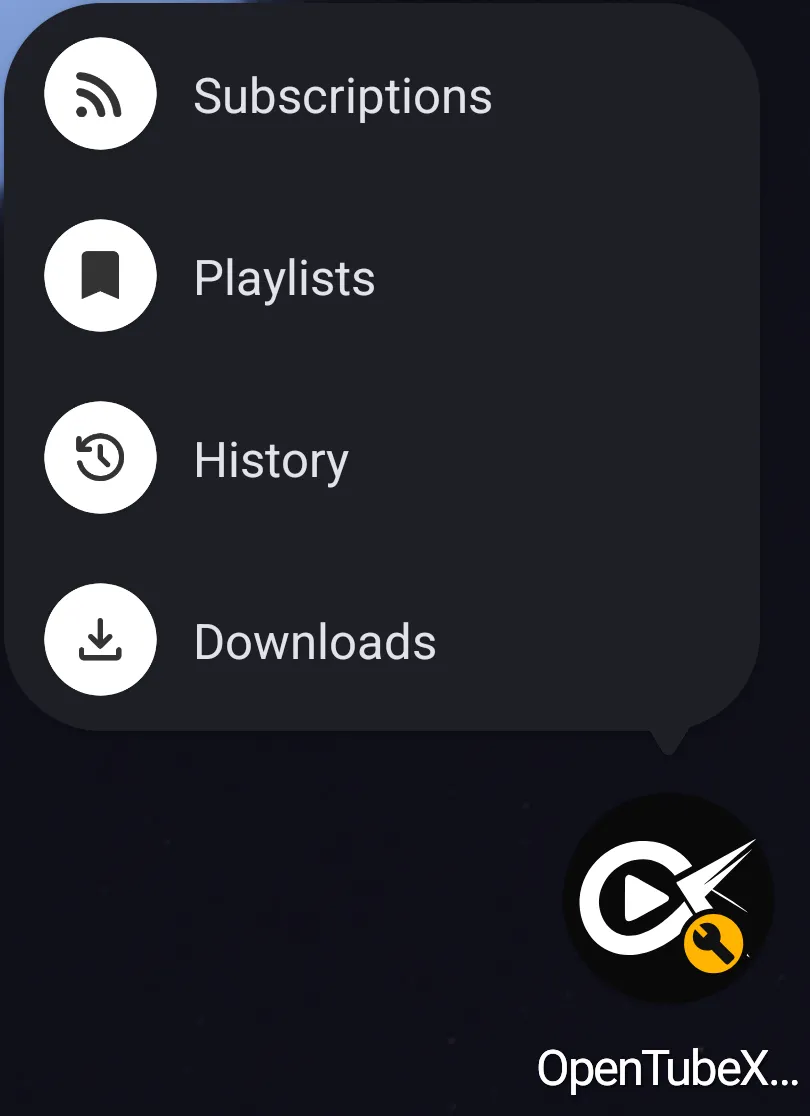
- Long-press the Android app icon to open Subscriptions, Playlists, History, or Downloads. (#1181, #1183)
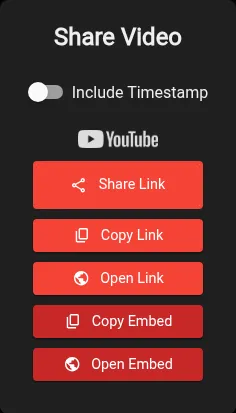
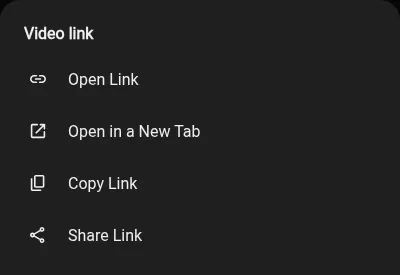
- Share links with Android’s native share picker from the share panel or a thumbnail’s long-press menu. (#1178)
- Browse phone tabs with real page previews, hold for actions, and drag to rearrange tabs on phones and tablets. (#1179)
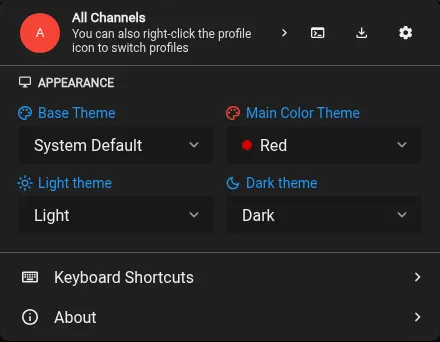
- You can now add optional light and dark theme selectors through the Quick Settings customizer. They appear when using System Default and are not added by default. (#1175)
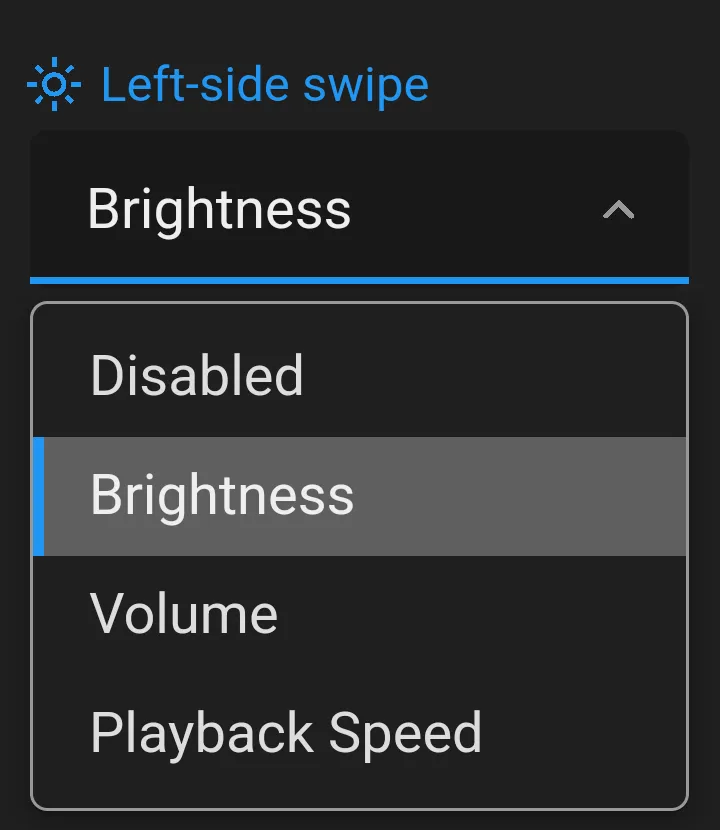
- Configure left and right video swipes to adjust brightness, volume, or playback speed on mobile, with an optional full-brightness setting for fullscreen playback. (#1201)
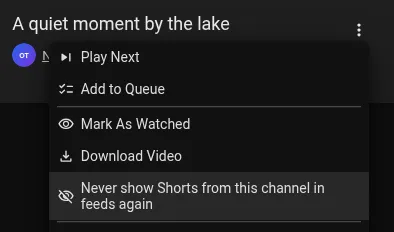
- Ask for confirmation before opening all synced tabs from another device. (#1211)
- Hide a channel’s videos, Shorts, live streams, or posts directly from the subscription feed’s three-dot menu. (#1216, #1217)

- Pull down to refresh pages in the Android app, with an option to disable the gesture. (#1225, #1226)
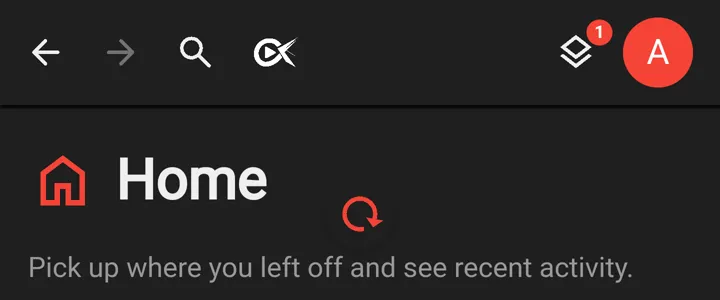
- Copy complete YouTube playlists into editable local playlists, then add missing videos from the source whenever you choose. (#1227, #1228)
- When autoplay is off, finished videos show a darkened poster with recommended videos and hide end-screen annotations. (#1231)
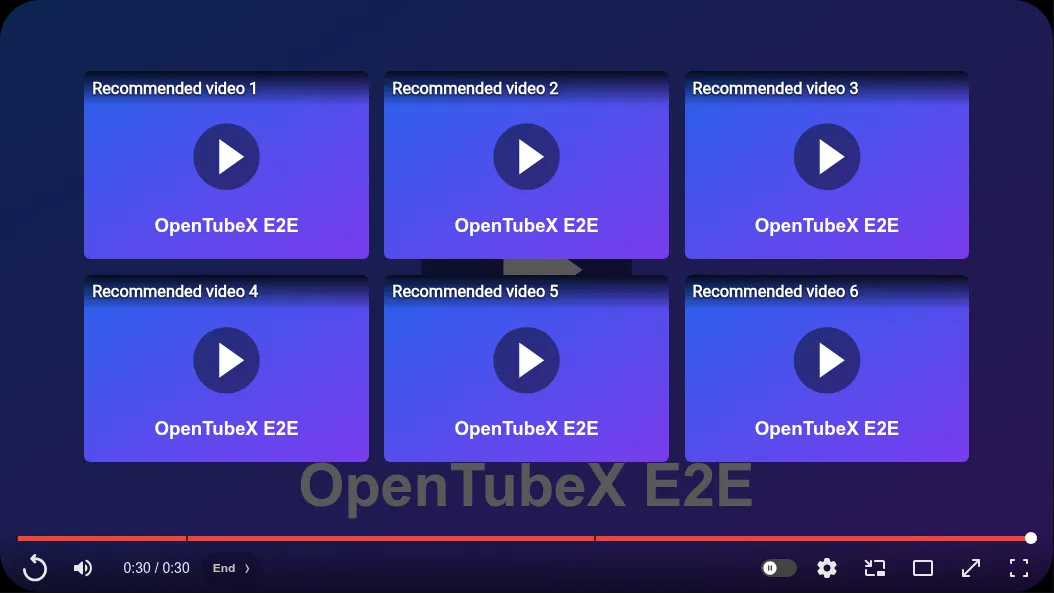
- Videos marked as seen now sync across devices when history sync is enabled with enhanced privacy and a supporting sync server. (#1208, #1209)
- Mobile now supports settings for tab position, selection after closing, startup restoration, and remembering back/forward navigation history. (#1236)
- Android now supports moving Settings to the header, voice-over translation, choosing the app font, and adjusting UI Scale from 75% to 150%. (#1242)
- Wait for lost connections to recover, with a reconnecting banner and a brief green “Back online” confirmation, without repeated API error notifications. (#1239)

- Unseen subscription posts can now be marked as seen from their options menu. (#1249)
- Android now supports HTTP, HTTPS and SOCKS proxies for playback, downloads and background requests, with no direct fallback when the proxy fails. (#1240)
- Faster startup when restoring many loaded tabs, especially on slower CPUs. (#1252)
- Set upcoming video preloads to 0 to use only manual playlist preloading, and run up to 32 concurrent preloads. (#1235, #1237)
- Desktop startup now shows a themed splash with a continuous loading bar and a curtain reveal when the app is ready. (#1256)
- See repeat count and time spent below looping videos, with an option to hide the stats in Distraction Free settings. (#1248)

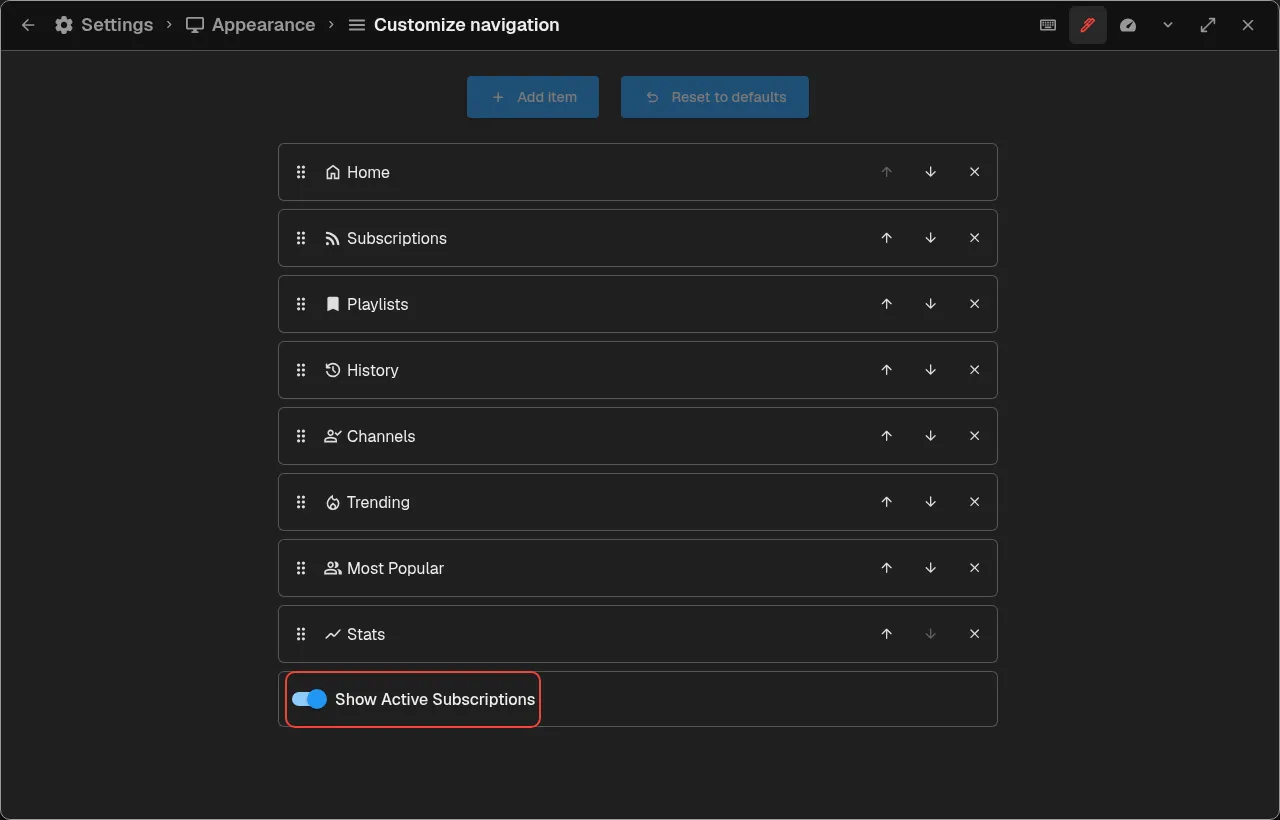
- Moved the sidebar subscription visibility setting from Distraction Free settings to Appearance → Customize navigation. (#1206)
Fixed bugs
- Restored network access in Windows portable builds. (#1163, #1165)
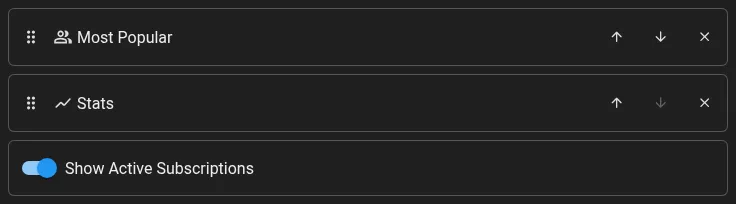
- Fixed touch reordering in navigation and quick settings customization, including scrolling to offscreen items, and disabled reset buttons when already at defaults. (#1167)
- White secondary buttons now match the visible size of colored buttons. (#1173)
- Fix the Android crash when pairing another device by using a native QR scanner. Android 8 or newer is now required. (#1184)
- Fixed mobile page scrolling around the chapters panel and added long-press actions to subscription feed tabs. (#1190)
- Settings, Downloads, About, and the profile manager now stay maximized on phones in landscape and on tablets. (#1177)
- Fixed saved playback positions resetting when leaving a video during startup. (#1194)
- Fixed a profile sync error that could interrupt synchronization when connecting a second device. (#1171, #1172)
- Fixed history duration badges showing fractional seconds and long decimal fragments. (#1191, #1192)
- Hide the subscription settings arrow for channels you are not subscribed to in the active profile. (#1166)

- Fixed screenshot copying and file exports on Android, including automatic screenshot saving to the folder selected in settings. (#1203)
- Phone video and Shorts grids now show two columns at the default thumbnail size, with smaller cards and a full-width maximum. (#1214)
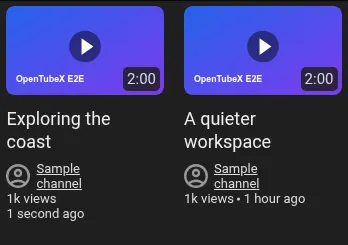
- Avoid extra SABR startup waits and keep video thumbnails visible during countdowns. (#1221)
- Restored spacing between community-post images and the like and comment row. (#1229)
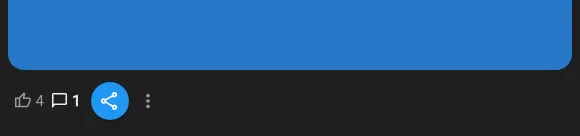
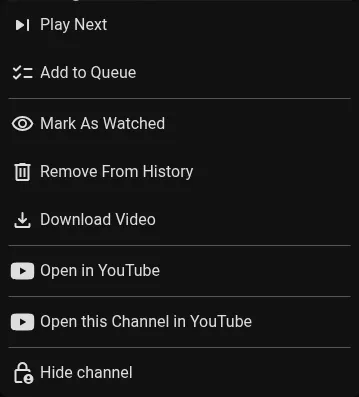
- Removed duplicate copy-link and embedded-player actions from video menus, made three-dot menus easier to use on phones, and kept video actions inside narrow layouts. (#1230)
- The playlist video counter now sits below the playlist title without overlapping it. (#1195, #1198)
- Playback speed changes and resets now show a speedometer icon beside the multiplier. (#1244)
- Changelog images now keep their correct proportions on mobile and desktop. (#1247)
- Android encrypted sync now honors its transfer timeout instead of failing after 30 seconds. (#1251)
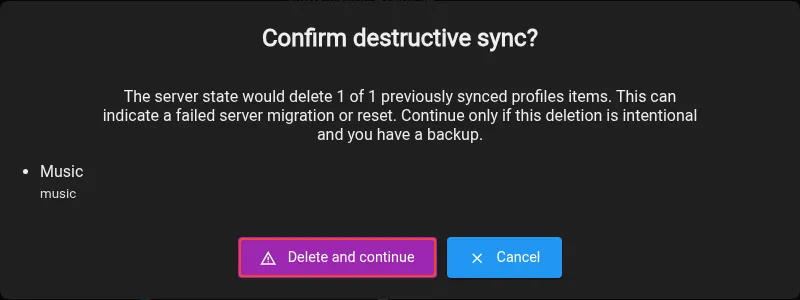
- Sync now warns when destructive changes block it, identifies the affected items before confirmation, and restores previously enabled automatic sync after a successful retry. Existing users with automatic sync off receive a dismissible notice with an option to enable it again. (#1253)

- Fixed “Mark all as seen” being disabled in the tabbed New subscriptions feed while another feed refreshes. (#1241)
- Fixed metadata history missing thumbnail changes when the image URL stays the same. (#1210)
- YouTube Mix playlists now load through Invidious, and unknown video counts show an infinity indicator instead of -1. (#1219, #1223)
- New foreground tabs are selected immediately, and slow-loading tabs no longer steal focus after you switch elsewhere. (#1257)
- Shorts mini players now hide duplicate controls and use a size comparable to normal videos when switching tabs. (#1243)
- Fixed middle clicks starting autoscroll instead of opening videos while a new-tab animation is running. (#1259)
- Fixed Shorts showing a pause button while paused after opening in a background tab. (#1261)
- Fixed chapter centering, Shorts menu dismissal and completion tracking, phone Shorts controls, and startup tutorial keyboard focus. (#1264)
- Keep the B repeat marker visible when it is set after a video ends. (#1265)
v0.34.0 Beta
important
Windows portable builds now store all application data in an
OpenTubeX-datafolder beside the executable. Before starting the updated portable build, existing users must copy or move the contents of%APPDATA%\OpenTubeXintoOpenTubeX-datato keep their settings and profile.Highlights
- YouTube Music audio tracks and audio-only formats now use a dedicated artwork player with an optional visualizer. (#393, #1035)

- There is early Android app support now with Local API playback, notifications, deep links, picture-in-picture, full-screen swipe gestures, background playback and subscription refresh. When using sync tab sessions are now also stored separately per device with an option to open tabs from other devices or have them synced together. (#1049)
More improvements
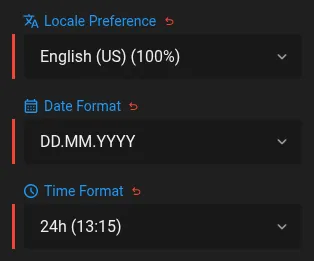
- Choose date and time formats independently of the app language. (#969, #1027)
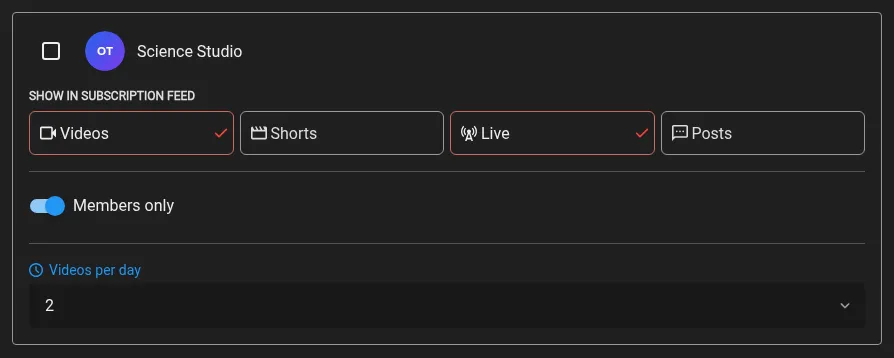
- Choose which feed types each subscribed channel may show, set a daily video limit, and opt into members-only videos when yt-dlp playback cookies are configured. (#550, #846, #1036)
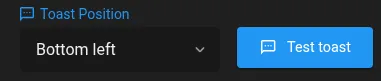
- Added a test toast button beside the toast position setting. (#1040)
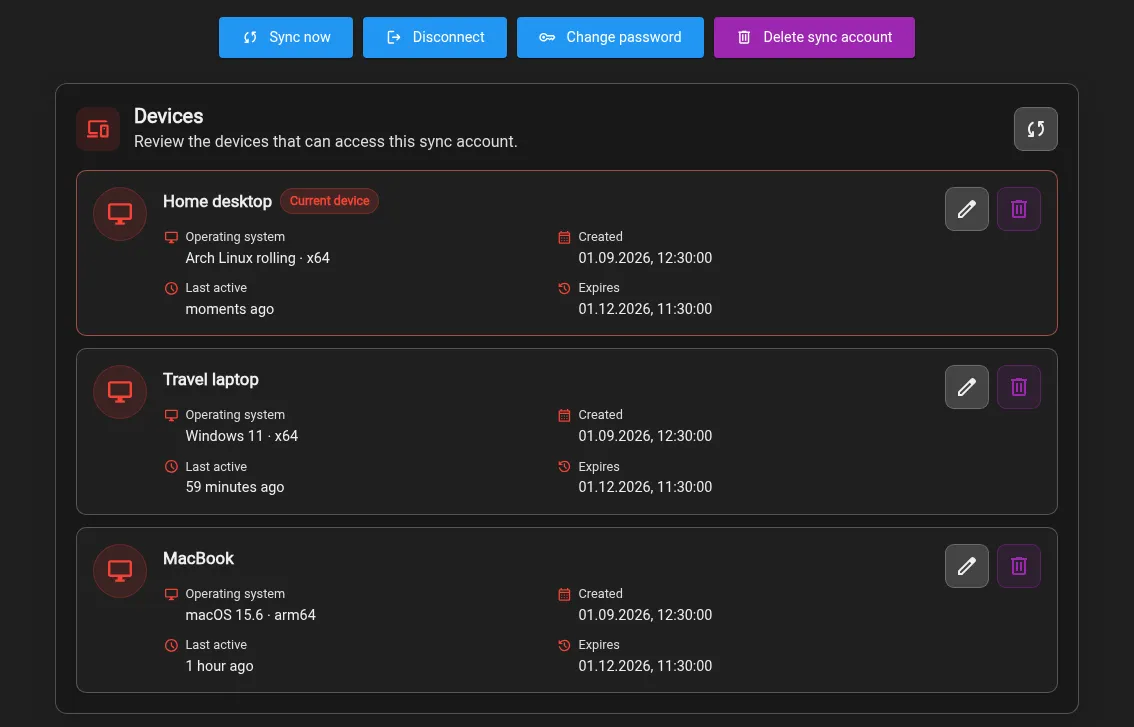
- Manage signed-in sync devices, rename them, review system details, revoke sessions, and change your sync password. (#942, #1042)
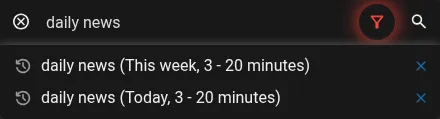
- Search history can now save the same query with different filters and restore each preset exactly. (#526, #1043)
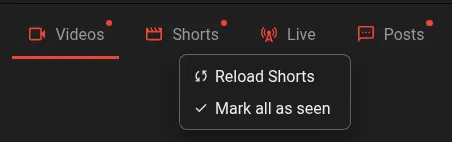
- Subscription New feed tabs now show which categories have unseen content and let you mark a category as seen from its context menu. (#1047)
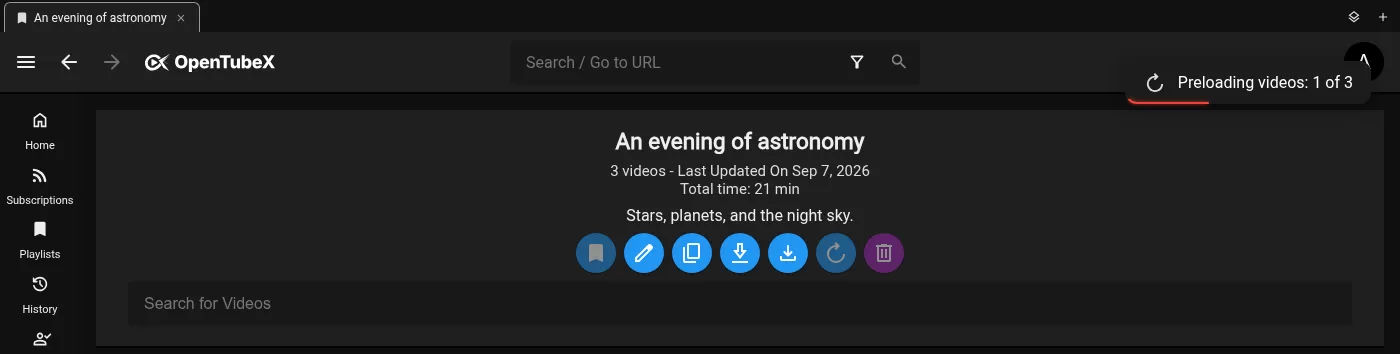
- Preload upcoming yt-dlp videos automatically or cache an entire playlist before watching. (#1045, #1053)
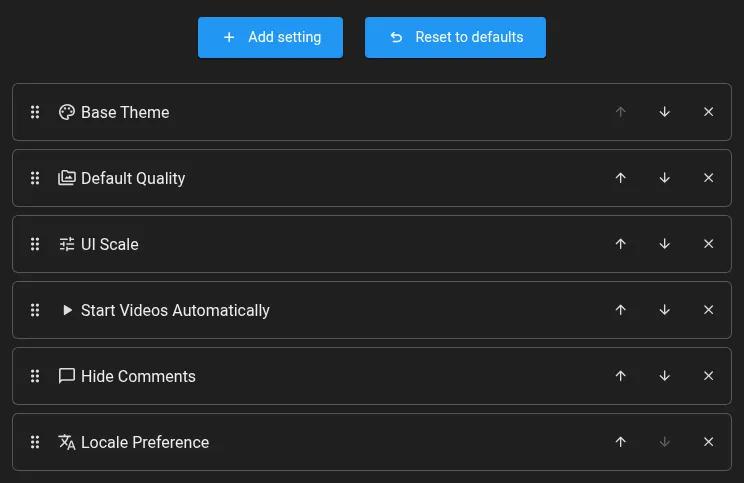
- Customize which basic controls appear in Quick Settings from the Appearance settings. (#1046, #1059)
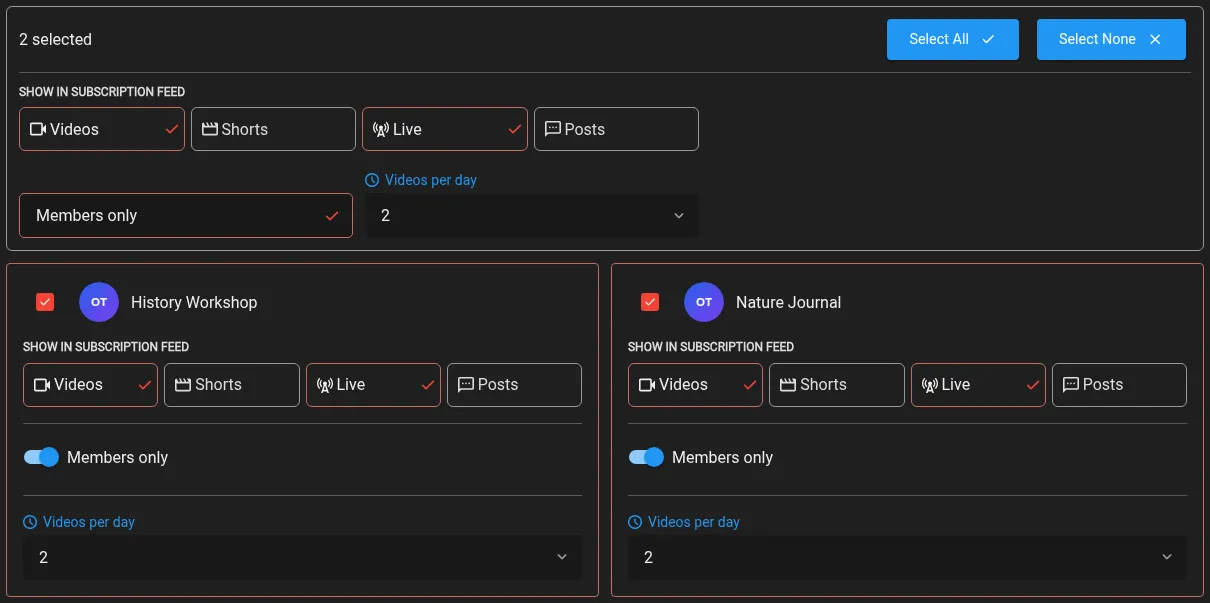
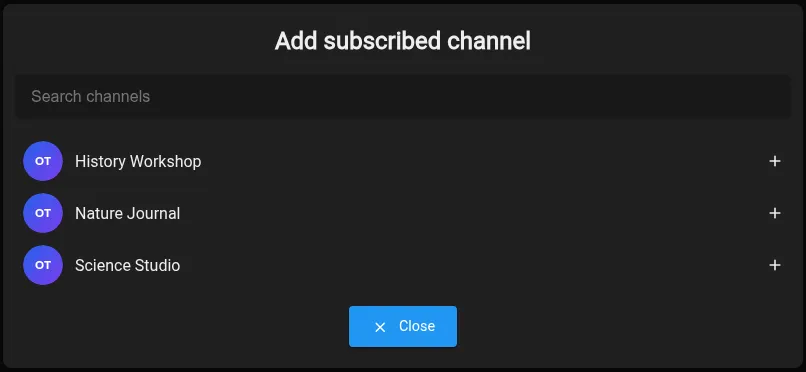
- Batch-edit subscription display and playback preferences, and add subscribed channels directly to Saved Channel Settings. (#1060)
- Automatic Picture-in-Picture on minimize now works on KDE Plasma Wayland and the focus loose trigger ignores opening stuff like the start menu, KRunner, etc. (#1075)
- You can now assign a keyboard shortcut to open the tab organizer. (#1076)

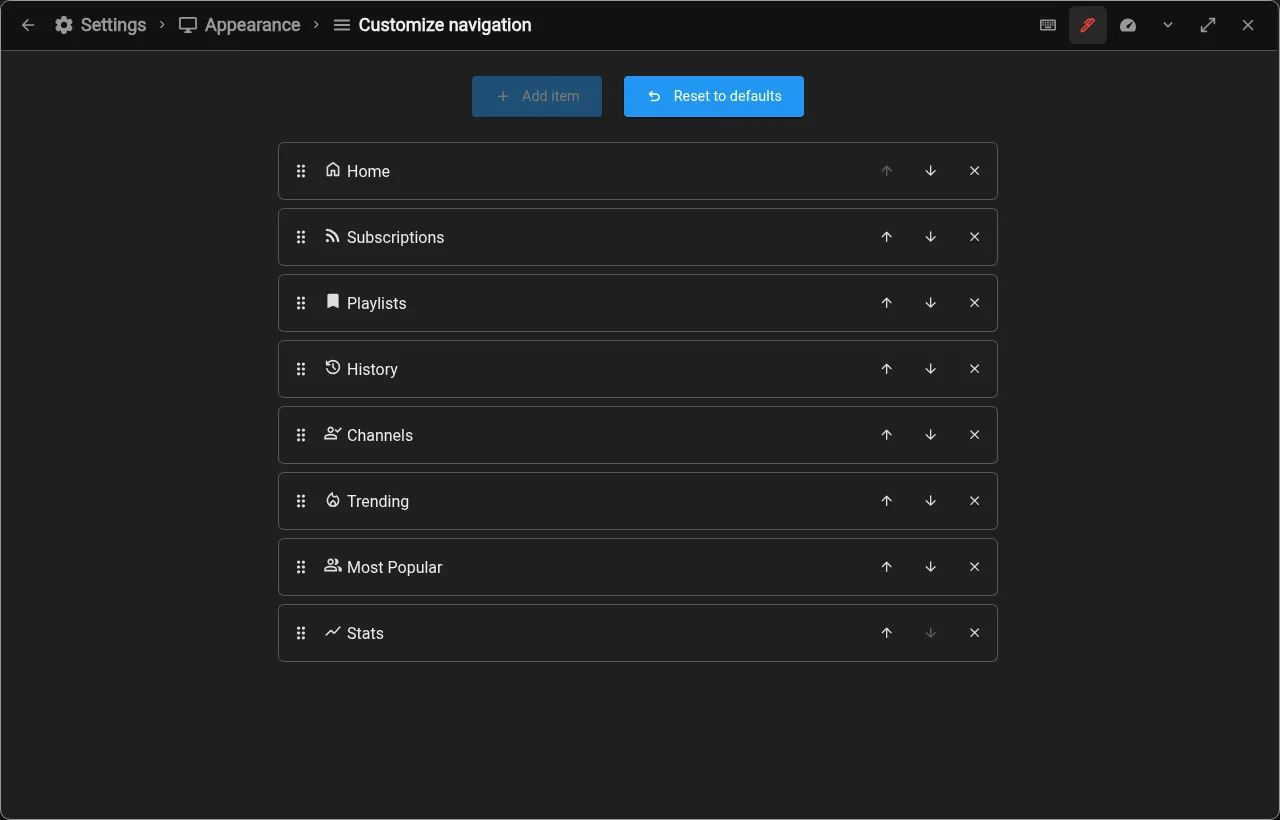
- Customize which destinations appear in the navigation bar, and reorder them from Appearance settings. (#1092)
- Configure up to eight concurrent yt-dlp preloads from the new yt-dlp Streaming playback section. (#1096, #1105)

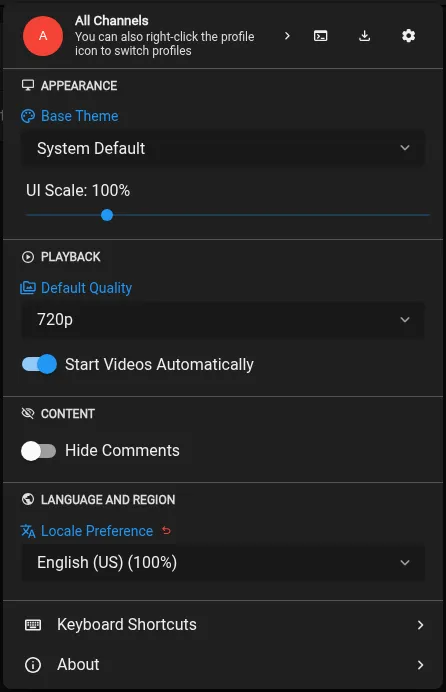
- Quick Settings now shows an icon beside each category heading. (#1107)
- Import custom themes directly from the clipboard in the theme editor. (#1135)

- Reload tabs with F5 as an alternative to Ctrl/Cmd+R. (#1095, #1103)
- Reduce unnecessary background work in player controls, progress indicators, and interface animations. (#1146)
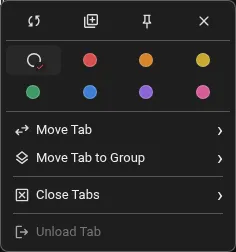
- Desktop tab context menus are more compact, with quick-action icons and a two-row color palette including pink. (#1148)
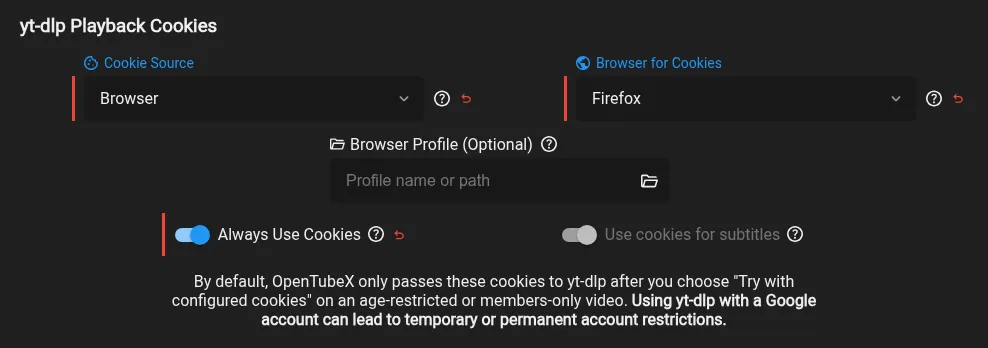
- Use your configured yt-dlp cookies for subtitles and automatic translations, either separately or through “Always Use Cookies”. (#1126, #1141)
Fixed bugs
- Added space between RTL channel names and the sidebar scrollbar. (#1024, #1026)
- Recently ended live streams can now play with yt-dlp extraction. (#1017, #1020)
- Videos that become public after a members-only period now appear as new in subscriptions. (#1038)
- SponsorBlock contribution stats no longer appear when submissions are disabled. (#1039)
- The tutorial highlight now follows navigation layout changes when resizing the window. (#1041)
- Restored Picture-in-Picture after the video player reloads. (#1050)
- YT-DLP playback now recovers from stream errors without reloading the watch page. (#1068)
- Playlist cards now update their video count and other metadata immediately when a playlist changes. (#1062, #1066)
- Windows portable builds now store all application data in an
OpenTubeX-datafolder beside the executable. Before starting the updated portable build, existing users must copy or move the contents of%APPDATA%\OpenTubeXintoOpenTubeX-datato keep their settings and profile. (#1073, #1074) - Playlists now continue automatically after Shorts instead of stopping or looping indefinitely. (#1078, #1081)
- Saved playlists now update their displayed metadata after they are opened. (#1084, #1086)
- A-B repeat now continues when point B is set to the end of a video. (#1087)
- Keep concurrent subscription sync edits and preserve seekbar thumbnails and duration when reusing cached playback data. (#1124)
- Picture-in-Picture no longer gets stuck after a video player is replaced. (#1119)
- System light and dark theme settings now only offer themes that match the corresponding color scheme. (#1104)
- Scroll-down and tab-switch mini players now remember their positions independently. (#1128)
- Saved channel playback settings now open faster with large channel lists, showing 24 channels per page. (#1134)
- Subscription refreshes are faster with large New feeds and continue when the Android app is in the background. (#1136)
- Keep encrypted sync accounts from silently falling back to plaintext when a server stops advertising encryption. (#1140)
- Fixed videos starting with a dubbed audio track instead of the original when using yt-dlp playback. (#1145)
- Fixed live streams and premieres stopping with error 4033 when external subtitles were available. (#1155)
- Rounded comment totals now follow the setting for shortening view and comment like counts. (#1160)
- Prevent sync from recreating deprecated playback-speed collections after their data has migrated to settings. (#1151)
- YouTube Music audio tracks and audio-only formats now use a dedicated artwork player with an optional visualizer. (#393, #1035)
v0.33.0 Beta
Highlights
- Navigate OpenTubeX with a standard gamepad, including menus, sliders, playback, and back controls. (#970, #984)
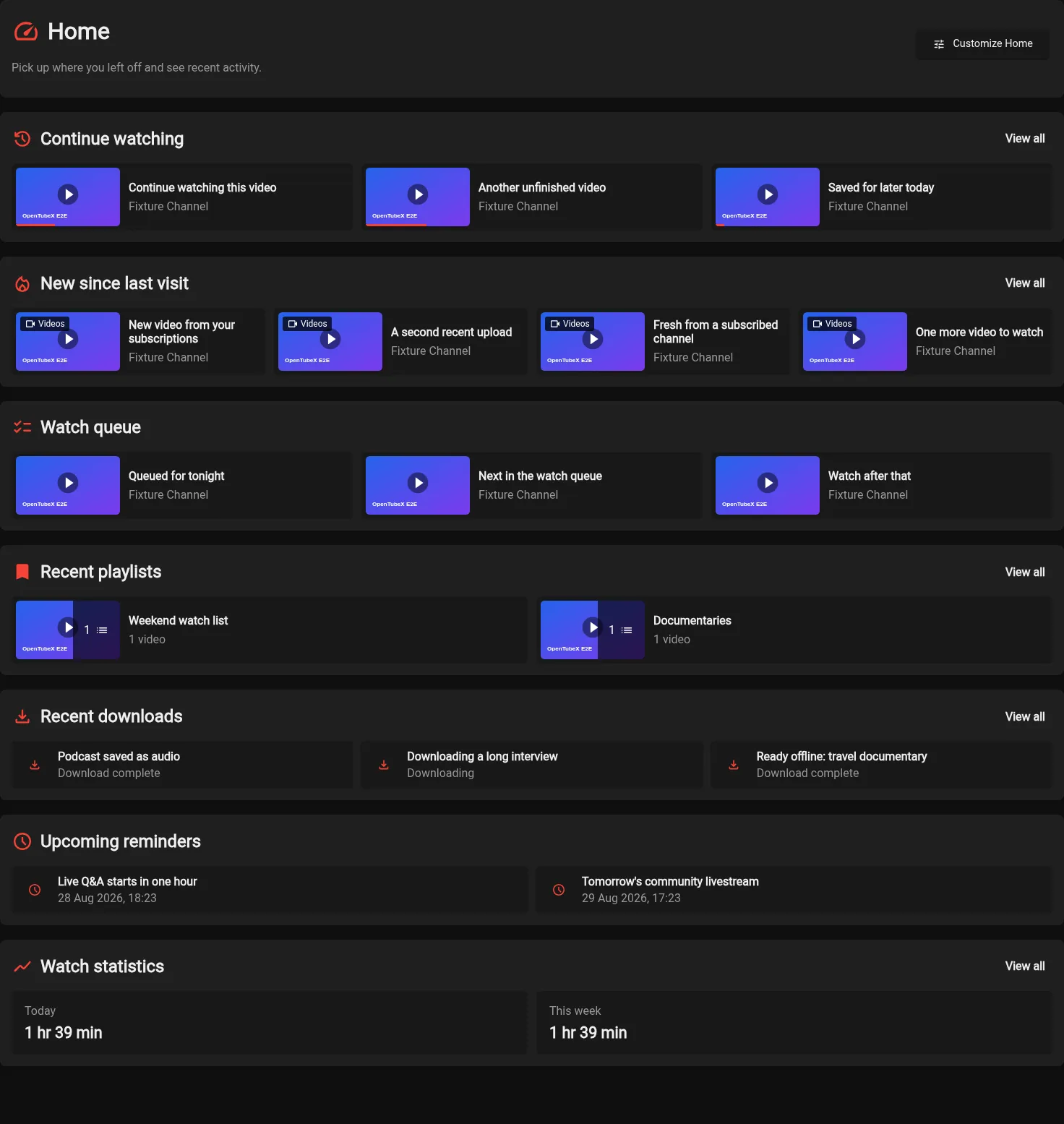
- Use the customizable Home page to resume videos and see recent subscriptions, queues, playlists, downloads, reminders, and weekly watch activity. (#855, #988)
More improvements
- Use browser-style shortcuts on internal links: middle-click opens a background tab, Ctrl-click or Cmd-click opens an active tab, and adding Shift opens a new window. (#847, #935)
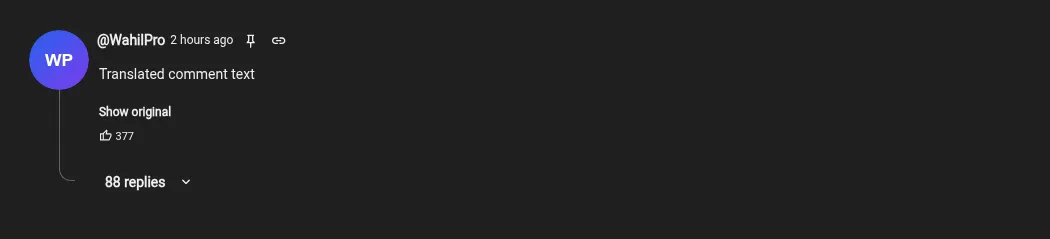
- Comments and replies can now be translated into the app language, with a Distraction Free setting to hide translation buttons. (#4292, #936)
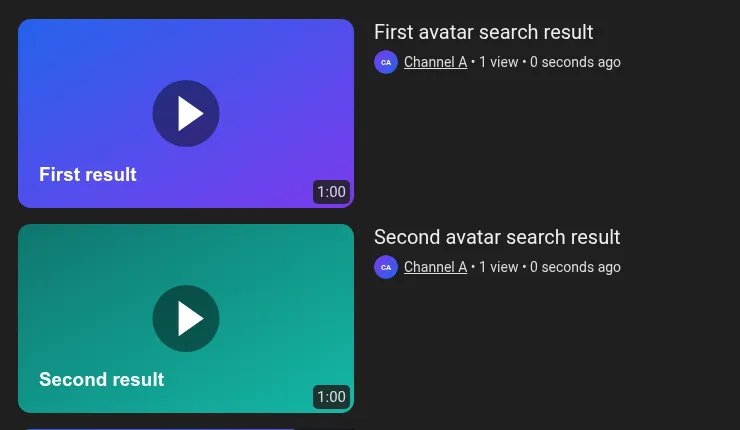
- Channel avatars now appear beside channel names in video and playlist results, with an option to hide them in Distraction Free settings. (#938)
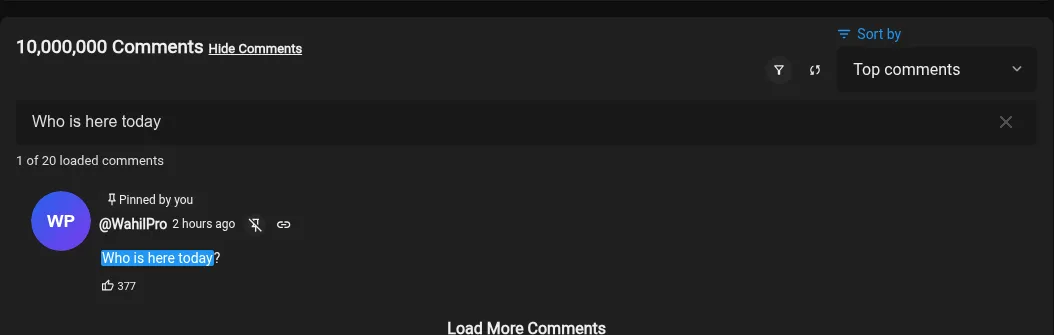
- Search loaded comments, filter comments from the video creator, and keep personal comment pins at the top. (#861, #889, #939)

- Keep a mini player on screen while switching tabs. (#827, #937)
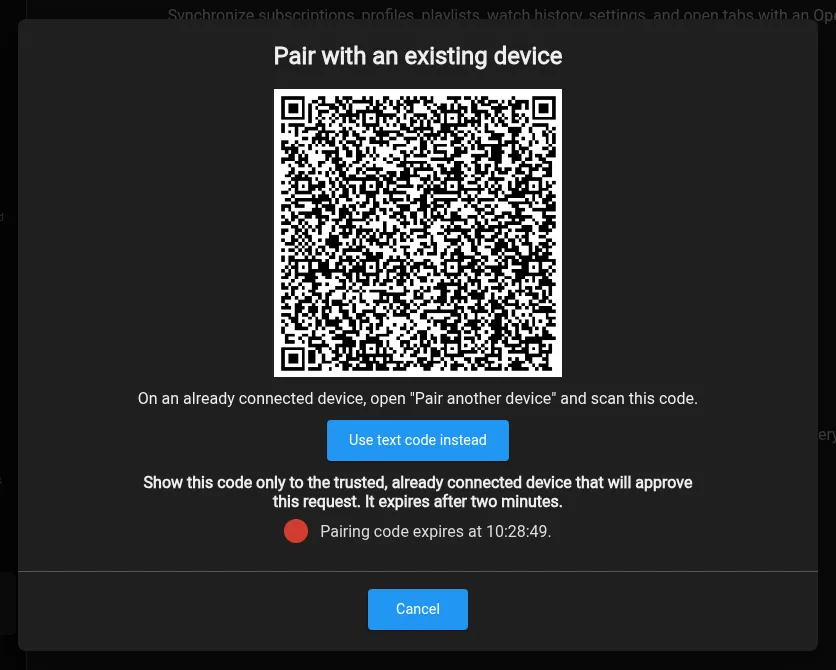
- Pair a device to enhanced-privacy sync by scanning a QR code or entering a text code, without re-entering account credentials or the privacy passphrase. (#914, #943)
- Age-restricted and unlisted videos now show labeled badges with icons below the watch-page title. (#949)

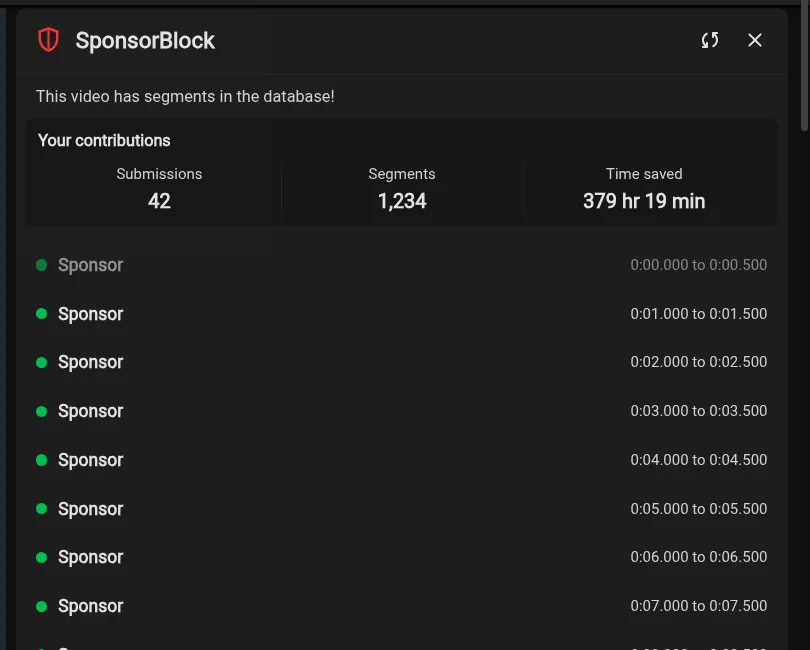
- See your SponsorBlock submissions, contributed segment skips, and time saved in the SponsorBlock panel. (#953)
- yt-dlp playback can now provide auto-generated and translated captions when the selected backend has none. (#950)
- Let yt-dlp use configured playback cookies for every video to request account-only formats. (#959)
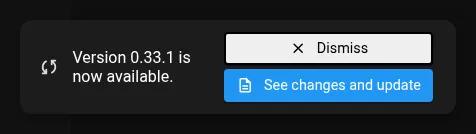
- Update alerts now appear as notifications that can be dismissed until the app restarts. (#962)
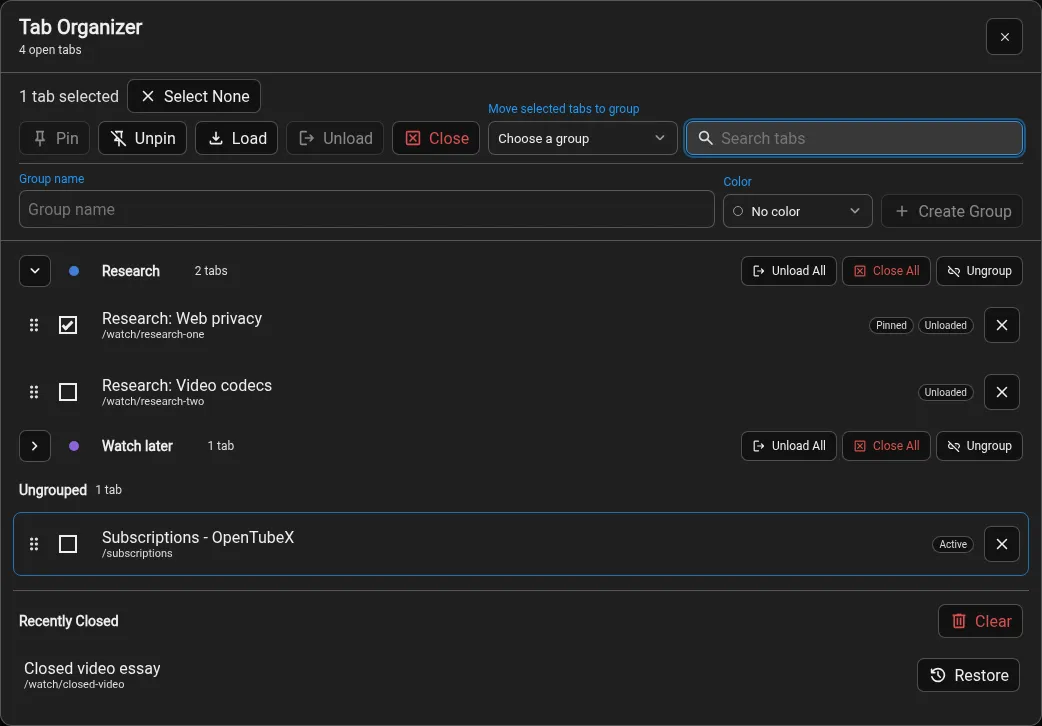
- Added a searchable tab organizer with tab groups, bulk actions, and recently closed tab history. (#859, #964)
- Custom themes can now be shared directly from the theme editor through a pre-filled GitHub Discussion. (#977)
- The New subscriptions feed can now switch between combined sections or tabs. (#974)

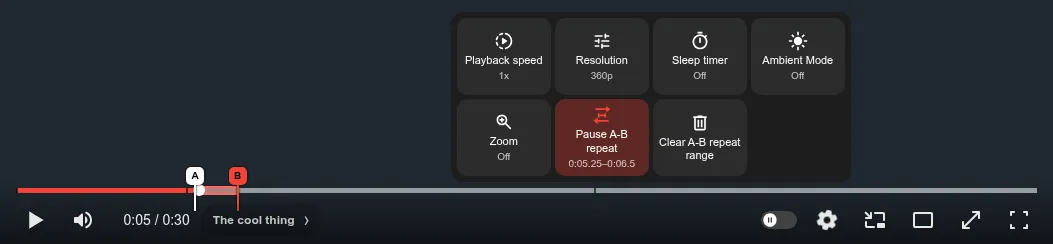
- Repeat a selected part of a video with draggable A-B markers, player-menu controls, and configurable keyboard shortcuts. (#858, #989)

- Fill missing interface translations with optional AI-generated completions. (#978, #983)
- You can now adjust mouse-wheel and touchpad scroll speed from 25% to 300% in Appearance settings. (#944)
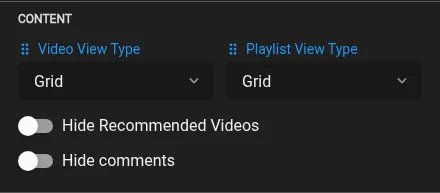
- Playlist view type can now be changed from Quick settings alongside the video view type. (#1009)
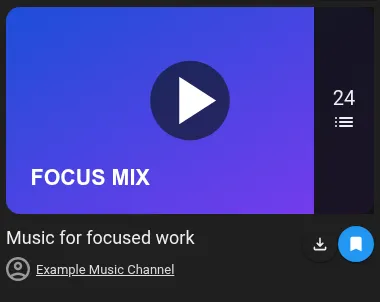
- Save YouTube playlists as read-only bookmarks in Your Playlists. (#1012, #1013)
Fixed bugs
- SponsorBlock settings no longer overlap neighboring controls when changed-setting highlights are enabled. (#932)
- Playlist loading failures can now be retried, and large Invidious playlists load later pages without duplicate videos. (#865, #871, #883)
- Fixed Trending category switches showing results or refresh state from a different pending request. (#872, #886)
- Neighboring tabs now animate smoothly when rearranging vertical tabs on slower systems. (#946)
- Opening Downloads with Ctrl+J no longer reloads the active tab. (#947)
- Playback settings controls now stay evenly aligned and wrap cleanly at narrow window sizes and non-default UI scales. (#955)
- Prevented player keyboard shortcuts from firing while typing in focused settings selects. (#956)
- Comments with no likes now show 0 instead of NaN. (#952)
- The tabbed subscriptions New feed now marks only the active category as seen and keeps its header controls usable at narrow widths. (#981)
- Keep the Quick settings avatar clear of wider scrollbars. (#968, #982)
- SponsorBlock automatic skips now trigger more promptly on slow or heavily loaded systems. (#995)
- Timelinks now keep resolved tab titles after restart, and paused or background videos no longer start playing unexpectedly. (#997)
- Sync failures now show a toast when Sync settings is not open. (#1000)
- Fixed videos failing to open when the system timezone is configured through
/etc/localtime. (#991, #992) - Improved the onboarding tutorial and added color previews to theme selectors. (#999)
- Live chat replays no longer omit messages returned alongside chat metadata, continue showing stale messages after seeking, or stop retrying early after playback changes. (#1001)
- Full-window video mode now hides the page scrollbar and keeps the page at its original position. (#998)
- Mobile YouTube links now open inside the app. (#1003)
- Upcoming premiere titles now follow the Main Text color in custom themes. (#1002, #1005)
- Comment filters now keep thread lines aligned and let you open creator replies from retained parent comments. (#1011)
- Settings with an incomplete two-column toggle row now place the remaining option on the language’s starting side. (#1010)
- Video metadata now wraps cleanly below channel names on narrow result cards. (#1014)
- Removed the redundant About option from the mobile navigation. (#1022)
- Stop repeated YouTube parser warnings for collaborator avatars and newer video title headers. (#1021)
v0.32.1 Beta
note
OpenTubeX is now on ProductHunt
Highlights
More improvements

- Settings are now easier to navigate, search, and use at different window sizes. (#560, #841)
- Age-restricted and members-only videos can now be retried with cookies from a file or browser through yt-dlp. (#843, #844)

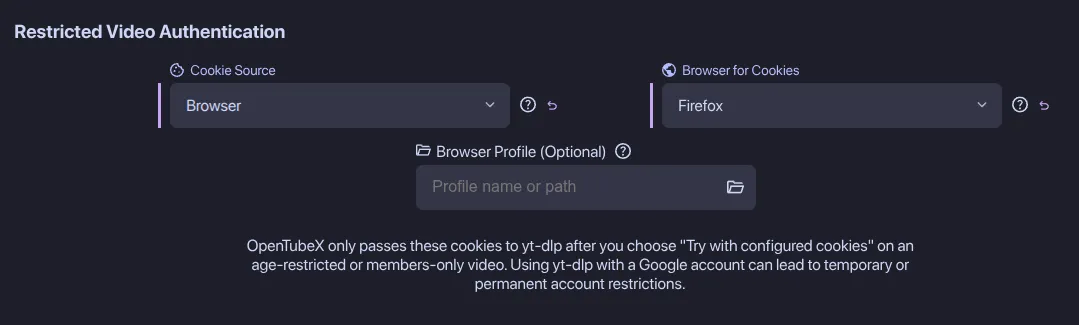
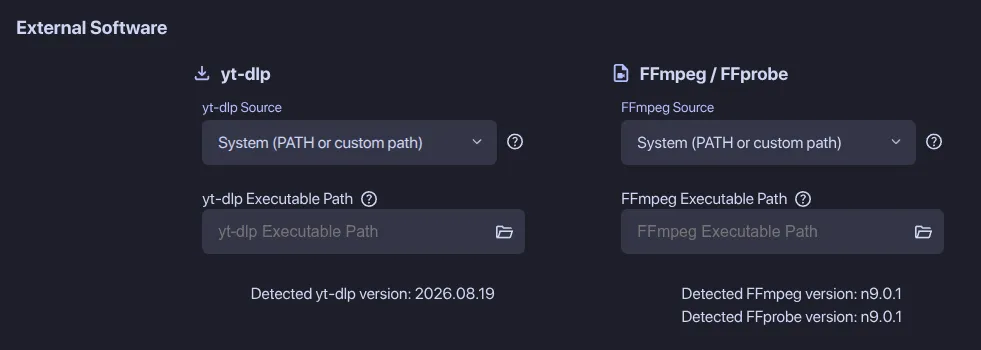
- External software settings now keep yt-dlp and FFmpeg controls grouped, while YouTube playback follows yt-dlp’s maintained client order before using the embedded fallback. (#849)

- Video thumbnails can now show YouTube’s animated hover previews, with an Appearance setting to turn them off. (#851)
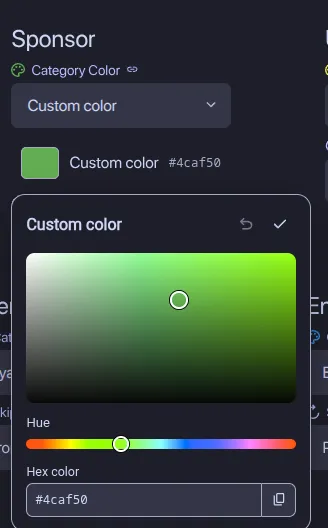
- You can now set custom SponsorBlock segment colors. (#850)
- Ambient mode now fills fullscreen letterbox and pillarbox bars and stays centered beside open information docks. (#900)
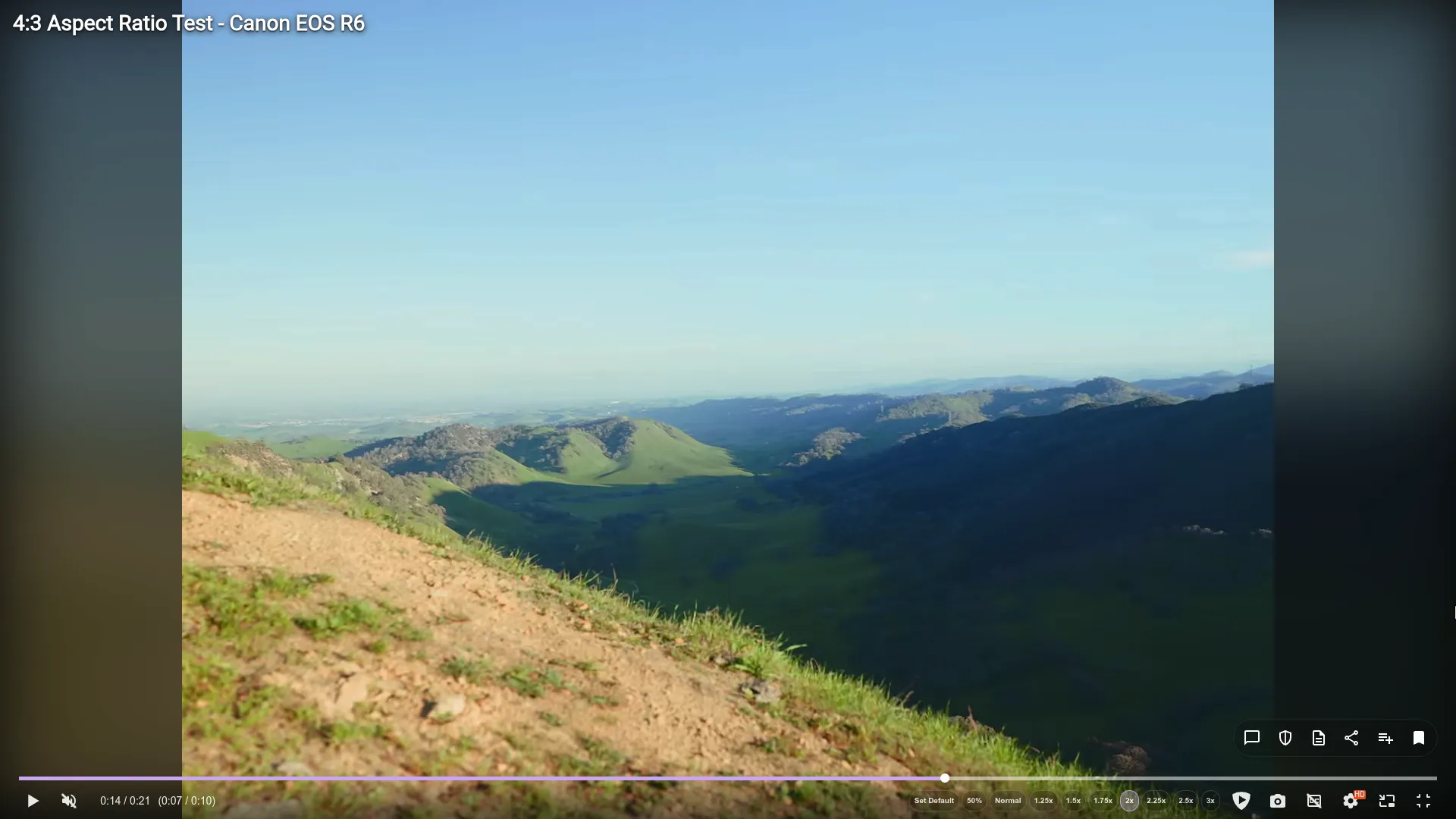
- Playlist pages now have an independent Grid or List view setting. (#906, #909)

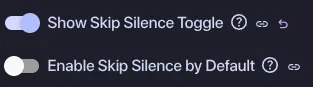
- New tabs can now start with Skip Silence enabled while each tab keeps its own choice. (#893, #910)
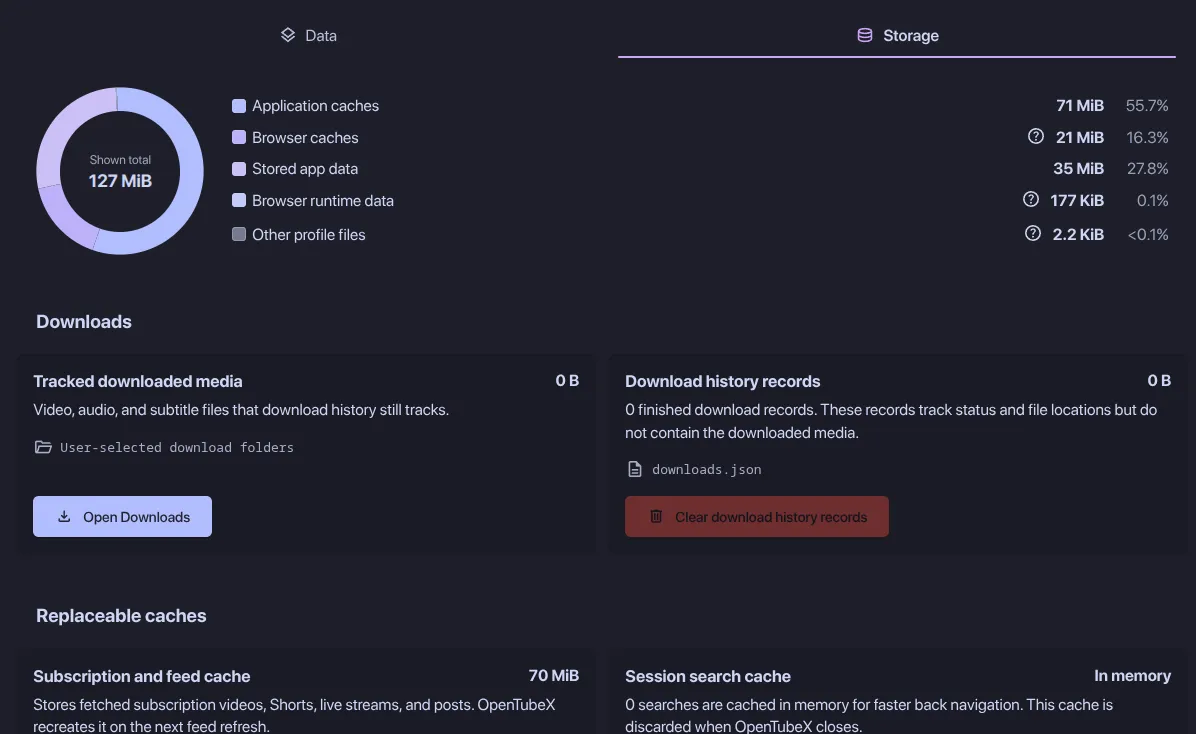
- Review disk usage and clean individual caches or saved data from the new Data & Storage settings. (#857, #913)
- Downloads now use a persistent, controllable queue with concurrency and bandwidth limits, and Ctrl/Cmd+J opens the Downloads page. (#856, #912)

- Player errors now offer a one-click retry with the other stream extraction method. (#927)
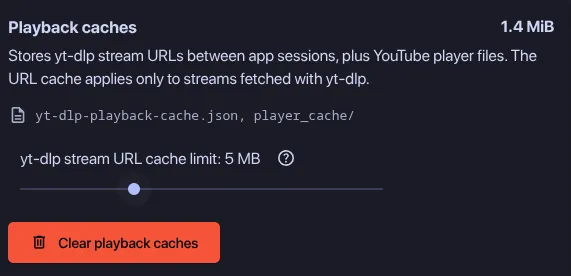
- Control persistent yt-dlp stream URL caching with a configurable per-entry limit in Data & Storage settings. (#919, #928)
Fixed bugs
- Fixed uneven vertical spacing around empty subscription feed messages. (#834)
- Prevent long-running and alternate-audio playback sessions from stalling or losing their stream state. (#833)
- Subscription feed tabs now show their content immediately instead of waiting for the tab indicator animation. (#835)
- Completed automatic-download notifications now play the local file instead of opening an empty watch tab. (#838)
- The Skip Silence keyboard shortcut indicator now shows both skip and mute symbols. (#842)
- Keep the custom color picker’s hue when dragging outside the saturation and brightness area. (#840)
- Center icons and channel avatars inside square side bar tiles when labels are hidden. (#837)
- Subscription feeds stay responsive while refreshing large subscription lists with many tabs open. (#848)
- Channel names and relative timestamps in posts are now vertically centered beside channel avatars. (#860)
- Settings search now highlights complete settings and sections, excludes non-setting text, and hides unavailable controls from results. (#852)
- Community post image galleries now recover after failed image requests and remain navigable after switching subscription feed tabs. (#862)
- Switching away from a restored video tab no longer briefly shows it as loading. (#880)
- Notifications no longer have excess space, wrap differently, or show scrollbars in fullscreen (#876)
- Playlist duration sorting now uses watch-history metadata, imported search history stays newest-first, and pagination feedback supports localization. (#875)
- Videos opened from timestamped links now resume from saved progress after restarting the app. (#890)
- Clearing the search bar now stays cleared when switching between tabs. (#888)
- Changing the YouTube-style Shorts setting no longer resizes a Short that is already playing. (#853)
- Normal square videos no longer open in the Shorts player. (#894)
- Uploader replies are identified by the channel avatar beside collapsed reply counts. (#896)
- Fixed Shorts information panels, fullscreen menu positioning and dock animations, and made inline Shorts titles toggle Video information. (#892)
- Fixed Settings shortcuts not toggling the window, nested views flashing during close, and category scroll being lost when reopened. (#899)
- Show full player menu labels in a tooltip when their text is cut off. (#902)
- Syncing open tabs no longer reloads tabs that remain open on another device. (#903)
- Play videos with the configured yt-dlp extractor when the built-in metadata request is IP blocked. (#819, #908)
- Line-delimited data imports now keep the final record and skip malformed rows with a row-number error. (#866, #879)
- Fixed History search pagination stopping after the first 100 matching entries. (#869, #884)
- Stopped filtered searches from repeatedly loading after reaching the end of their results (#915)
- Downloads with very long video titles are now shortened instead of failing. (#916)
- Fixed Invidious popularity sorting, channel and playlist thumbnails, and Basic authentication scoping. (#917)
- Tabs no longer jump back to their previous position while reordering them on slower systems. (#925)
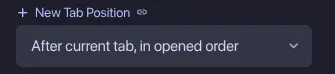
- Moving a tab now resets the “After current tab in opened order” sequence. (#921)
- The player now consistently shows the replay icon when a video ends. (#926)
- Compact settings breadcrumbs now keep the current category name readable. (#922)
- Comments now load with the video when automatic pagination is enabled. (#924)
- Settings are now easier to navigate, search, and use at different window sizes. (#560, #841)
v0.32.0 Beta
note
If you have a GitHub account and would like to help OpenTubeX it would be greatly appreciated if you could give it a star :)
More improvements
- Saved channel playback speed, quality, subtitle, and volume preferences can now be synchronized together through Settings sync. (#720)

- Downloads can now be retried, managed reliably when files change on disk, and played locally through the normal video and audio player. (#728)
- New option to keep background tabs in the order they were opened. (#726)
- Subscription feed refresh progress now stays in one consistent location throughout the app. (#741, #752)
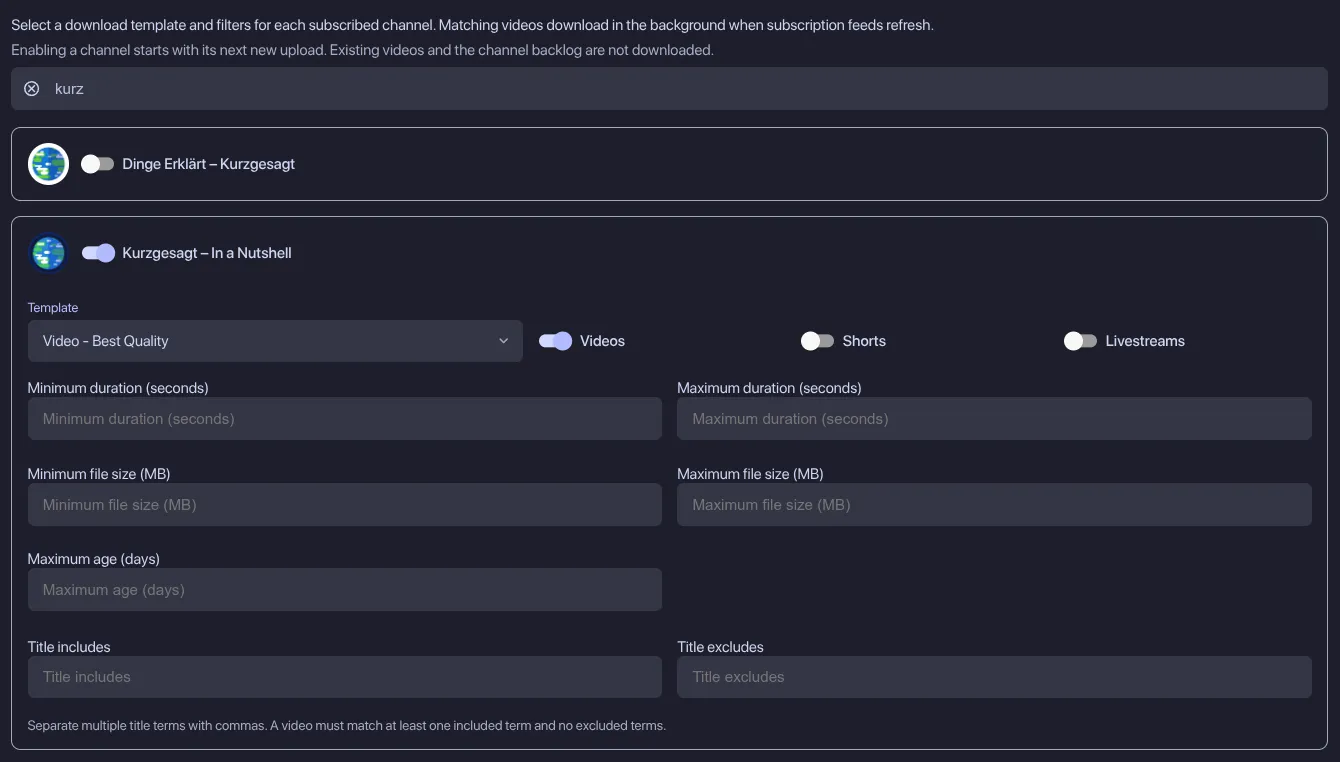
- Automatically download new uploads from selected channels using per-channel templates and filters. (#626, #762)
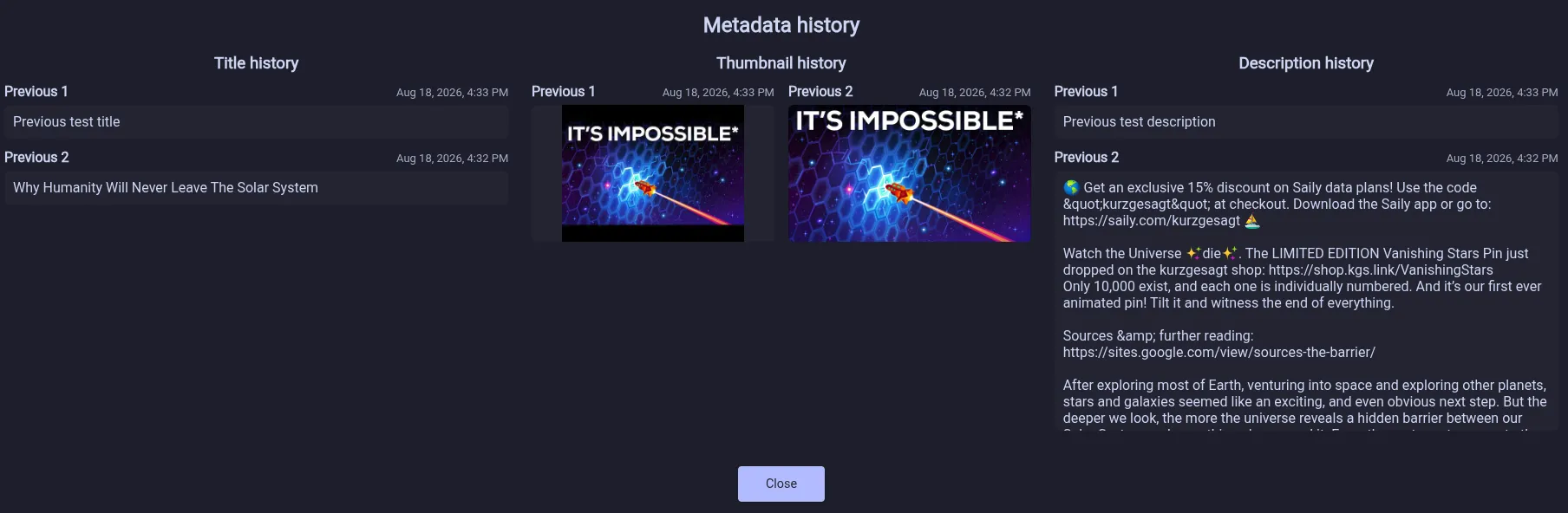
- Optionally keep and review a local history of video titles, thumbnails, and descriptions. (#546, #767)

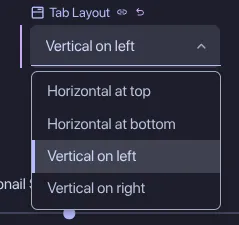
- Choose whether tabs appear at the top, bottom, left, or right of the window. (#677, #768)
- Custom themes now offer transparent colors, backdrop blur, clearer interaction-state colors, and a reusable in-app color picker. (#738, #740, #753)
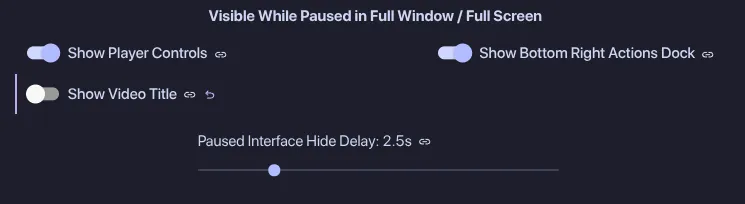
- Choose which player interface elements remain visible while paused in full-window or fullscreen mode. (#702, #754)

- Right-click the search filter button to clear all active filters instantly. (#585, #755)
- Quick playback speed controls are now available in the YouTube-style Shorts player. (#742, #769)
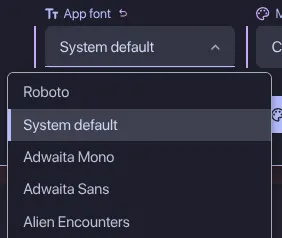
- Choose the app font from fonts installed on your system, or use your operating system’s default font. (#594, #765)
- Downloads and Settings can now be moved independently from Quick Settings into the app header. (#748)


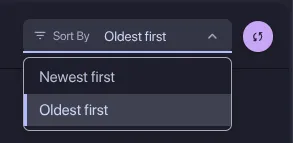
- The New subscriptions feed can now be sorted with the oldest content first. (#789)
- Customize the text-selection highlight and foreground colors in custom themes. (#792)
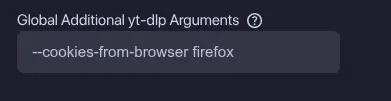
- Added a Download setting for yt-dlp arguments that should apply to every download. (#804)
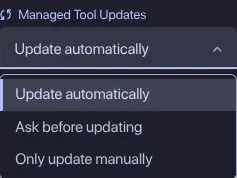
- Choose whether managed yt-dlp and FFmpeg tools update automatically, ask before updating, or update only when requested manually. (#791, #800)
- Skip Silence now jumps over detected silent sections instead of speeding through them. (#563, #805)
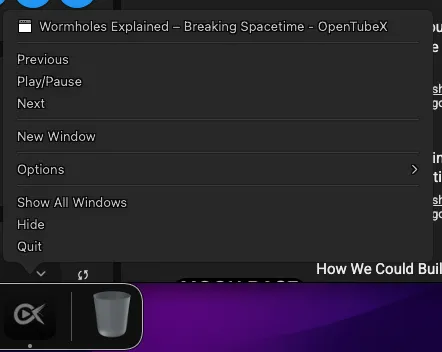
- Added media playback controls to the macOS Dock menu. (#810, #811)
- New installations use the built-in stream extraction method by default again, with clearer guidance about yt-dlp startup time. (#802)
- Switch between Subscriptions and channel feed tabs with the Left and Right Arrow keys. (#771, #801)
- Failed downloads now link to recent yt-dlp YouTube issues and suggest trying the Nightly or Master channel. (#824)
- New users can choose their tab layout, theme, and default video quality during onboarding, with an optional shortcut to import existing data. (#794)
- Improved startup responsiveness and reduced background work in large feeds, transcripts, live chat, and overlays. (#830)
- Middle-clicking collaborator channels now opens them in background tabs. (#814, #815)
Fixed bugs
- Show the default channel avatar when a subscribed channel’s thumbnail no longer loads. (#721)
- Unavailable channels now show a default avatar and name instead of broken or blank metadata. (#725)
- Hide transcript actions on videos without captions. (#722)
- Show comment author photos returned by Invidious instead of fallback initials. (#727, #729)
- Subscription video cards now update their upcoming, premiere, and finished states after refreshes. (#731)
- Fixed that live chat scrolled to live status was not respected. New chat messages are now shown immediately. (#736)
- Fixed videos buffering indefinitely after switching between Shorts quickly. (#732)
- Fixed watched styling, hover rounding, and initial scrolling in playlist panels. (#743)
- Keep the Search History panel open and its input unchanged when middle-clicking an entry. (#739, #745)
- Restored sessions now load the active video before background watch tabs. (#750)
- Closing a window that covers OpenTubeX now correctly returns an automatically detached video from Picture-in-Picture. (#773, #774)
- Running premieres keep their Premiere label, and stale channels no longer make subscription feeds appear outdated. (#782)
- Fast-Forward Through Silence no longer affects videos playing in other tabs. (#772, #778)
- Kept cached yt-dlp streams for open tabs when pruning the playback cache. (#746)
- Watched badges and live-chat owner highlights now follow the UI roundness setting, while watched badge text matches nearby thumbnail overlays. (#368, #756)
- Retry yt-dlp’s default extraction when a transient 403 prevents playback. (#735, #775)
- Aligned the live chat loading placeholders and unavailable message within the chat panel. (#747)
- Fixed playlist information being cut off when scrolling playlists in grid layout. (#751)
- Subscription exports with custom profile icons can be imported without an unknown-data warning. (#776)
- Fixed channel bylines not being clickable for attached collaboration videos in community posts. (#790)
- Completed downloads now show the current video title and thumbnail in the download manager. (#788)
- Aligned the OpenTubeX wordmark with its icon in the header. (#780, #799)
- SABR-requested player reloads no longer briefly replace the tab title with the video URL. (#796)
- Made the header logo hover background respect the configured UI roundness. (#806)
- Fixed cramped padding around channel owner badges in live chat. (#807)
- Featured channels on channel About pages now respect the configured UI roundness. (#818)
- Livestreams played through yt-dlp retain their rewindable DVR window and switch playback engines reliably. (#817)
- Downloads no longer exhaust Flatpak’s limited temporary storage when the configured download drive has sufficient space. (#816)
- Fixed missing Invidious video thumbnails, blank empty Popular feeds, and an error during automatic comment loading. (#812)
- Fullscreen live chat no longer makes other dock animations stutter, and its loading placeholders now fill the dock correctly. (#821)
- Reply counts now update when newer or nested replies are loaded (#813)
- Paid promotion badges now move up after fullscreen video titles fade out. (#797)
- Setting the watched threshold to 0% now removes videos from history immediately when they are marked as unwatched from any view. (#770, #823)
- Fixed the app becoming unusable when starting a new search immediately after removing a search history suggestion. (#825)
- Fixed lag and flickering when interacting with or closing Settings at the bottom of a page with a non-default UI scale. (#828)
- Stale profile updates from another window no longer remove unrelated profiles or cause errors. (#831)
- Saved channel playback speed, quality, subtitle, and volume preferences can now be synchronized together through Settings sync. (#720)
v0.31.3 Beta
Fixed bugs
- Fixed yt-dlp playback fallback failing for some videos after an IP block is detected. (#714, #716)
- Fixed repeated Invidious API errors when loading comments whose authors have no avatar. (#713, #717)
- Fixed live-chat placeholders appearing on videos without chat and repeated errors on videos with no comments. (#719)
v0.31.2 Beta
Highlights
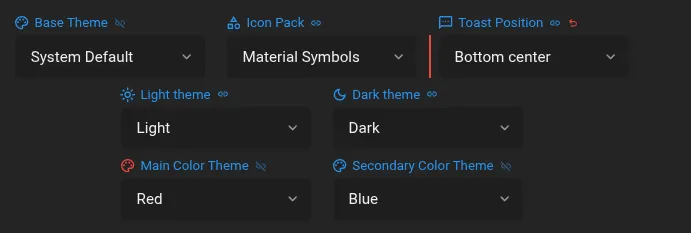
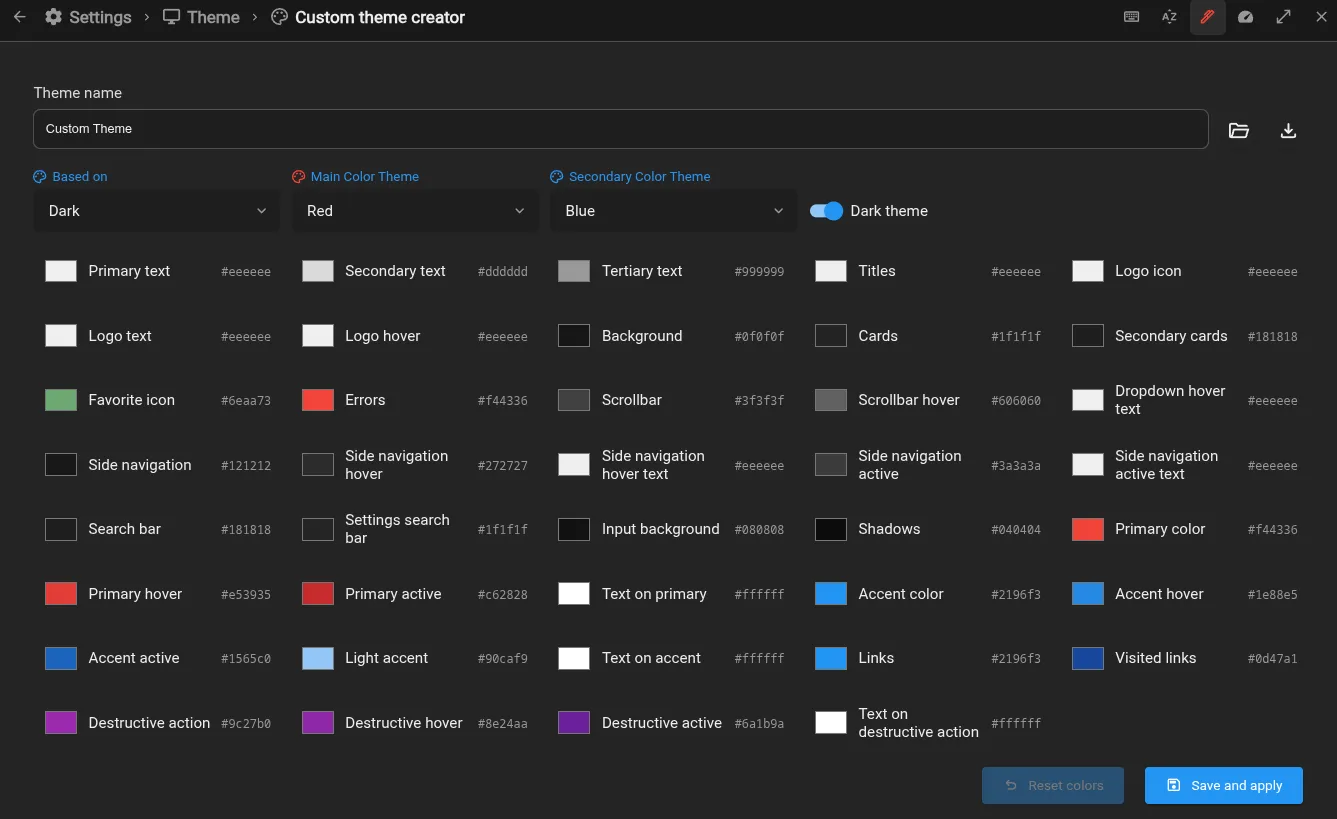
- You can now create, import, export, and edit custom themes, with independent light and dark themes for System Default. The base Black and Dark theme was also overhauled (#672, #688)
More improvements

- Recommended video thumbnails now morph smoothly into the player. (#670, #683)
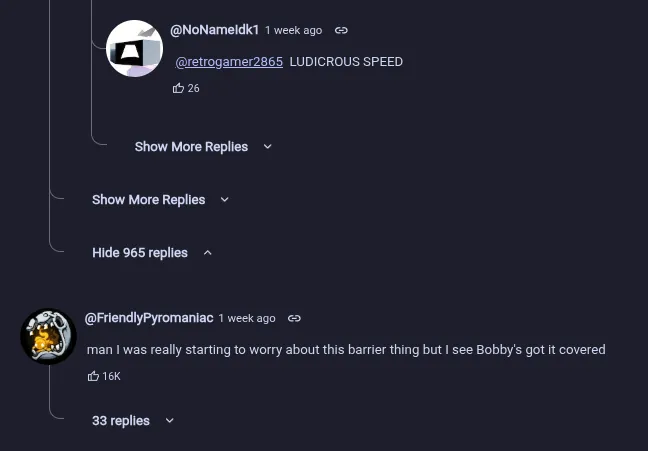
- Improved comment threads: Show more replies is now always at the bottom of the replies and the buttons have a new appearance (#669, #681)
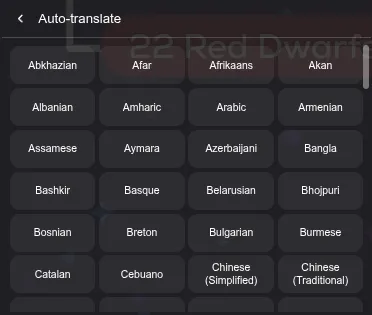
- Automatically translate captions into any language offered by YouTube. (#661, #682)
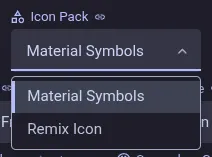
- Choose between Material Symbols and Remix Icon from Theme settings. (#699)
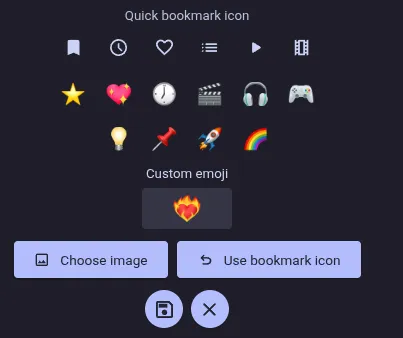
- Quick bookmark playlists can now use custom emoji or cropped image icons, just like the profiles. (#675, #684)
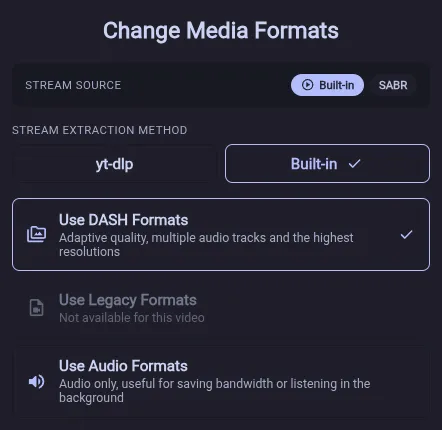
- The Change Media Formats dialog now allows switching the stream extraction method. (#692)
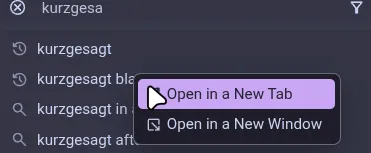
- Search suggestions and history entries can now be middle-clicked to open them in a new background tab. (#694)
- Added an option to keep upcoming live streams and premieres at their announcement position in the subscription feed until they start. (#703, #708)

- The collaborator lists from the subscription feed now opens faster. (#706)
- Live chat and chat replays now show message-shaped placeholders while loading. (#693)
Fixed bugs
- Show the video title in the top-left corner in full-window mode. (#671, #679)
- Fixed yt-dlp playback falling back to legacy formats before retrying or switching to built-in streaming. (#685)
- Made the resolution value consistent with other status text in the player menu. (#686)
- Treat blocked YouTube watch pages as IP blocks and try yt-dlp playback instead of leaving videos stuck loading. (#687)
- Fixed yt-dlp video playback failing with HTTP 403 errors and sped up reopening videos by safely reusing unexpired streams. (#691)
- Improved volume, seek bar, and fullscreen cursor behavior in the Shorts player. (#697)
- SponsorBlock now previews edited millisecond timestamps and skips existing segments at their precise boundaries. (#698)
- Playlists now load playable videos that appear after full pages of members-only entries. (#707)
- Fixed custom profile images appearing above the center of the profile selector. (#712)
- Keep subtitles aligned with the configured caption position when videos provide their own cue placement. (#711)
- You can now create, import, export, and edit custom themes, with independent light and dark themes for System Default. The base Black and Dark theme was also overhauled (#672, #688)
v0.31.1 Beta
Highlights
-
Repeated SABR reloads with the built-in streaming method have been fixed. If you have issues with the new yt-dlp streaming you can now switch back
-
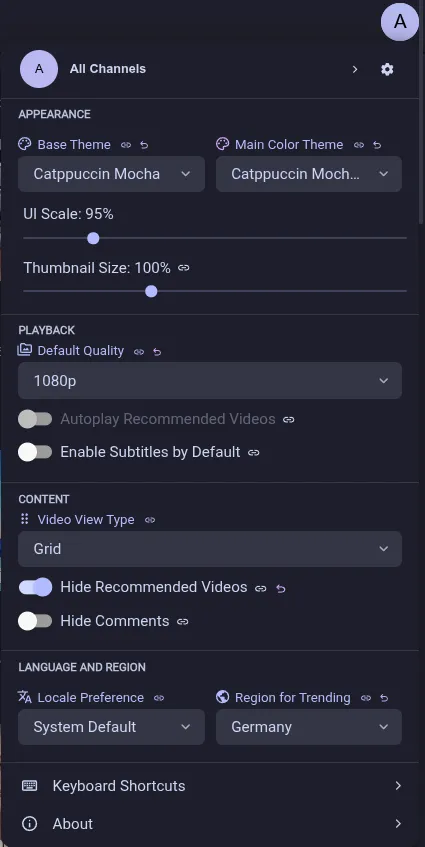
Access profiles and common preferences from the new quick-settings menu in the top bar. Right-click the profile icon to open the profile selector directly. (#619)
-
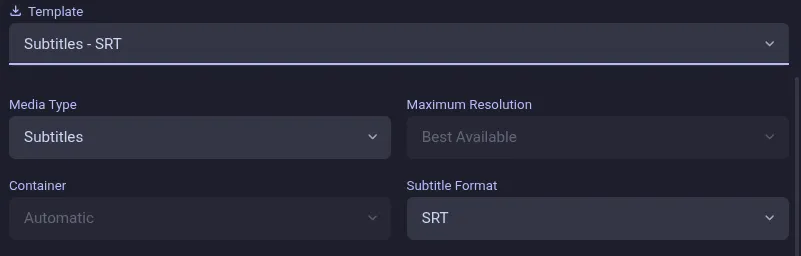
Subtitles can now be downloaded on their own as SRT, VTT, ASS or LRC files, and the downloads page shows which files a download produced. (#421, #641)
-
Translate supported videos with synchronized voice-over audio and separate translated and original volume controls via the unofficial Yandex API. They can optionally be cached for one day on disk. (#642, #644)
-
The player can now zoom into videos, either from the overflow menu or with
zandShift+Z. Hold Shift and drag to move the visible part of a zoomed video. (#651, #654)
More improvements
- Added a player setting for downloading multiple video and audio segments at the same time, which can improve the loading speed on slow or throttled connections, only works with yt-dlp streams (#586, #590)

- Restored the automatic video quality selection for the yt-dlp stream extraction method, where it is unaffected by the issues that led to it being hidden (#588, #591)
- YouTube comment links now show the linked comment or reply first with a highlighted badge. (#597)
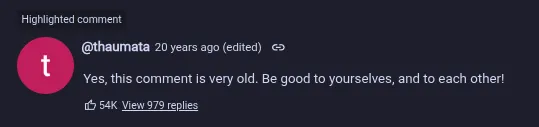
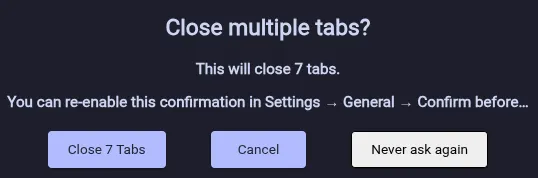
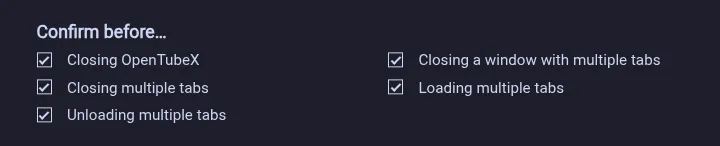
- Confirmations for closing five or more tabs, windows that have them and bulk tab actions can now be configured together, while opening/closing/unloading several tabs quickly is noticeably faster. (#602)
- View counts that YouTube already rounded are now shortened, e.g. 14K instead of 14,000, which can be turned off with the new “Shorten View Counts” setting (#608, #609)
- Get an operating-system notification when a scheduled live stream or premiere starts. (#610, #613)

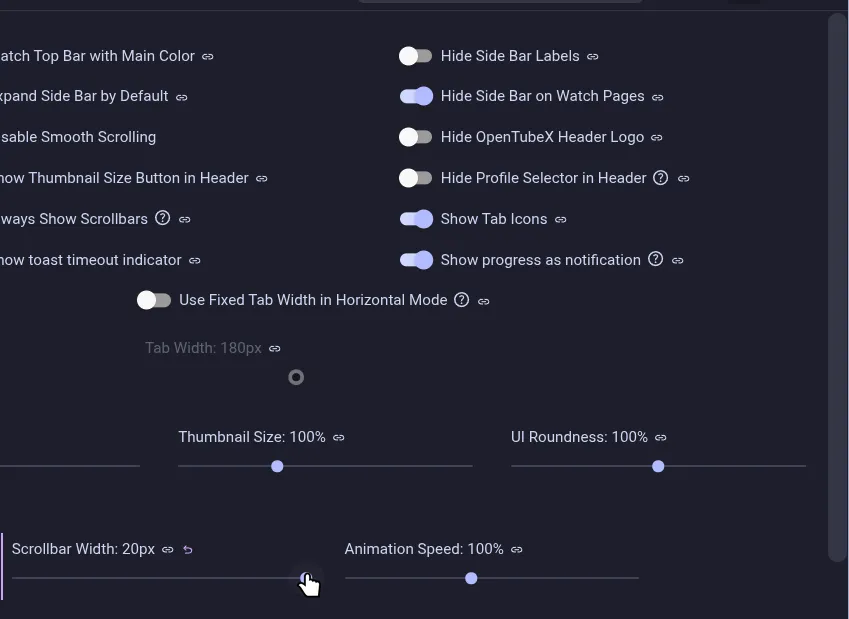
- The scrollbar width can now be adjusted in the theme settings. (#603, #616)
- Added an option to disable tab preview images (#552, #611)

- Media downloads can now be disabled from the Downloads settings. (#622)

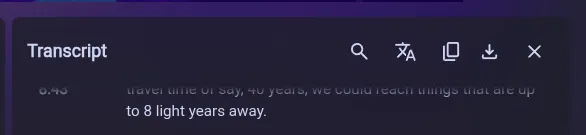
- Transcript side panels now use compact icon controls and faded scroll edges. (#620)

- New installations now include a short interface tour, while existing users are shown where settings moved. (#627)
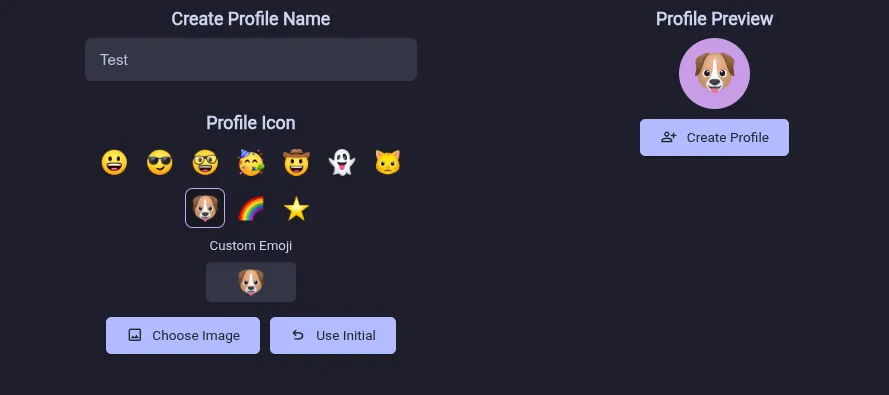
- Profiles can now use emoji or interactively cropped image icons. (#628)
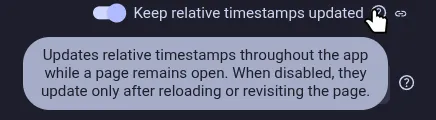
- Relative timestamps now stay up to date throughout the app without requiring a page refresh. (#629)
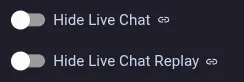

- Live chat and chat replay can now be hidden independently, and either chat panel can be collapsed and restored from below the player. (#617, #634)
- Toasts now stack into a pile that fans out when you move the pointer over it, and hovering anywhere on the stack holds all of them until you move away (#607)
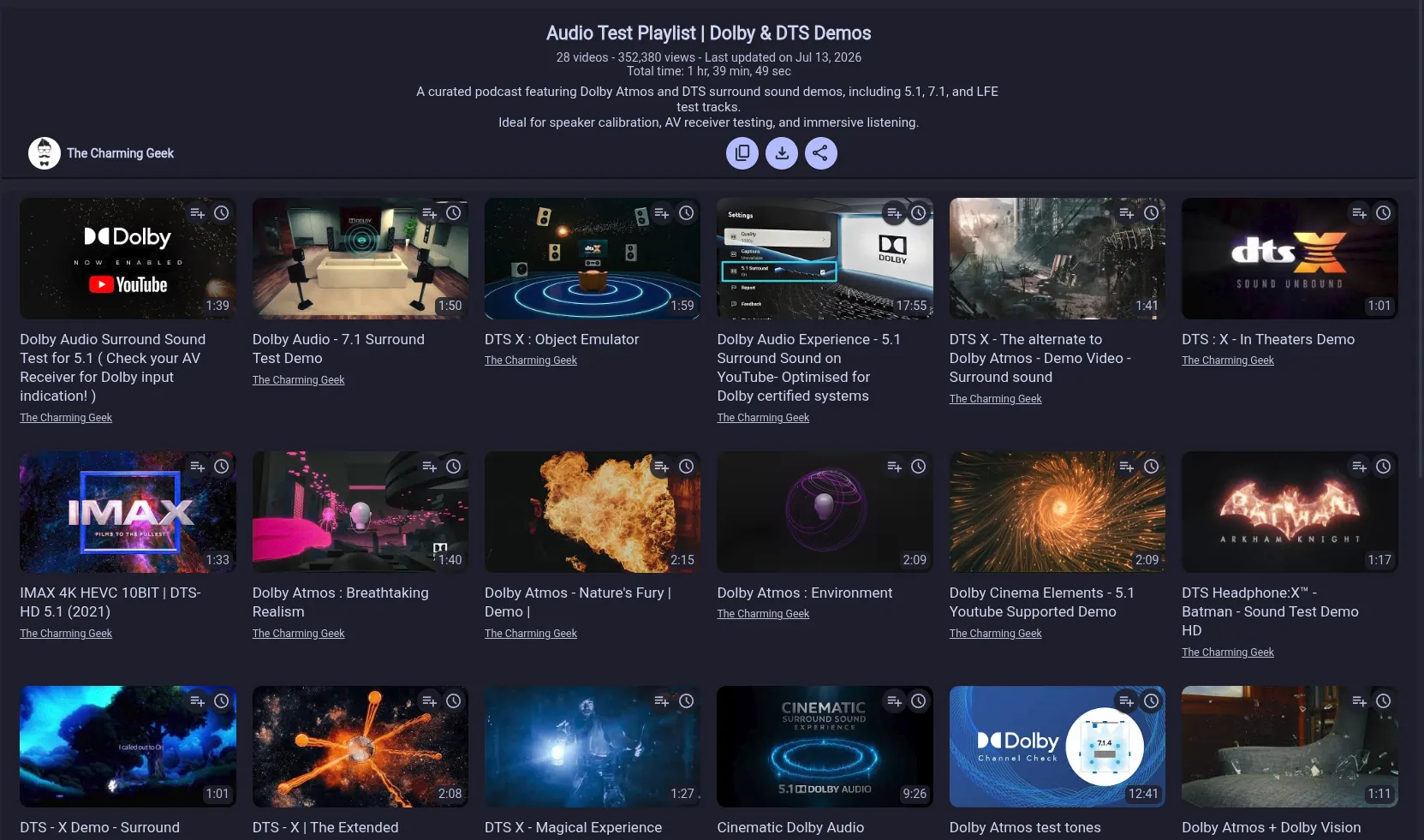
- Playlist pages now support the selected grid layout. (#545, #639)
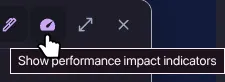
- Settings that cost noticeable performance can now be marked with an impact badge, switched on with the gauge button in the settings header (#640)

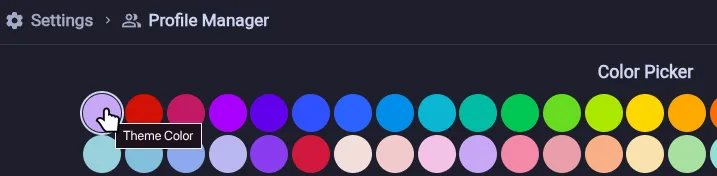
- Profiles can now use the selected theme color, which keeps them in sync whenever the theme color changes, and new profiles use it by default (#637)

- Missing tab icons now load automatically at startup without loading their tabs, with a new Theme settings action for retrying any icons that remain missing. (#649)
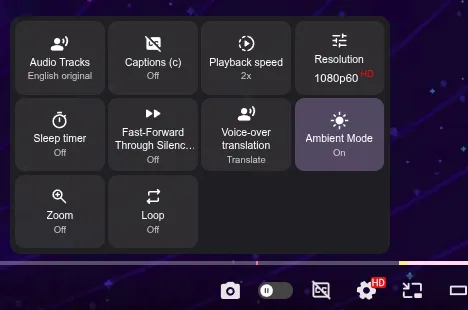
- The player settings menu now uses a compact, responsive grid that makes its controls easier to scan. (You can go back to the old style via theme settings) (#659)

Fixed bugs
- Fixed texts that showed a plural noun for a count of one, such as “1 Comments” (#589)
- Improved settings search contrast, tooltips, navigation animations, and quick playback speed customization. (#593)
- Fixed the playlist download button alignment when an external player is configured. (#595)
- Fixed subscription feeds losing cached entries, resetting open collaborator dialogs, showing stale refresh prompts, and not immediately clearing new-content indicators. (#598)
- Dynamic lists and panels no longer retain outdated scroll positions after searches, content changes, or resizing. (#592)
- Playlist artwork is no longer stretched to a 16:9 aspect ratio. (#599)
- Auto-refreshed started premieres in the subscriptions feed now appear as live instead of showing their scheduled date. (#621)
- Prevented the copy-description button from covering the description expansion control. (#612)
- Downloaded files can now be moved to the device trash from Flatpak installations. (#625, #631)
- Fixed downloads failing during post-processing when FFprobe was unavailable. (#633)
- Keep original text now preserves video titles in end-screen annotations. (#630)
- Fixed the Shorts video information dock in fullscreen and prevented its channel-settings menu from being clipped. (#635)
- Manually selected video resolutions now remain selected after SABR reloads the player. (#636, #638)
- Stopped loaded video tabs from briefly showing a loading indicator when switching away from them. (#643)
- Fixed incorrect publish dates and app stalls caused by unavailable playlist videos when using Invidious. (#9606, #647, #648)
- Fixed changed General settings not being highlighted or offering reset actions. (#652)
- Automatically try the other playback engine when a video stream cannot be recovered. (#646)
- Fixed live videos intermittently showing a blank screen when YouTube omits playback formats. (#656, #658)
- Restored audio track selection for videos played through yt-dlp. (#655, #657)
- Fixed duplicate SponsorBlock notifications when skipping a segment near the end of a video. (#664)
-
v0.31.0 Beta
Highlights
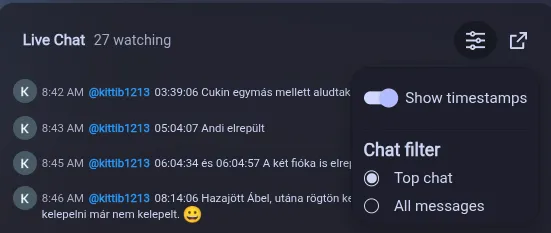
- Upcoming premieres now refresh automatically, comments appear during premieres, and live chat has improved scrolling with optional timestamps and choosing between top chat or all messages. The chat can now be opened as a full-screen dock. Chat replays are also supported. (#490)
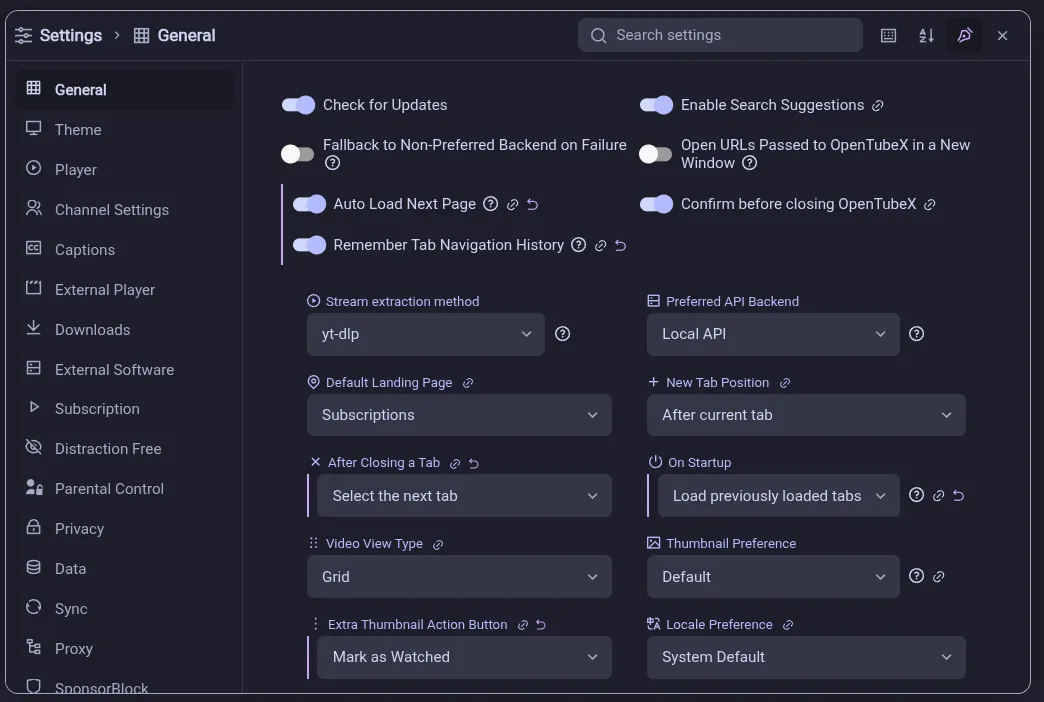
- Settings now opens in a draggable, resizable window, integrated subpages, and cross-category search. The button to open them has been moved to the app header and its icon has been changed to a cog wheel. (#555, #570)
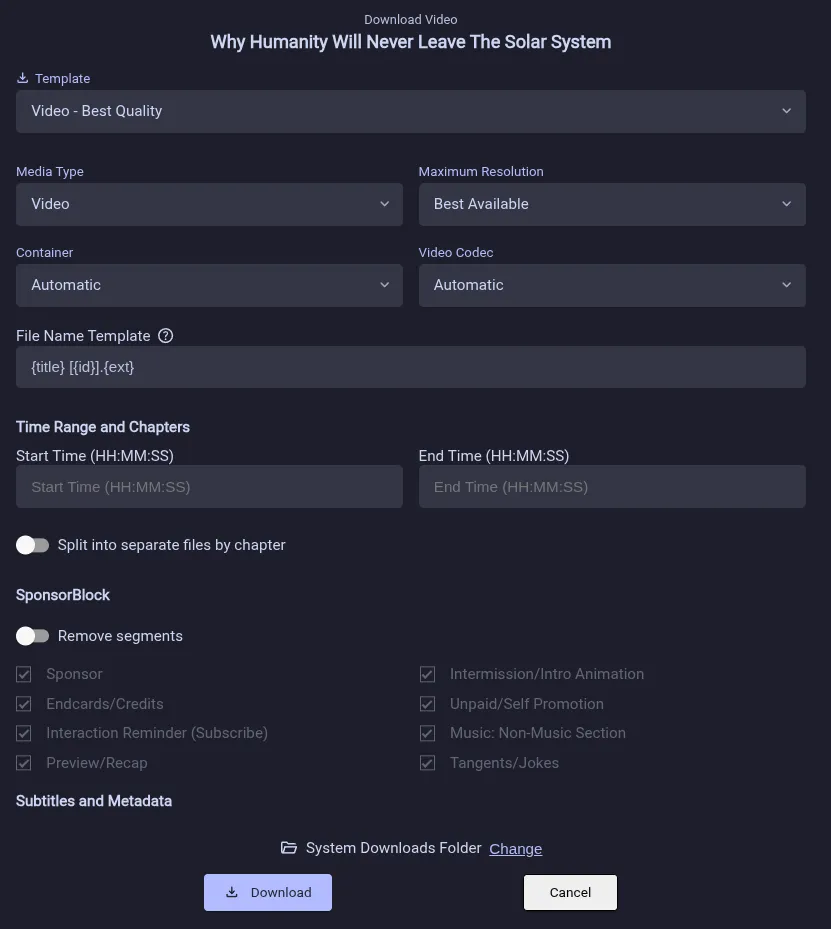
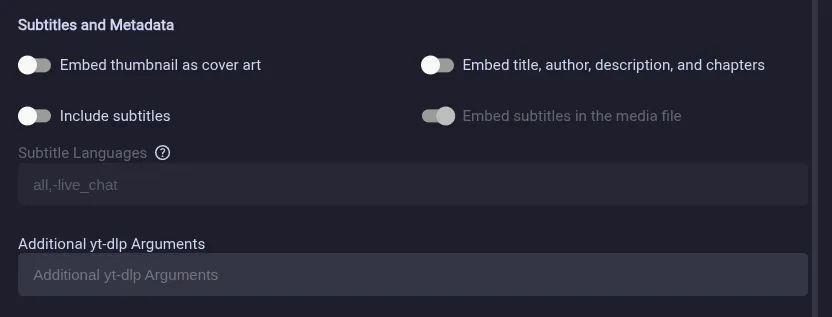
- Added advanced video and playlist download options plus a page for managing active and completed downloads. (#351, #568)
More improvements
- Also show managed tool download progress in persistent notifications (like subscription refresh). (#487)

- Show translation completion percentages and theme select menus. (#420, #482)
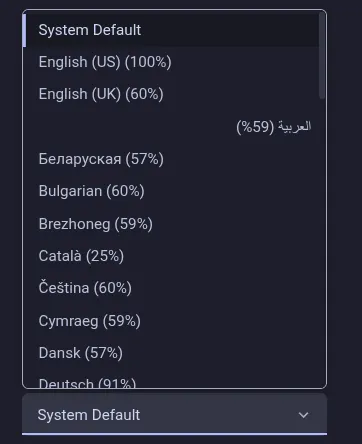
- Videos about a game now show the game’s box art, title and release year in the description (#456, #486)
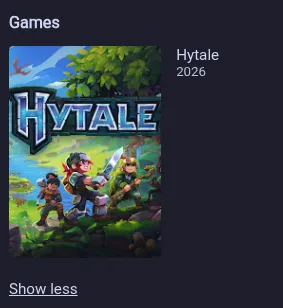
- The Subscriptions page now shows the feed tabs next to the page title whenever they fit, leaving more room for the feed itself. (#483)

- yt-dlp is now the default stream extraction method and can be selected from General settings. (#501)
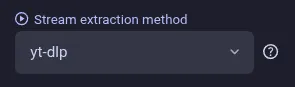
- yt-dlp downloads and playback now use the configured proxy, as do the downloads of the managed yt-dlp and FFmpeg binaries (#413, #507)
- Show YouTube’s paid-promotion disclosure (can be disabled in Settings). (#494)

- Added an animation speed control to Theme settings. (#491)
- Hashtags and handles in video titles and descriptions are now clickable, even when YouTube did not link them itself (#485)
- The player only shows the previous and next buttons when the playlist actually has a video to skip to (#481)
- Manage and automatically apply playback speed, video quality, subtitles, and volume for individual channels with the refreshed Channel Settings. The button below the player is shown combined when multiple settings are enabled. (#536)

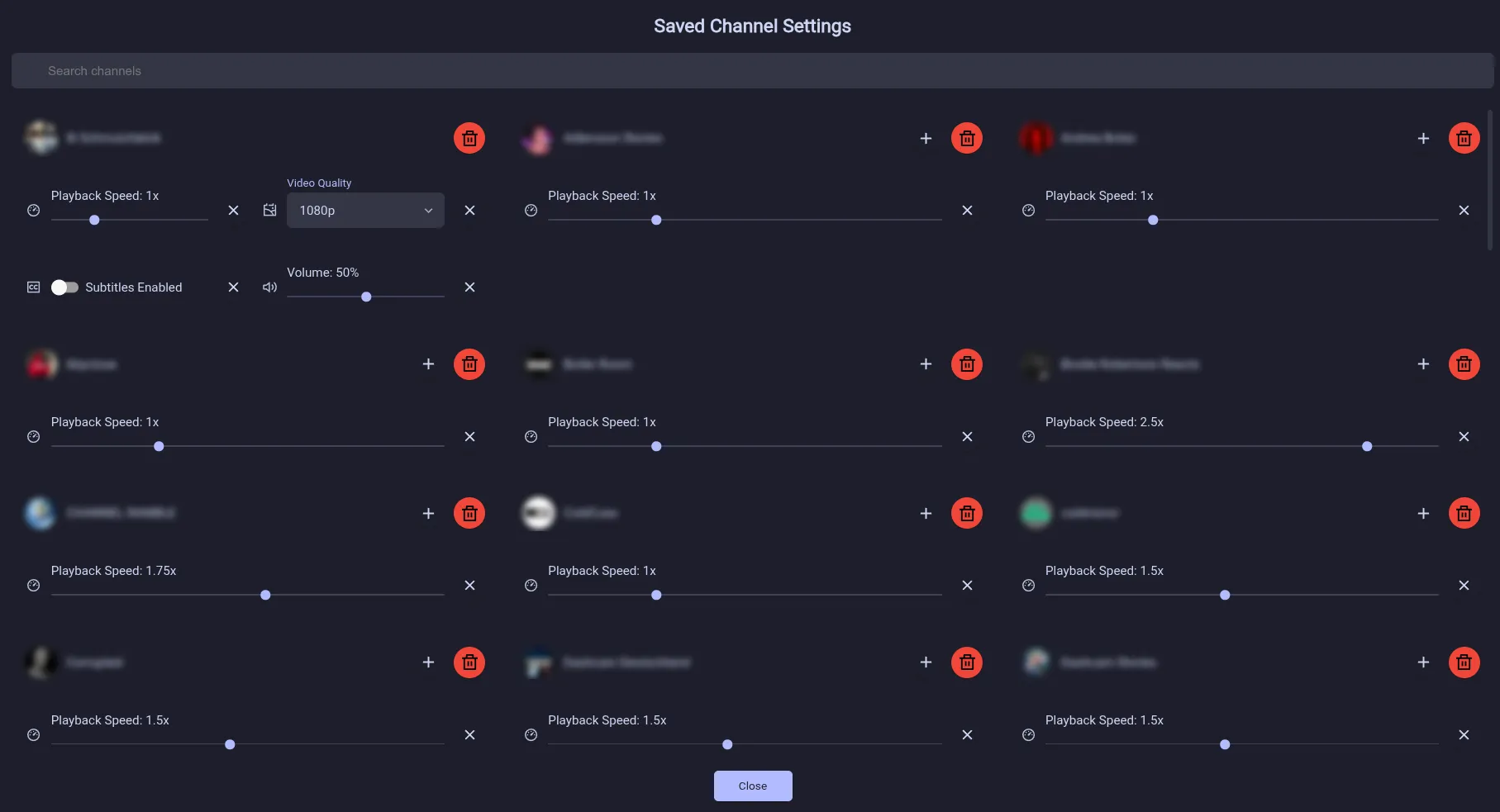
- Added a setting to disable automatic Shorts looping (#538)
- Improved SponsorBlock labels (they now match the official browser extension), submission controls, and default skip prompts (#541)
- The chapters sidebar and fullscreen dock keep the current chapter centered while you watch (#542)
- The Ctrl+Tab switcher now wraps into multiple rows and shows tab icons when they are enabled (#554)
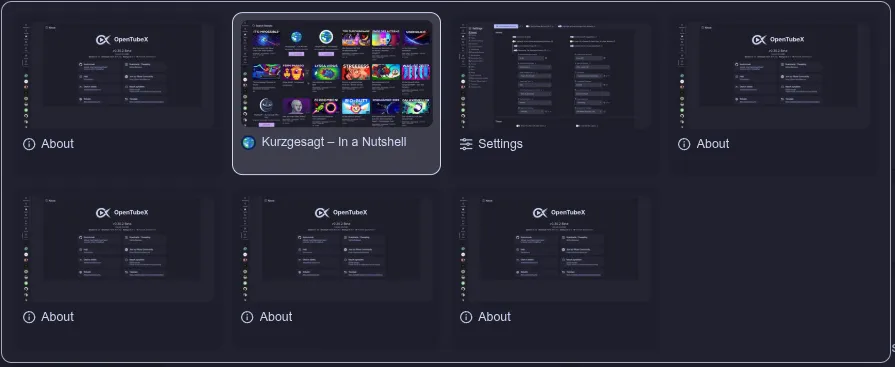
- Show an on-screen indicator when toggling Fast-Forward Through Silence with a keyboard shortcut (#528, #553)
- Removed the separator line when using horizontal tabs (#574)

- Video tags are now shown at the bottom of video descriptions and the description can now also be copied. (#558, #573)
- Video thumbnails now morph into newly opened tabs. (#572)

- You can now mark individual subscription videos as seen from their overflow menu. (#575)
Fixed bugs
- Fixed GitHub-style alerts and collapsible details in the in-app update changelog. (#459)
- Show release notes for every update skipped since the installed version. (#443)
- Fixed channel icons disappearing from restored tabs after restarting the app. (#493)
- Fixed the video quality staying at 360p after the player fell back to the legacy formats and was switched back to the DASH formats (#497)
- Show the video thumbnail instead of a black player while switching playback formats. (#505)
- Fixed the fullscreen comments dock appearing empty after reloading or re-sorting the comments while scrolled down (#499)
- Keep the thumbnail and normal player size visible when video stream recovery fails. (#508)
- Progress notifications such as the subscription refresh no longer cover the video while watching in fullscreen (#511)
- Fixed the player staying in Picture-in-Picture after restoring the window when several automatic PiP triggers were enabled (#492, #496)
- Fixed the scroll mini player floating in the middle of the screen instead of staying docked in its corner after the window was resized (#498)
- Comment sections now correctly report disabled comments and hide unavailable reply controls. (#502)
- Stopped running the IP block recovery script when a changed IP address, rather than an IP block, made the video’s streaming URLs fail (#523)
- The update prompt no longer repeats the version it is offering, shows collapsible sections of the release notes expanded instead of as an empty box, and links commit hashes to their commit page. (#509)
- Fixed fullscreen Share and Add to playlist popovers appearing behind SponsorBlock notifications. (#510)
- Improved Shorts player controls, seekbar behavior, tab switching, and loading feedback. (#495)
- Captions now scale with the player instead of covering the whole scroll mini player, and their maximum size can be set up to 400% (#527, #532)
- Fixed long entries cutting off the context menu’s text (#533, #535)
- Upcoming premieres can no longer be marked as watched until they have aired (#534)
- Videos are now automatically reloaded once when the YouTube watch session expired mid-playback (#540)
- Fixed tab previews being cropped on the left and right when using the horizontal tab bar (#549)
- FIxed tab bar clipping on macOS plus the hamburger still showing with the bottom nav (#551)
- Channels and suggested videos on Shorts are now actual links (so you can open them in a new tab) (#556)
- Fixed stretched and soft-looking images in community posts (#561)
- Improved live chat layout and scrolling in the sidebar and fullscreen dock, including Super Chat presentation (#559)
- Long options in select dropdowns are no longer unnecessarily truncated. (#567)
- Pinned tab close buttons are aligned correctly in the vertical tab layout. (#571)
- Fixed the scroll mini player replaying its entrance animation when returning to a tab. (#569)
- Video information is now shown immediately when using yt-dlp for stream extraction, instead of waiting for yt-dlp to finish before anything appears (#580)
- SponsorBlock hover labels now match overlapping seekbar segments. (#581)
- Fixed the subscribed channels page failing to load when a subscription has no usable thumbnail, and tabs staying blank after a failed load instead of showing their page. (#578)
- Upcoming premieres now refresh automatically, comments appear during premieres, and live chat has improved scrolling with optional timestamps and choosing between top chat or all messages. The chat can now be opened as a full-screen dock. Chat replays are also supported. (#490)
v0.30.2 Beta
Hey community,
this one is going to be another bugfix release. Next release will contain new features :)
Highlights
- You can now preview alternative icon packs (Material, Tabler, Phosphor, Lucide, Remix) in experimental settings while we’re evaluating a Font Awesome replacement. Here is a community poll for it. (#394)
- yt-dlp can now be used to get the video streams, which can be enabled in the experimental settings, and the media format selector below the player now shows which engine and streaming protocol are in use. If you have any issues with repeated SABR timers appearing you can try switching to it. (#455, #471)
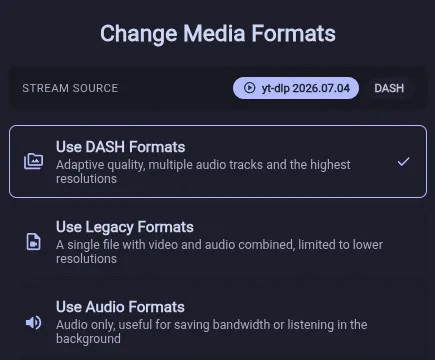
More improvements
- Show subscription feed refresh progress in a persistent notification while browsing outside the Subscriptions page. You can revert back to the global bottom progress bar in settings (#386)


- Smoothly animate videos into and out of the scroll mini player. (#387)

- We’re sorry: OpenTubeX could contact the default sync server and search providers before you explicitly opted in. Sync and context-menu search engines are now off by default, and no related requests are made until you enable them. (#423, #424)
- Show channel details and subscription controls beside Shorts in fullscreen. (#451)
- Reduced background work while subscription feeds refresh. It should no longer affect the app’s performance as much as before. (#454)
Fixed bugs
- Fixed changed-setting highlights and individual resets for caption appearance and SponsorBlock category options. (#383)
- Fixed tab titles, icons, and loading indicators briefly showing incorrect placeholder states. (#385)
- Playlists containing members-only videos now load correctly, and captions keep their configured size in fullscreen. (#399, #412, #429)
- Improved video playback reliability by reverting live SABR streaming support and stabilizing SABR error recovery. (#422, #426)
- Fixed Picture-in-Picture controls resuming the video in the active tab instead of the PiP video. (#389, #428)
- The tab play indicator is now hidden while a video is buffering. (#445)
- Fixed end-screen annotation positioning and sizing on non-16:9 videos. (#447)
- Fixed Shift range selection starting from a tab that had already been deselected. (#446)
- Fixed seek bar hover thumbnails appearing behind end-screen annotations. (#444)
- Fixed the fullscreen playlist dock using a native scrollbar instead of the custom overlay scrollbar. (#448)
- Fixed theater mode doing nothing at intermediate window widths where its button was still visible. (#452)
- Fixed audio downloads being reported as failed in Flatpak after the media file completed. (#400, #442)
- Prevented the player from collapsing into a small black area during stream recovery or audio-only playback. (#460)
- The icon-only chapters button in the player controls now shows whether the chapters overlay is open. (#466)
- Channel lists with many subscriptions and the Settings page now open without long rendering delays. (#458)
- Tab previews now show only the page content, no longer capture another tab’s preview popup, and take up roughly a third of the disk space they used to, with leftover preview files cleaned up on startup. (#469)
- Keep custom playlist ordering responsive while videos are pending removal. (#461, #462)
- Transcript searches now find phrases that span multiple caption lines. (#463)
- Show a clear notice and remove stale reply controls when YouTube no longer makes advertised comment replies available. (#457)
- You can now preview alternative icon packs (Material, Tabler, Phosphor, Lucide, Remix) in experimental settings while we’re evaluating a Font Awesome replacement. Here is a community poll for it. (#394)
v0.30.1 Beta
Two Things Worth Knowing
note
OpenTubeX is now available on AlternativeTo!
If you enjoy using OpenTubeX, please consider leaving a like. It helps more people discover the project and shows that OpenTubeX has an active user community.
important
In case you missed it: new distribution channels and repositories are now available.
OpenTubeX can now be installed and updated through:
- Windows: winget (
winget install OpenTubeX.OpenTubeX) - Debian / Ubuntu: OpenTubeX APT repository
- Fedora / Red Hat: COPR or the OpenTubeX RPM repository
- openSUSE: OpenTubeX RPM repository
- All Linux distributions with Flatpak: OpenTubeX Flatpak remote
- Arch Linux: Officially maintained
opentubex-binandopentubexpackages in the AUR
See the installation instructions on the OpenTubeX downloads page.
We recommend switching to one of these package-managed installation methods. Future updates can then be installed through your package manager, with no need to manually download each new release.
More improvements
- The thumbnail progress and toast timeout indicator is now wrapped around both rounded corners (#370)

- Added an option to use a configurable fixed width for horizontal tabs. (#367, #380)

Fixed bugs
- Fixed several Shorts, playlist panel, progress indicator, PiP, history, and layout regressions. (#359, #360, #361, #362, #363, #364, #365, #366)
- Prevented closed tabs from reappearing after shutdown and made the app window appear sooner on startup. (#369)
- Hovering a toast now reliably freezes its timeout indicator instead of sometimes letting the line keep draining. (#373)
- Dragging the thumbnail size slider is smooth again on pages with many videos (#372)
- Fixed subscription feed layouts and animations, Shorts controls and watch progress, and menu layering near the tab bar. (#374)
- Fixed the settings page jumping back to the highlighted section after switching tabs (#371)
- Fixed the app header disappearing when opening a modal on a scrolled page. (#375)
- The animation of the subscription feed tab indicator no longer stutters when the feeds contain a lot of videos (#378)
- Windows: winget (
v0.30.0 Beta
Flatpak users
warning
A Flatpak publishing issue temporarily caused some users to install the nightly branch instead of the stable branch.
Check your currently installed branch with:
flatpak info --show-ref org.opentubex.OpenTubeXIf the output ends with
/nightly, switch back to stable:flatpak uninstall org.opentubex.OpenTubeX//nightly flatpak install opentubex org.opentubex.OpenTubeX//stableYour application data and settings should remain intact.
Highlights
- Added support for end-to-end encrypted synchronization of subscriptions, playlists, history, channel playback speeds, profiles, tabs and settings. An OpenTubeX instance is hosted at
sync.d3sox.me(Privacy Policy). LibreTube Sync Servers are also supported but do not provide encryption or support syncing channel playback speeds and settings. The server’s source code is available here. If you want, you can self-host it too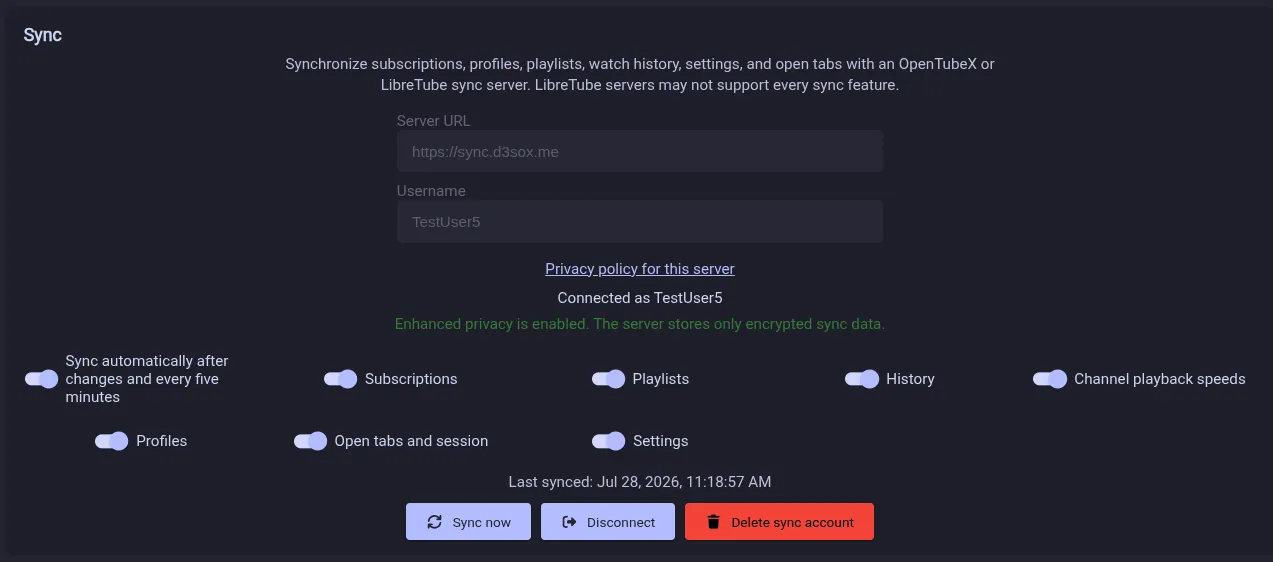
- Added a YouTube-style Shorts display and player that can be disabled in the theme settings (#344)
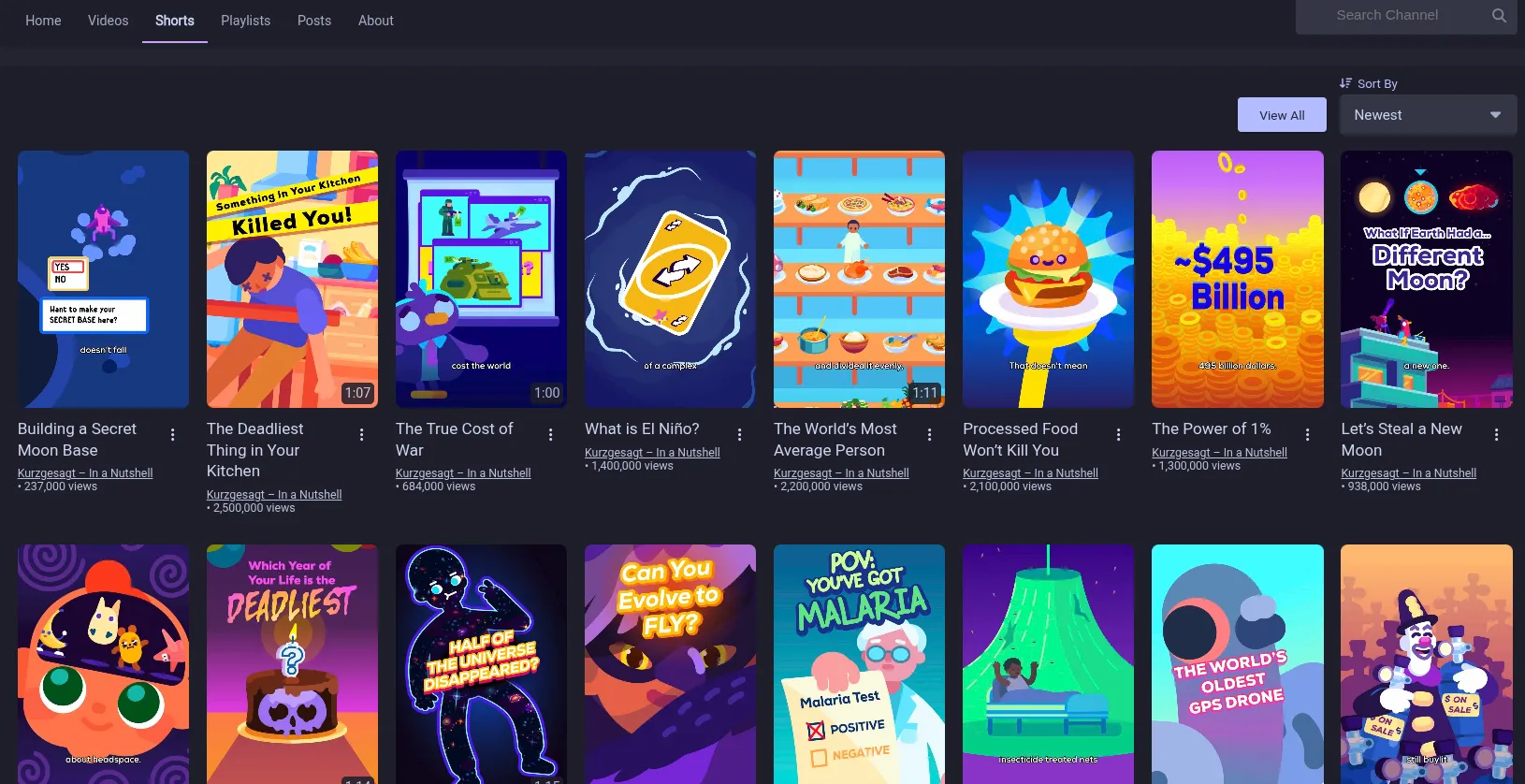
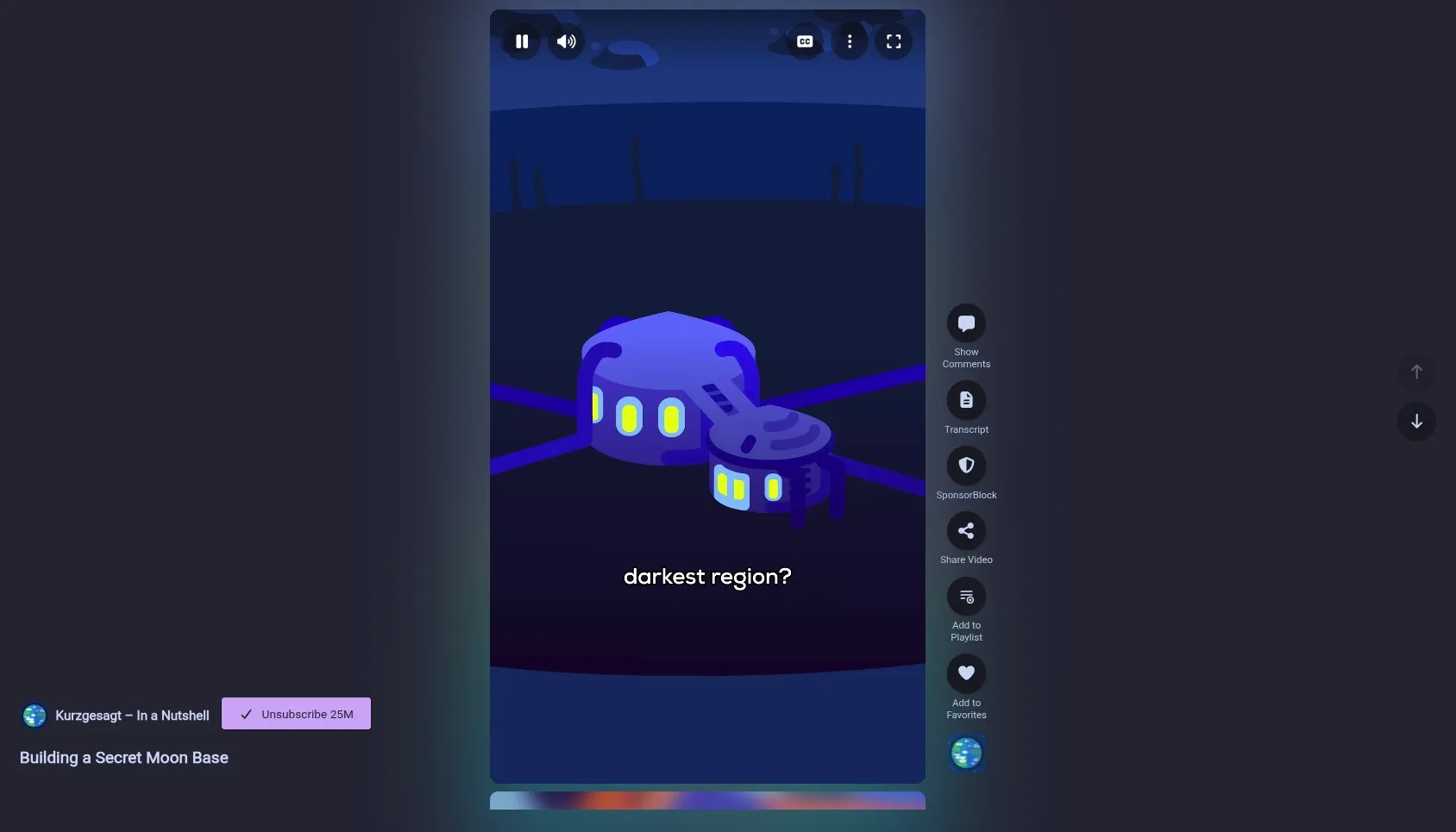
- Added a simple watch queue. Videos can be queued from the three-dots menu. The queue appears in a side panel on the watch page where it can also be managed (#272, #275)
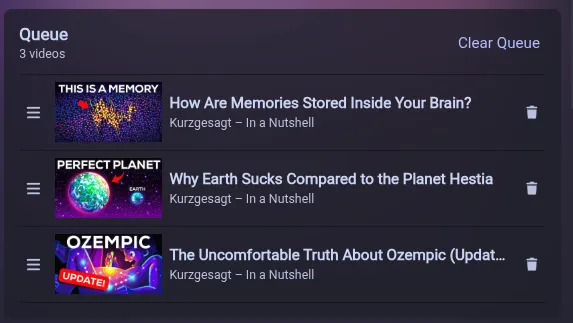
- The full-screen docks can now be resized and rearranged (#279)

- Updated the Add to playlist button to open an inline popover that lets you select which playlists the video should be added to. The notification now also shows the playlist name (#291)
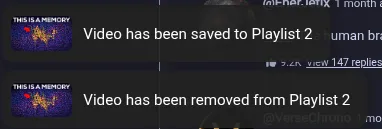
- The subscription feed refresh can now be canceled and shows new videos instantly while still loading the rest (#293, #300)

- The New subscriptions feed now separates Videos, Shorts and Live content into dedicated sections (#347)
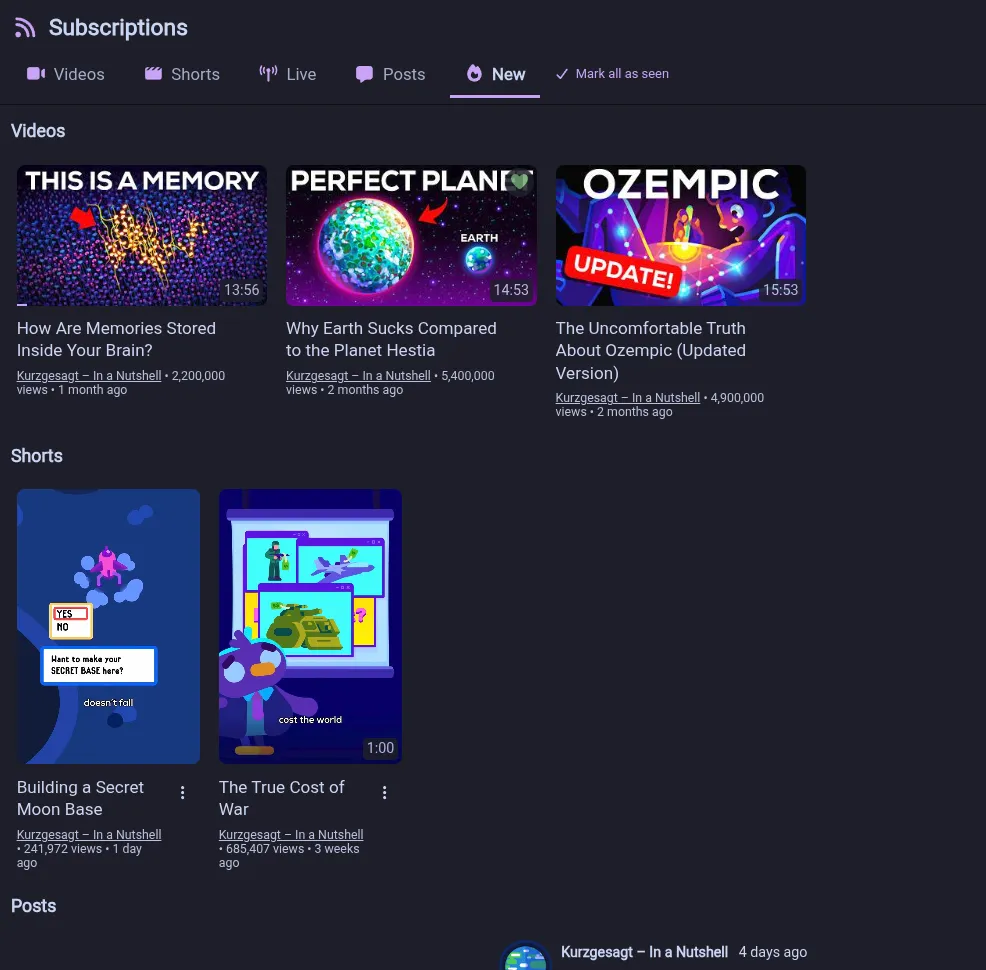
- Added predefined options for downloading videos as
.mp4files, and audio downloads now always embed metadata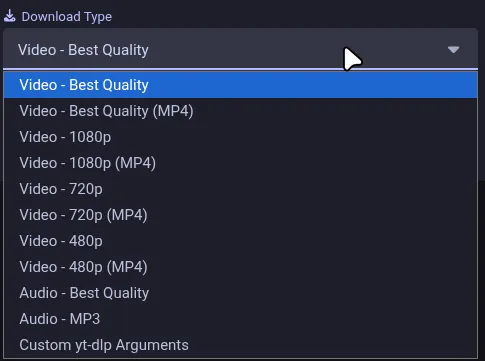
- You can now multi-select tabs using Ctrl or Shift. Selected tabs can also be dragged together and closed or reloaded using shortcuts (#288, #308)
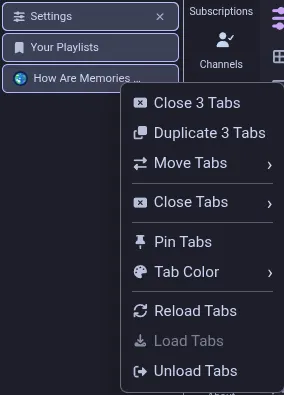
- Added an option to restore all previously open tabs on startup
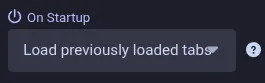
- Tabs now display icons by default, which can be disabled in settings. Video and channel pages use the channel avatar
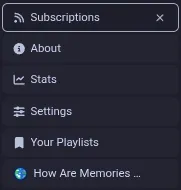
- Toast notifications have a new appearance with icons, optional timeout indicators and video thumbnails. They now appear in the bottom-right corner, which is customizable, and can be dismissed by swiping them away (#294, #302, #303, #342)
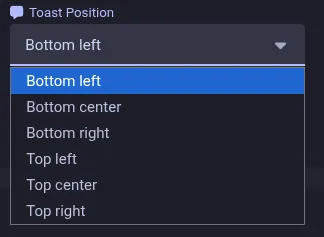

- Performance improvements for startup, scrolling, long feeds, subscription refreshes, ambient mode and tab state updates (#315)
- OpenTubeX is now available through an APT repository, RPM repository, COPR and Winget (
winget install OpenTubeX.OpenTubeX)
More improvements
- Added display and submission support for SponsorBlock full-video labels and mute segments (#350, #357)
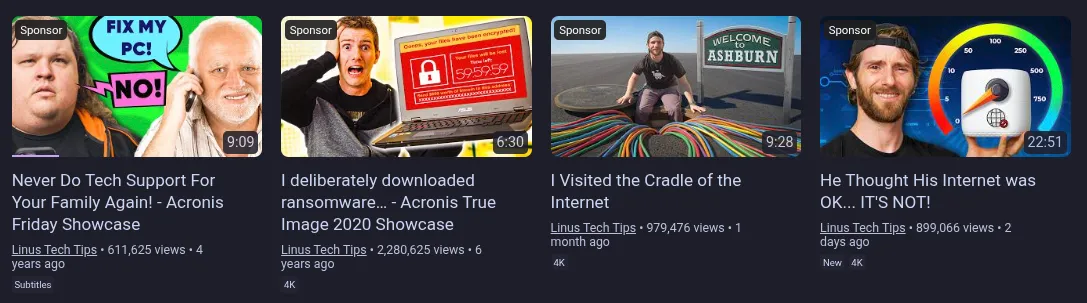
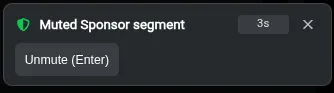
- Added a full-screen dock for video information that can be opened by clicking the title
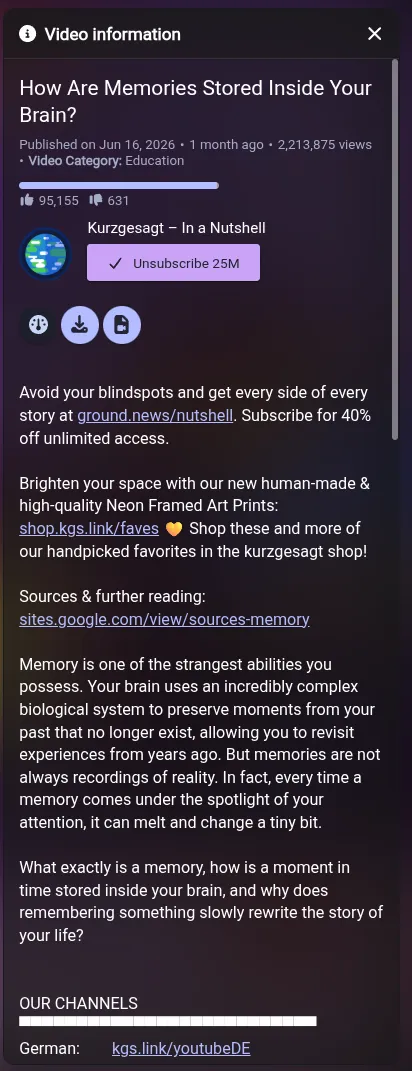
- Added a web search option with search engine customization to the right-click menu when selecting text (#340)
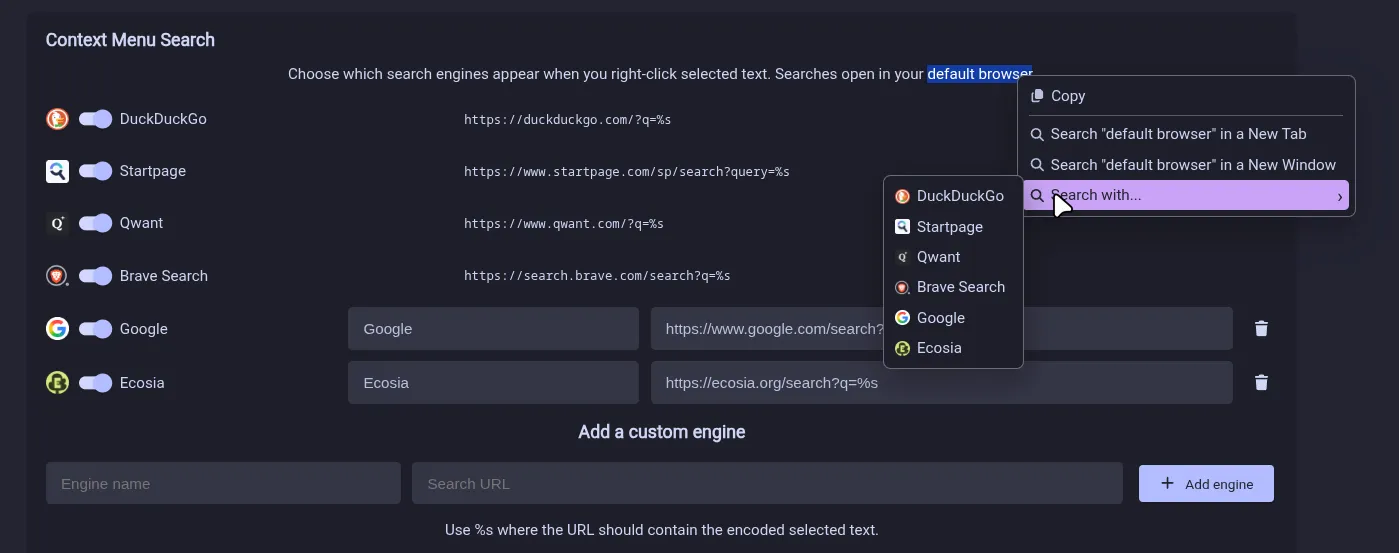
- The system-native context menu has been replaced with a custom one that includes icons and is now translatable (#273, #340)
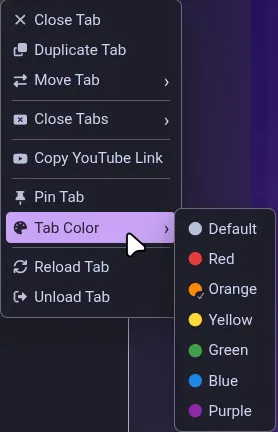
- There are now chips to filter channel search results (#280, #312)
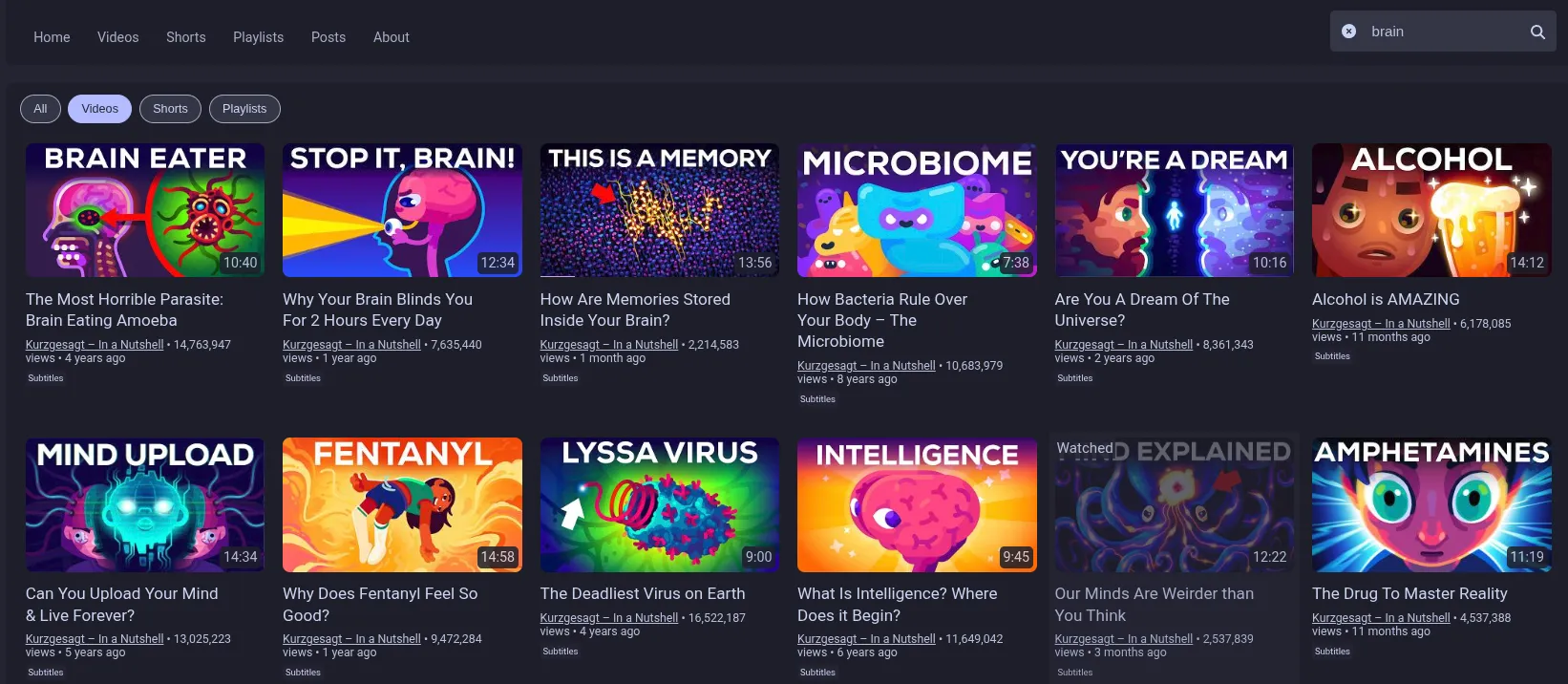
- You can now choose an icon for your quick-bookmark playlist. When the video is in the selected playlist, the icon turns green
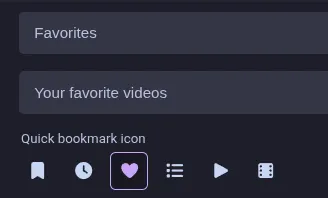

- The watched percentage threshold can now be customized. Set it to 0% to restore the old behavior of marking videos as watched instantly (#277, #275)
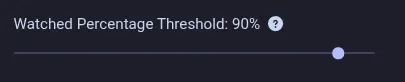
- Added a distraction-free setting to hide end-screen annotations (#278, #275)

- Added a setting to open the chapters panel automatically (#267)

- There is now an option in settings to highlight settings that differ from their defaults. It also adds a reset button for them
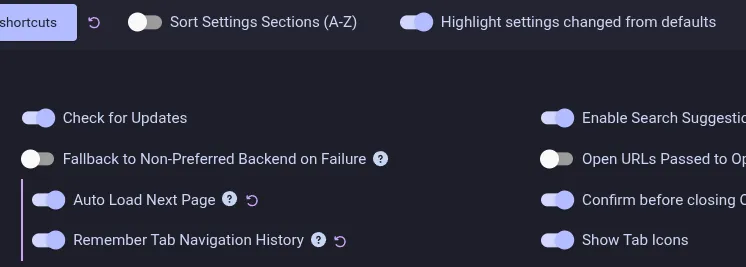
- Scrollbars are now overlaid on the page instead of taking up space. They hide after a few seconds without mouse movement and can be disabled (#306)

- There is now a setting to adjust how rounded UI elements should be, and the selected rounding is applied consistently (#314)

- Refined the floating actions in the bottom-right corner in full-screen (#273)
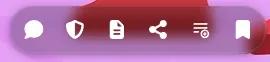
- Added clearer grouping to the single-column video action menu (#317)
- The full search history is now shown (#271, #275)
- When you filter a search for a term, the filters are now restored when you select its search suggestion (#270, #275)
- Added a default shortcut of F1 to switch between horizontal and vertical tabs (#296)
- The tab selected after closing the current tab can now be customized (#297)
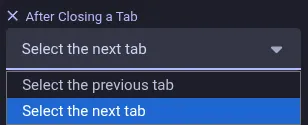
- The description now always shows the “Show less” link at the bottom instead of the X at the top-right (#298)
- Updated the global progress bar to make it more visible (#285)

- Updated the appearance of the video player buffering spinner (#301)

- Added runtime version information to the About page (#284)
- All download channels except Winget now provide a way to opt into nightly releases. See the downloads page for instructions. These builds are very likely to contain bugs and should only be used for testing (#274, #331)
Fixed bugs
- Fixed three Auto PiP issues (#265, #266, #268)
- Fixed SABR recovery getting stuck in backoff loops or permanently dropping playback to 360p after repeated failures (#310, #325)
- Active livestreams and ongoing premieres are no longer marked as watched, and background tabs no longer save unwatched videos at 0:01 (#222, #327, #295)
- Fixed comments not loading automatically in full-screen or background tabs (#305, #307, #330)
- Fixed comment replies becoming stuck after empty responses and missing comment avatars (#332, #292)
- Fixed subscription New-feed entries disappearing (#287, #323)
- Fixed duplicate results when rapidly loading more items (FreeTubeApp/FreeTube#9383, FreeTubeApp/FreeTube#9409, FreeTubeApp/FreeTube#9412)
- Fixed incorrect search text after history navigation (#322)
- Fixed missing or generic video titles in tab history (#337, #341)
- Fixed distorted seek thumbnails near the end of some videos (#334)
- Fixed SponsorBlock and find-bar keyboard shortcut conflicts (#299, #282)
- Fixed several responsive layout issues (#290)
- Added support for end-to-end encrypted synchronization of subscriptions, playlists, history, channel playback speeds, profiles, tabs and settings. An OpenTubeX instance is hosted at
v0.29.0 Beta
Take part in the community release cadence poll
Highlights
- Added support for downloading videos via yt-dlp (#37)
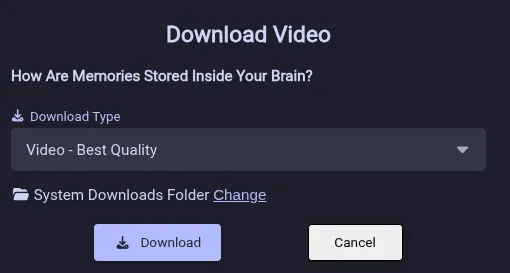
- The internals of the tab system were reworked. Creating and switching between tabs is a lot smoother now. One downside: Tab previews can no longer be captured for tabs in the background
- New full-screen docks for comments, playlists and chapters
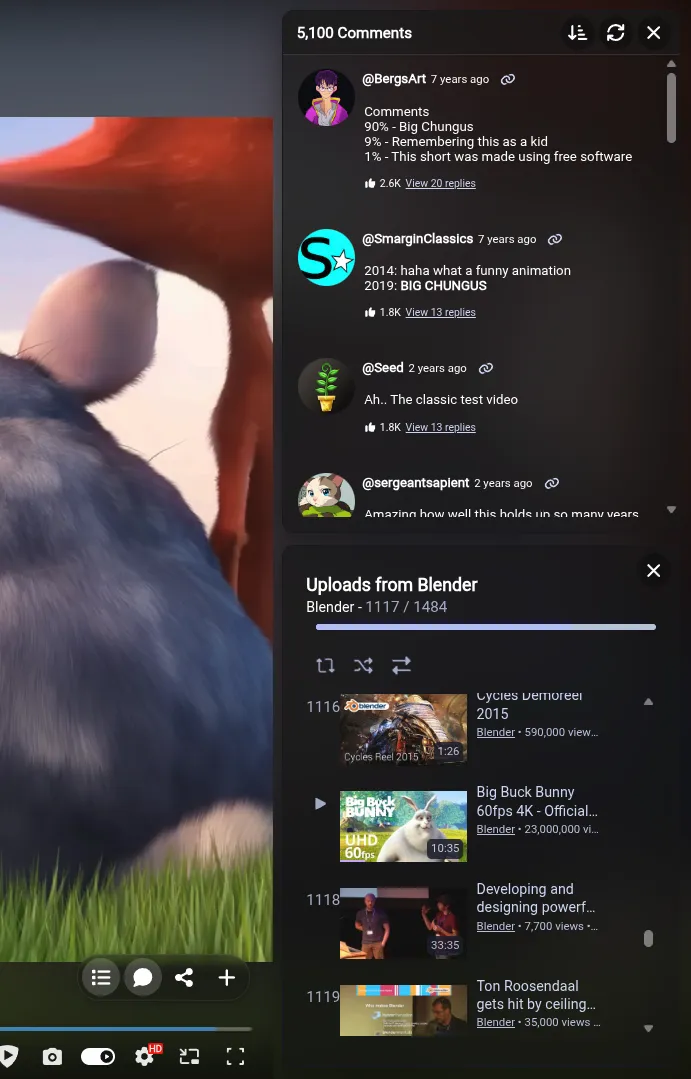
- Keyboard shortcuts can now be customized

- Experimental fix that allows rewinding live streams/premieres (#163)
- Added an option to remember the history across restarts (#135)

- The SponsorBlock icon under the player now opens a side panel with the segments, the skip toggle and a new option to whitelist channels
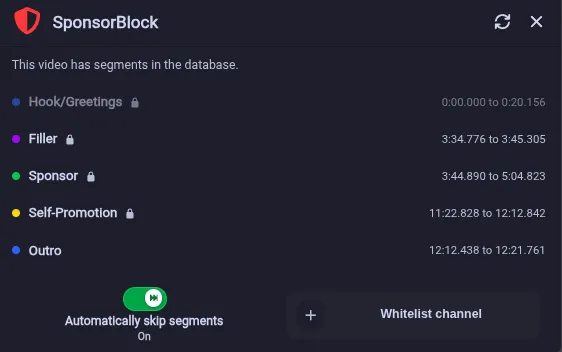
- Auto PiP can now be set when minimizing or switching windows
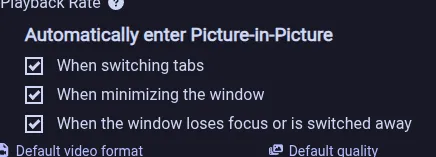
- Options for showing indicators of newly fetched content and a separate new feed
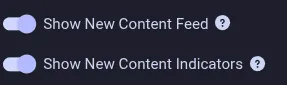
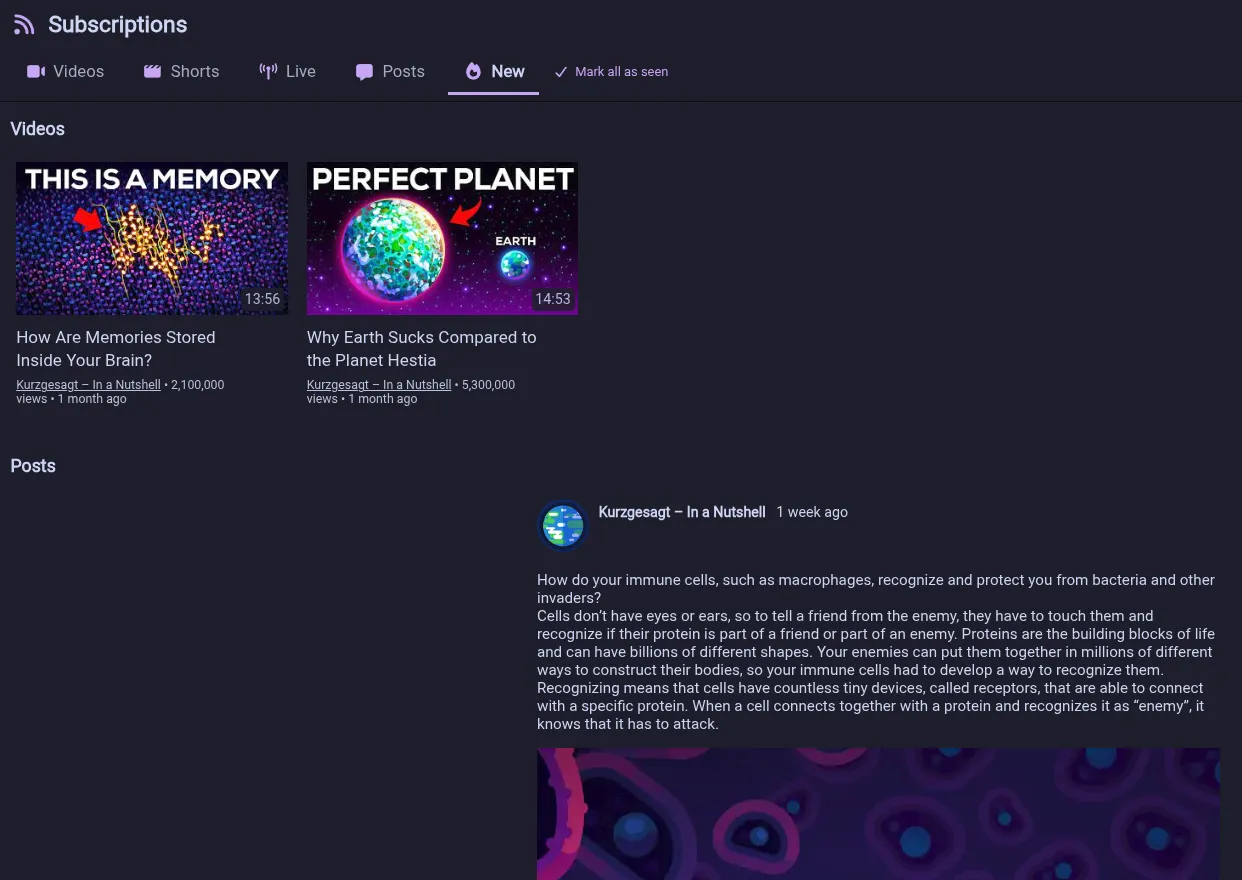
- Improved comments appearance and now they render nested reply threads
- Updated autoplay to show the next video with the countdown on the player
- Chapters are now displayed in the sidebar instead of overlapping the video
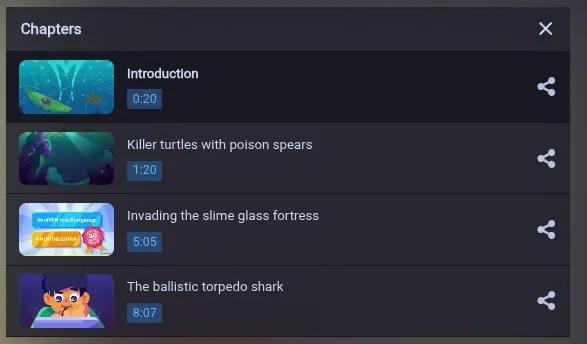
- Added a button to switch between horizontal and vertical tabs

- Added a bunch of animations throughout the UI
- You can now force disable/enable animations without changing your system settings
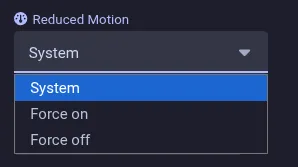
- Skipping to a SponsorBlock highlight now produces a notification allowing you to undo it (#252)
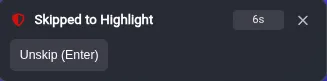
- Premieres are now displayed as premiere instead of just showing the live indicator


- While watching a video you can now make the card that displays the playlist taller/shorter (#256)
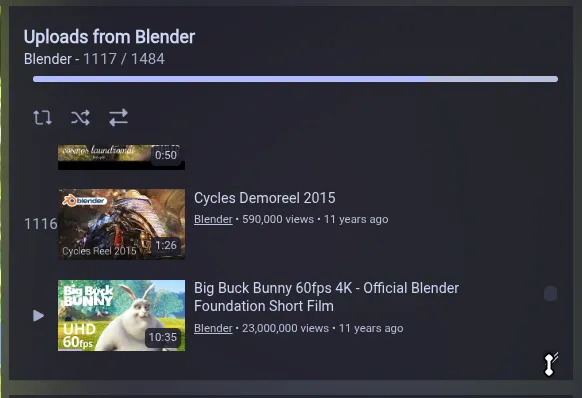
- Subscriptions auto-refresh timers are now persistent. Example: When you close the app with 5 minutes remaining and open the app again 4 minutes later it’s at 1 minute remaining
- Added a visual indicator for the auto-refresh

- The subscription feed items are now kept visible while refreshing
- You can now click on a chatter’s handle to open their channel from the live chat
- Allow playlist remove actions while playback (#249)
- Mark as watched and remove from history are now two separate actions on videos (#222)
- Add option to move the profile selector to the channels list (#246)

- When a SABR stream encounters a playback error it is now reloaded instead of falling back to legacy formats (max 360p)
- Fixed a bug where a SABR reload would keep the current tab’s video on the timestamp where it occurred
- Improved the reliability of the fast-forward silence feature
- Restore the replay icon when the video ended

- Tabs with channels that don’t have a preview yet now fall back to the avatar
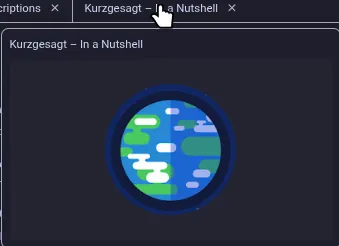
- Show when comments are edited

- Fixed the position and size of elements in the end screen annotations
- Fixed a bug where scrolling one subscription feed affected the scroll position in the other feeds
- Fix vertical position of texts and elements with certain Unicode characters (#239)
Congrats for reading this far. As a little sneak peek: The next version will support end-to-end encrypted syncing of subscriptions/playlists/history/settings
- Added support for downloading videos via yt-dlp (#37)
v0.28.1 Beta
Also see the release notes for v0.28.0-beta if you haven’t yet And if you like, take part in the community release cadence poll
Highlights
- Fixed a critical bug which triggered duplicate auto refreshes across tabs
- Moved the fast-forward through silence toggle to the player settings and changed the setting to be a toggle for it (#236)

- Added an animation for the play/pause button and when muting the volume
- Fixed a bug where the SponsorBlock tooltip icon would lose its color when unskipping, then reskipping
- Add Transcript panel (#237)

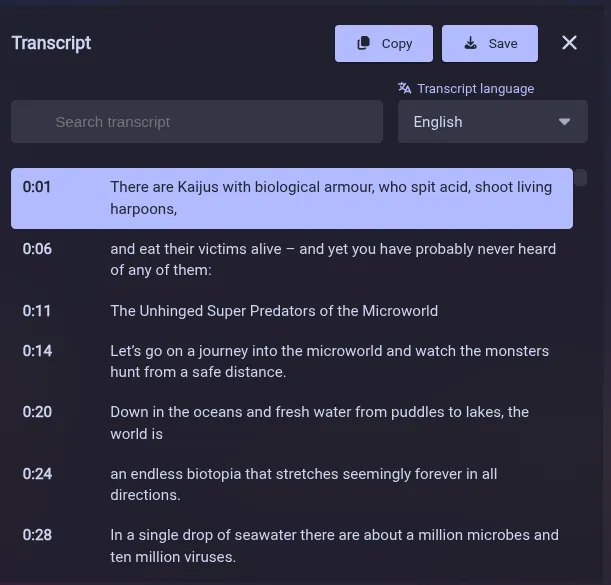
v0.28.0 Beta
Take part in the community release cadence poll
Highlights
- Fix: Preserve playback speed on SABR reload
- RSS subscription fetching is no longer enforced with profiles that have >125 subscriptions. If you prefer to use RSS (because it is faster) you can revert via settings

- Right-clicking an unloaded tab now reveals an option load it in the background instead of just the grayed out unload tab action

- Fixed a formatting issue with videos that have more than 2 collaborators
- The changelog of the new version can now show images and formats issue links better
- Added an option to auto-refresh subscription posts
- The auto-refresh toast now says which feed it refreshes and shows up on all tabs

- Support YouTube’s end screen annotations feature
- New Ambient Mode for the player
- When Auto Load is on comments are now loaded before the player is ready
- Thumbnail size is now configurable (FreeTubeApp#8468)
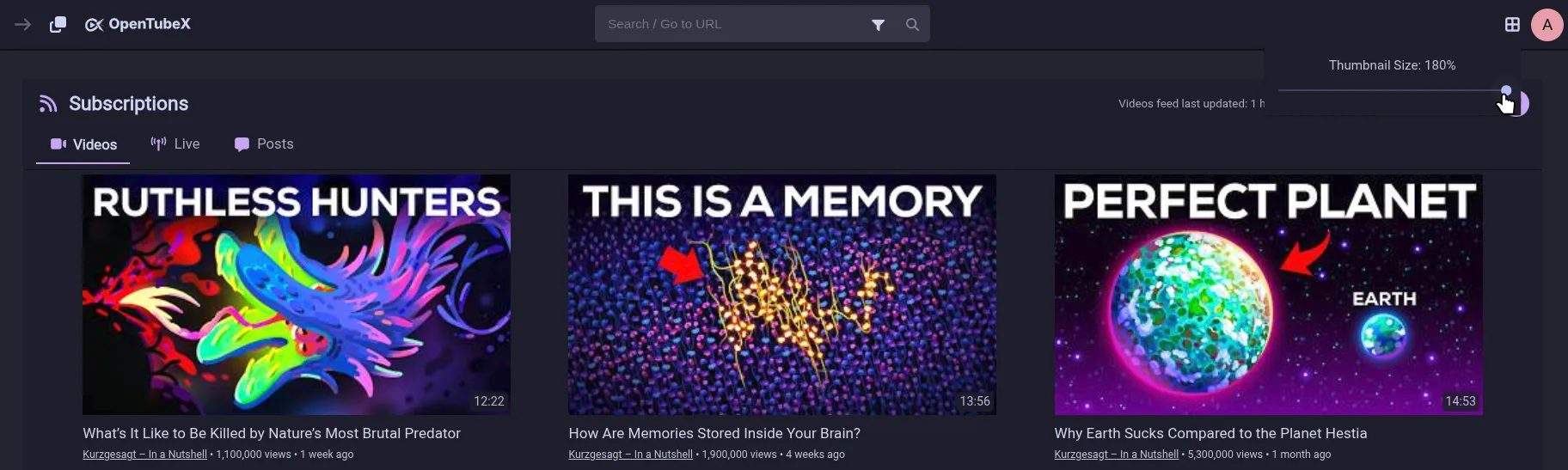
- Chapters are now displayed in an overlay on the right in the player along with a chapter display in the player UI (#230)
- The right click copy link options now include the playlist
- Fixed an issue where all texts could briefly flash as an internal translation key
- Sleep Timer (#231, FreeTubeApp#8435)

- The history can now be auto-deleted or you can manually delete old entries (#234, FreeTubeApp#2889, FreeTubeApp#9284)

- You can now hold the left mouse button or the space bar to double the current playback speed (can be disabled in settings) (#233)

- Fast-forward through silence feature (#235, FreeTubeApp#9355, FreeTubeApp#1766)

- Caption Appearance Controls and preferred language setting (#232, FreeTubeApp#5985, FreeTubeApp#5072, FreeTubeApp#5867)
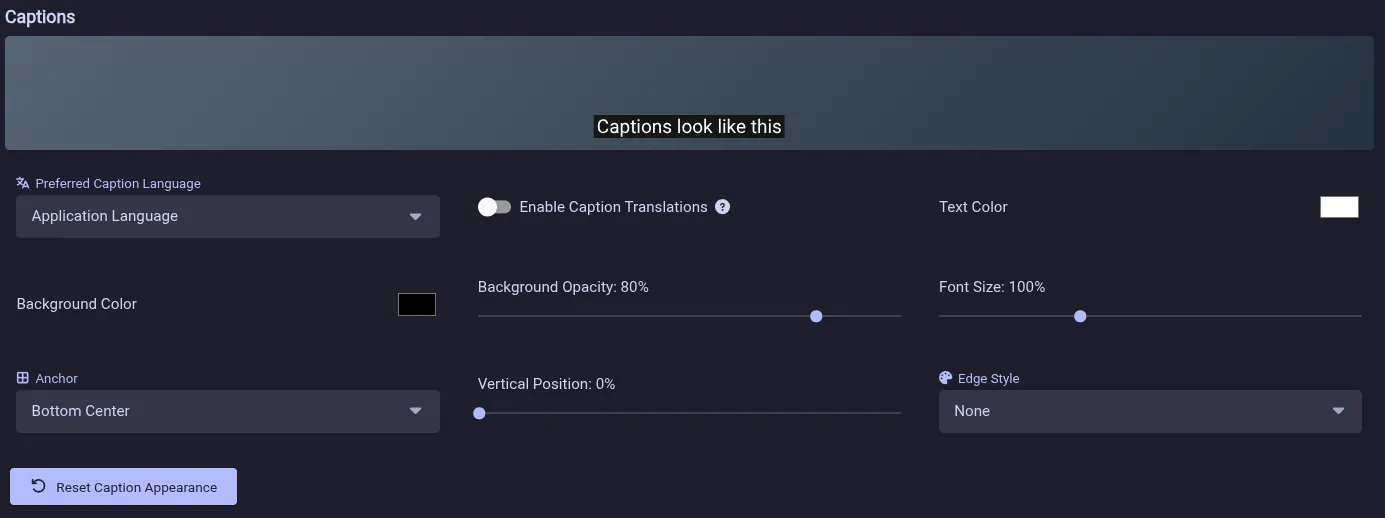
- Improved player buttons: New animated Autoplay and Captions toggle and also added an animation for the settings icon
v0.27.0 Beta
Highlights
- Show AI-generated content badge like on YouTube web

- The quality badge on the cog wheel shows up consistently now instead of requiring a click on it

- Added move and bulk close tab actions
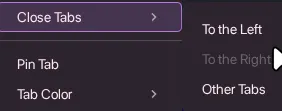
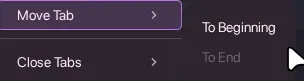
- Open a new tab from middle-clicking empty space in the tab bar (#217)
- Add a configurable extra thumbnail action (#218)
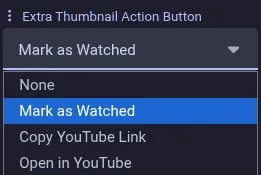

- Support reordering playlists during playback (#216)
- UI Enhancement: Cards can now get wider, relevant on screens with a higher resolution than 1080p (#220)
- The SponsorBlock skip to highlight button now hides its label after a few seconds

- The video category was moved from the bottom of the description next to the other metadata

- Improved the layout of the keyboard shortcuts panel and added missing shortcuts
- Videos are no longer marked as watched as soon as playback starts, but only after they finish, reach a SponsorBlock outro segment at the end or the final 10% (#222, FreeTubeApp#9127)
- Tab previews can now capture a screenshot of background tabs
- When a music video gets forced into playing back at 1x speed there is now a toast

- New watch time statistics page (#48)
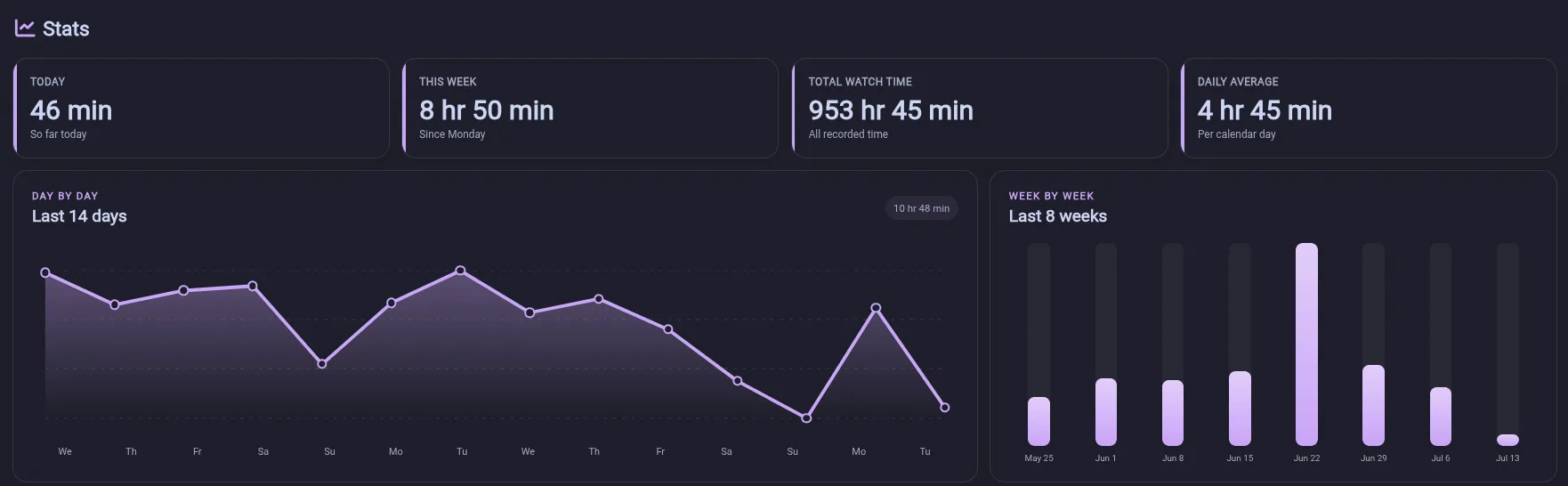
- The sidebar is now hidden by default on watch pages

- Shift + middle-click now opens videos in a new window
- Show AI-generated content badge like on YouTube web
v0.26.1 Beta
Mostly a bug fix release for v0.26.0-beta
Highlights
- Tab previews are no longer captured when a tab is loading and now have a fallback to the video thumbnail
- Support YouTube’s collaborators feature (FreeTubeApp#7872)
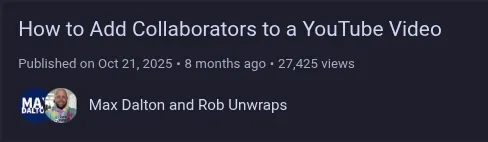
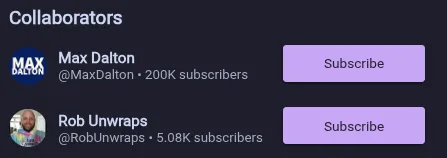
- Enable middle-click autoscroll on Linux
- Fixed a flickering issue with the new scroll mini player
- Fixed a bug where videos would not play with SponsorBlock disabled (#214)
- Fixed the full window mode making the player go away (#213)
v0.26.0 Beta
Highlights
- When in fullscreen you can now throw your cursor in the bottom edges to hit the play/pause and fullscreen button
- URLs passed in via CLI arguments are now opened in new tabs (#204)
- Fixed a misalignment of the last updated info when auto-refresh is off
- Improve performance of opening tabs a bit (will be a lot smoother soon)
- Settings password is now hashed instead of stored in clear text (FreeTubeApp#3221)
- Support SponsorBlock Hook/Greetings category
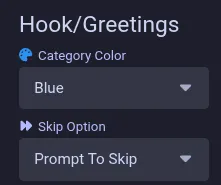
- Auto-refresh subscriptions can now be set per type
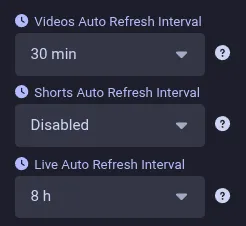
- Opening a new blank tab no longer inherits the color of the currently active one
- Support submitting SponsorBlock Highlight segments (You need to set the type in the submission panel, then it no longer requires an end point)
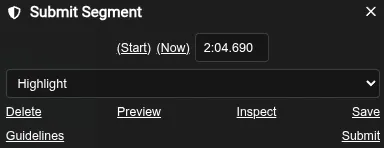
- Preserve video title and subtitles during a requested SABR reload
- You now need to confirm before closing the app by default (can be disabled)
- The Quick Playback Speed Bar can now be customized
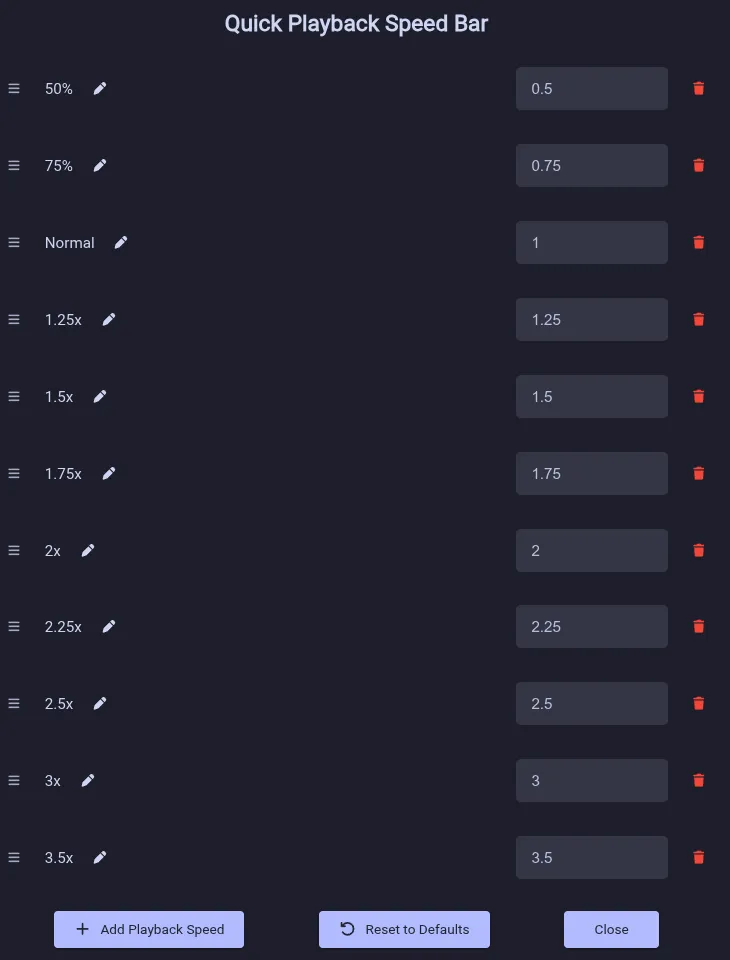
- There is now a custom mini player when scrolling down (enabled by default) which replaces the Auto-PiP setting


- SponsorBlock labels are now shown when hovering over the seekbar
- SponsorBlock Highlight is now handled in the player
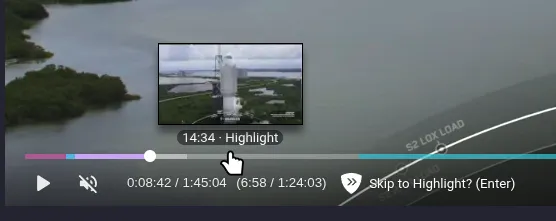
- Fixed a bug where dragging a tab and simultaneously scrolling on the tab bar would not keep the dragged tab aligned with the mouse position
- New CTRL+(Shift)+Tab switcher
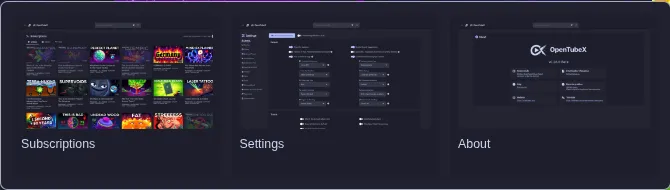
- UI improvement: The cards can now get wider so it uses the available space on a higher resolution screen (#199)
- Add a sticky button in the top right of the description to close it so you don’t have to scroll down to do it
- Auto-refresh subscriptions are now checked again when you get online again (e.g. after waking your PC from sleep)
- Music videos (where the category is set to Music or it has SponsorBlock Music Offtopic segments) and live streams are now always played back at 1x speed by default
- The video category is now shown at the bottom of the description:
- Add a CTRL/CMD+F find bar
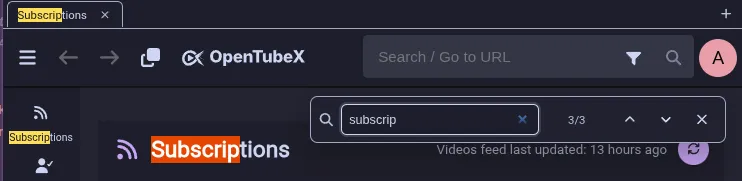
v0.25.8 Beta
Hotfix release for 0.25.7 because I found an annoying obvious bug
Highlights
- Keep subscriptions sticky header above feed items
- Prefix community post tab titles to make them distinguishable from the channel
- Fix copy link tab context menu action on community posts
- Show publish age under the player and comment counts


v0.25.7 Beta
Highlights
- Make it possible to import/export application settings (#198)
- Exported filenames are now named
opentubex-*(#197) - It is now possible to pin and change the color of tabs
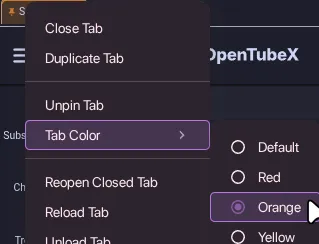
- Tabs now have custom tooltips with a preview
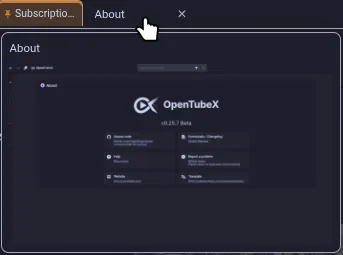
- The tab loading indicator now consistently shows when the tab is loading something
- Moving a tab to another window now places it after the current active tab
- When reversing a playlist it is now persistently saved across restarts
- Add a button to copy the link to a comment
- Preserve playback speed when the player falls back to another quality
- Improve AppImages: They are now smaller again (#202)
- Some UI improvements: Pages are now using more horizontal space, Filter icon is now in search bar (WIP) (#199)
- Support SponsorBlock Highlight Feature (#128)
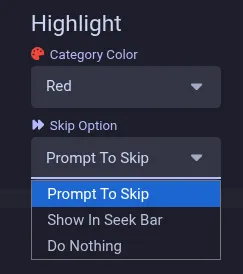
- Make it possible to import/export application settings (#198)
v0.25.6 Beta
Highlights
- Fix closing tabs with middle mouse button on Windows
- Improve the appearance of the SABR backoff timer
- Preserve tab titles while loading and use URL as placeholder instead of “Tab 5” etc
- Add G player shortcut to toggle between 1x and the last playback speed
- You can now translate OpenTubeX specific strings with our Weblate
- OpenTubeX is now offered as a Flatpak
- Importing subscriptions and watch history from a LibreTube backup is now supported
- CTRL + R on the subscriptions page now reloads the subscriptions instead of the tab
- Add an option to auto-refresh subscriptions
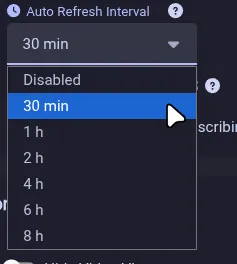

- Improve upcoming premieres detection (especially with RSS)
v0.25.5 Beta

Highlights
- Rebranding is now complete. All FreeTube assets have been replaced with OpenTubeX ones
- The SABR backoff timer now starts in background tabs and has a new appearance (Using a circular progress bar in the center of the player instead of the tooltip)
- Added a duplicate tab context menu action
- When using the auto PiP feature the window now stays open when paused
- There is now a button to reload comments
- Just like with the SponsorBlock extension when a recent video doesn’t have any segments we now continuously try to fetch them
- Certain player shortcuts (like F for fullscreen) that were previously blocked during SABR backoff now work (FreeTubeApp#9101)
- When “Auto Load Next Page” is on there is now a loading spinner instead of the fetch more button
v0.25.4 Beta
Highlights
- Background tabs can no longer autoplay videos
- On startup all previously opened tabs are no longer loaded by default. Only the last active one is loaded and the others are loaded when clicked. This can be changed in settings
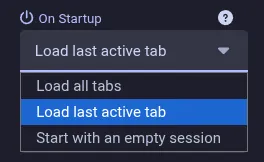
- Tabs can now be unloaded via the context menu
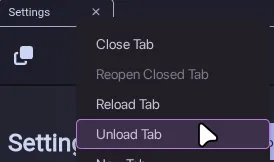
- Fixed a bug with the PiP being stuck when playing multiple videos
- Fixed the tab scrollbar resetting when first dragging it with the mouse and then with the scroll wheel
- Fixed the loading of playlists after YouTube API changes
- AppImages (amd64 and arm64) are now more universal by using Anylinux-AppImages (#174)
v0.25.3 Beta
Highlights
- Fix displaying channel names for recommended videos and parsing premiere dates (#160)
- Add Return YouTube Dislike support
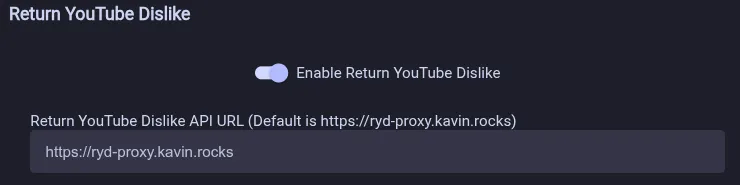
v0.25.2 Beta
Highlights
- Fix subscriptions (non-RSS) and channel videos loading (FreeTubeApp#9163)
- Prevent IP block recovery script from running multiple times when opening multiple videos while blocked
- Restore tabs in correct order (#136)
- Add loop and copy link options to player context menu
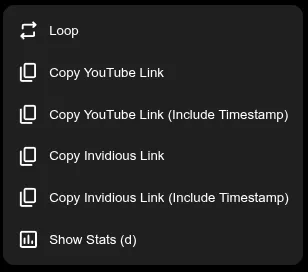
- Add SponsorBlock prompt to skip option
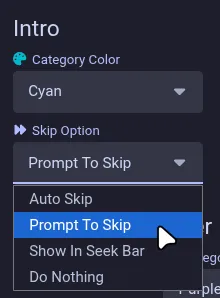
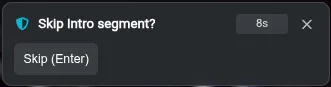
- Experimental SponsorBlock submission (#117)


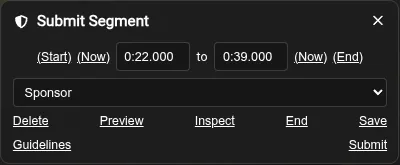
- Option to have a Quick Playback Speed Bar in the player
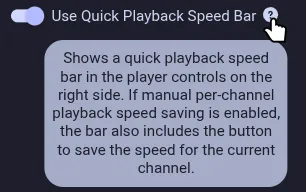

v0.25.0 Beta
Highlights
- Add search text in new tab context menu action (#119)
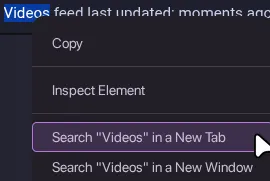
- Don’t hide livestream VODs when enabling the “Hide Live Streams” setting
- Restore all windows on startup when quitting with multiple windows open
- Add a visual scrollbar to the tab area when needed

- Add Auto Picture-in-Picture setting
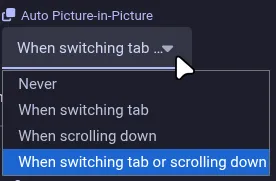
- Fixed that when the subscription feed fetching errors all cached videos are gone and you’re left with an empty feed
- Smoother tab rearrangement

- New tabs now open after the current tab by default, adjustable in settings
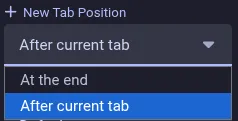
- Improved SponsorBlock tooltips now show the remaining time and an Enter shortcut to unskip/reskip was added
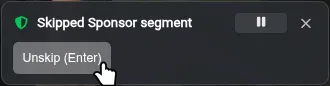
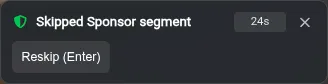
- SponsorBlock community contributed chapters are now supported
- Add search text in new tab context menu action (#119)
v0.24.5 Beta
Highlights
-
Fix resizing the window on some Xorg/X11 desktops, namely Xfce (#87)
-
Fix tab bar scroll position being different on each individual tab
-
Add option to remember video quality on a per-channel basis (#111)

-
Fix right-click context menu not working (#115)
-
Add context menu for tabs
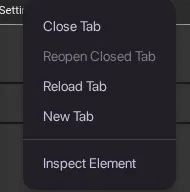
-
Add chapter preview tooltip in video player
-
Add setting to avoid auto-translation of titles and descriptions
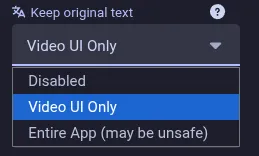
-
Option for playback rate adjusted timestamps
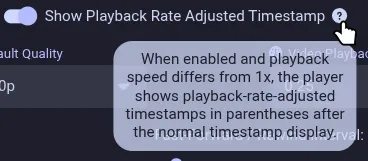

-
v0.24.4 Beta
Highlights
- Following upstream release. See changes
- Improve scrolling on tab bar
v0.24.3 Beta
Highlights
- Fix playback wih local API
v0.24.2 Beta
Highlights
- Fix version check broken in v0.24.1
v0.24.1 Beta
Highlights
- Fix local API
- Option to define a script to run when IP is blocked
- Make SponsorBlock skip notification timeout configurable
- Auto-resume playback after SABR reload
- Save & restore timestamp when reloading a video tab
- Save watch progress on video pause
- Add CTRL + 1-9 shortcuts to switch between tabs
- Bug fixes related to tabs
v0.24.0 Beta
Highlights
- Per-channel playback speed memory with auto/manual save
- Option to disable seek interval scaling by playback rate
/focuses the search bar (in addition to Ctrl/Cmd + L)- SponsorBlock auto-skip temporary toggle under the player
- SponsorBlock unskip/reskip buttons
- Experimental tab support (WIP)
Notes
- First beta release of OpenTubeX
- Expect bugs
- Branding has not yet been updated (still uses FreeTube logos etc.)